
 Need help?
Do you have a question about the VPro RM-411 and is the answer not in the manual?
Details the smart, learning-enabled remote control's advanced capabilities and integration.
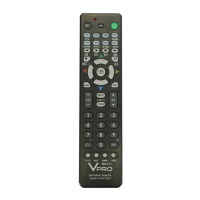
Explains the layout, indicators, and primary function keys of the remote control.
Instructions for inserting AA alkaline batteries into the remote control.
How to switch between different device pages on composite keys.
Steps to set the remote by manually entering device codes from a chart.
Procedure to find the correct code by manually cycling through options.
Method to automatically scan for and set the correct device code.
Guide on copying functions from an original remote to this one.
How to check the currently set code for a device.
Enables using volume buttons for TV control regardless of selected device.
Features to lock or unlock codes to prevent unauthorized changes.
Procedure to reset the remote control to its original factory settings.
Details control distance, power source, and company reserved rights.
 General
| Brand | VPro |
|---|---|
| Model | RM-411 |
| Category | Universal Remote |
| Language | English |

 To Next Page