©2006 Virtual Reality Sound Labs® U.S and Foreign Patents Pending. All designs, logos and images are the exclusive property of Virtual Real-
ity Sound Labs® and/or its affiliates. All rights reserved. 072406 Printed in China 00000
CALL LOG BOOK
Note: The Call Log Book feature DOES NOT access the cell phone’s Call Log Book.
1. Press the 3-Way button once to enter the Call Log menu. The three call log categories
are: Missed Calls -> Dialed Calls -> Received Calls in that order.
2. Move the 3-Way button to the LEFT or RIGHT to navigate the three logs.
3. Press the 3-Way button once to enter the each log.
4. After you enter a Call Book Log, move the 3-Way button to the LEFT or RIGHT to navi-
gate through the phone numbers.Press the Multi-Function Button to call the highlighted
phone number.
5. Press the Cancel Button to quit the Call Log Book.
CALL LOG DISPLAY
Within the Call Log Books, each number is preceded by a single digit number (0-5) and
a space to designate the order of the calls. “0” is the most recent number; “1” is the next
number and so on, up to “5”.
The rst screen will show the rst eight digits of the logged number. E.g. The number
“7325551212” is displayed as follows: First screen: “0 73255512”; Second screen: “0 12”.
RECONNECT TO CELL
1.If the VRBT200V loses connection by moving out of operating distance of the paired
cell phone, reconnect by moving it within the operating area and press the Multi-Function
button once to reconnect to the cell phone.
2. If the VRBT200V is disconnected because of being powered off, it will connect auto-
matically after powering on again.
STORAGE CONDITONS
Operating Temperature Range 0°C to +50°C (32° to 122°F) without loss of function.
Storage Temperature Range: - 20°C to +65°C (-4° to 149°F) without any damage.
Humidity Range: 30%-90% humidity
EARBUD
Insert the earbud’s plug into the headphone jack on the side of the VRBT200V.
Use the Earbud for privacy or high ambient noise situations.
*Note: Please refer to your cell phone’s product user manual for Voice Dialing, Call &
Redial functionality and settings.
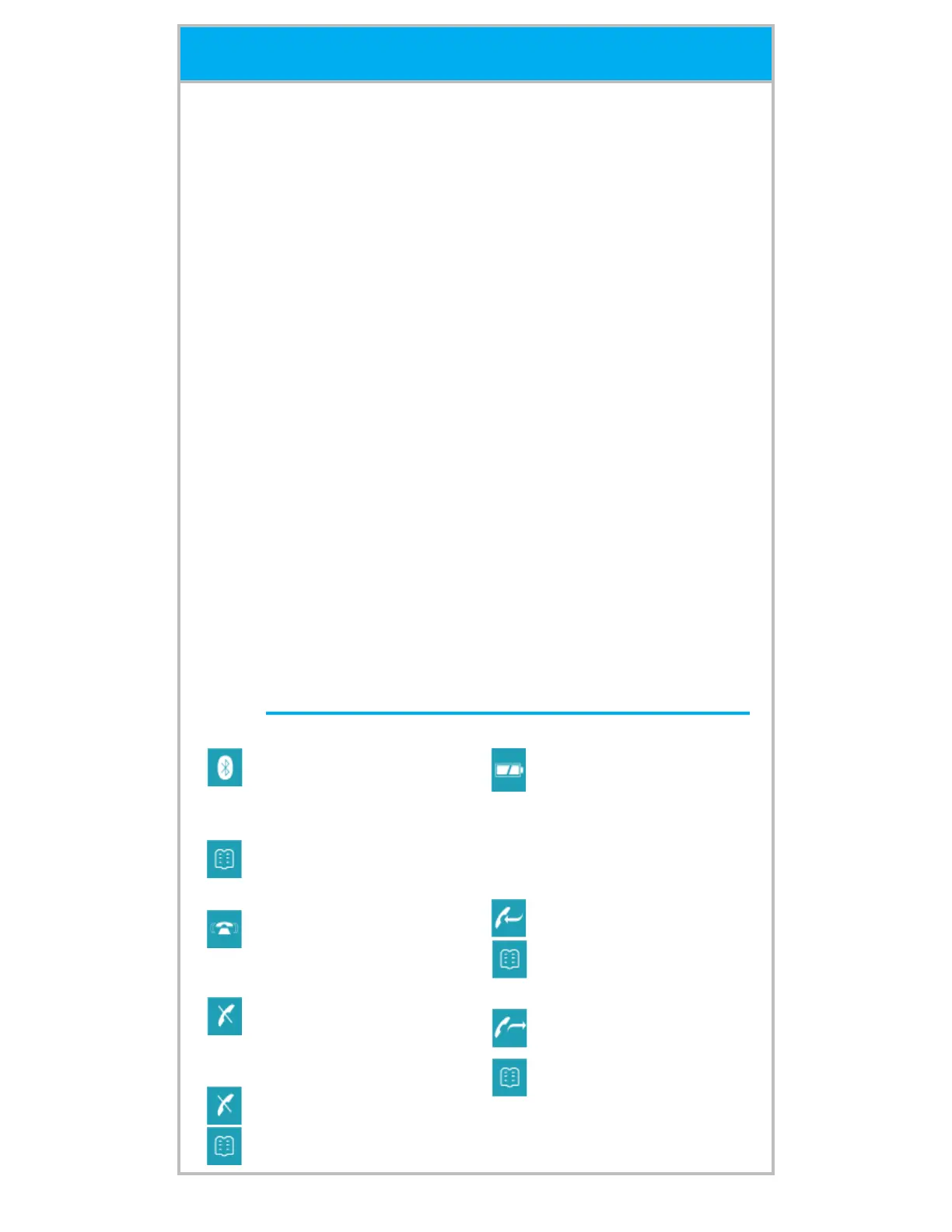
ICONS
Operation
When the VRBT200V
completes a Bluetooth
®
connection, the Bluetooth
®
icon will be on.
When opening the Call
Logs, the Call Log Book
icon will be on.
When there is an incoming
call, the Incoming Call icon
will be on while the backlit
LCD flashes
The Missed Call icon will
be on when a call is missed
and until that call is ac-
knowledged.
When checking a phone
number in the Missed Call
Log, the Missed Call icon
and the Phonebook icon
will be on.
A solid Battery Power Level
Icon will display when the
battery is full; One line on
Battery Power Level icon
will display when the bat-
tery is half full; only the bat-
tery frame will remain when
the battery is discharged.
When entering the Re-
ceived Call Log, the Re-
ceived Call icon on the
LCD and the Call Log Book
icon will be on.
When entering the Dialed
phone numbers in the
Phonebook, the Outgoing
Call icon on the LCD and
the Call Log Book icon will
be on.



 To Previous Page
 Loading...