USING THE STUBBLE COMB GUIDE
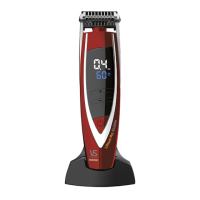
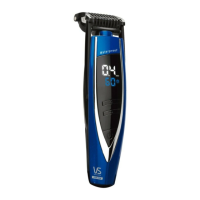
Youri-trimprecise+comesassembledwiththeintegratedmotorised
all-in-one stubble comb guide already installed. The integrated
stubble comb guide allows you to change the cutting length of your
trimmerwithease.You’llneedtoexperimenttondyourpreferred
length, but as a guide, 0.4mm will give you an ultra close, short
shadow stubble effect, whilst 2mm will give you a longer designer
stubblelookand3.4mm+willgiveyoualonger,moreruggedlook
(shortbeard).
IMPORTANT: Always detach and attach the integrated stubble comb
guideBEFOREturningthetrimmeron.
Always ensure when using the trimmer that the integrated stubble
comb guide is correctly positioned in place. Check this by pushing
the comb guide gently downwards to ensure it is secured in place.
Using The Trimmer Without The Comb Guide
Usingthe trimmer withoutthe combguide isideal for detailing/
shaping and general tidying of edges around
your stubble, sideburns and moustache.
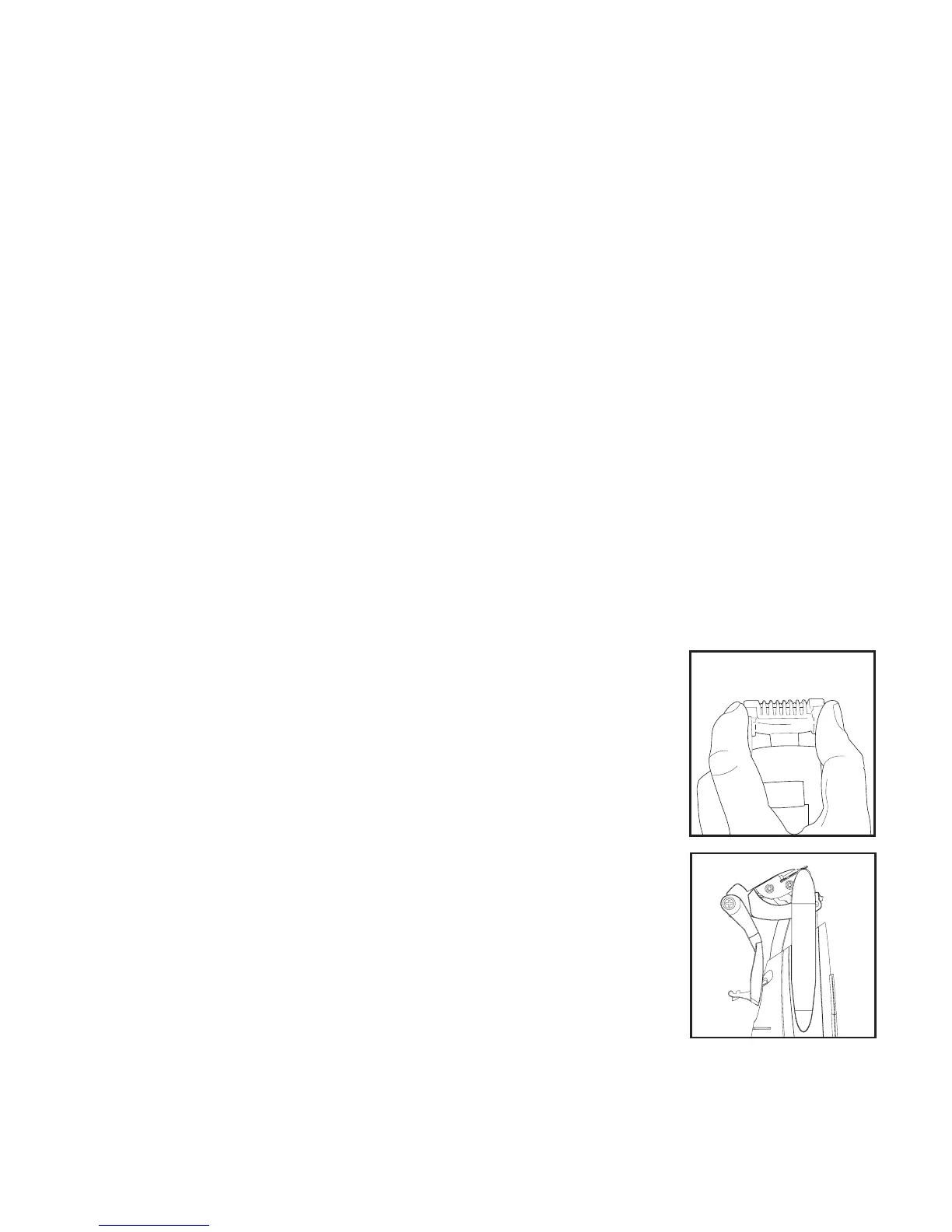
1. To detach the comb guide, gently hold the
trimmer in one hand and with your thumb and
index finger, push the comb guide up on each
side(Fig.1).
2.Flipthecombguidetothebackoftheunitand
lock it into position by clicking it securely onto
thefasteneronthebackofthehandle(Fig.2).
IMPORTANT: When using the trimmer without
the stubble comb guide, the cutting length will
bebelow0.4mm.Thelengthsettingshowonthe
LCD screen will no longer be relevant when the
comb guide is detached.




 To Next Page