WP9612 Graphics Tablet User Guide
Windows installation:
1)Please make sure that there is no driver of other brand’s graphic tablet in
your computer.
2)Close all painting software and anti-virus software before installation.
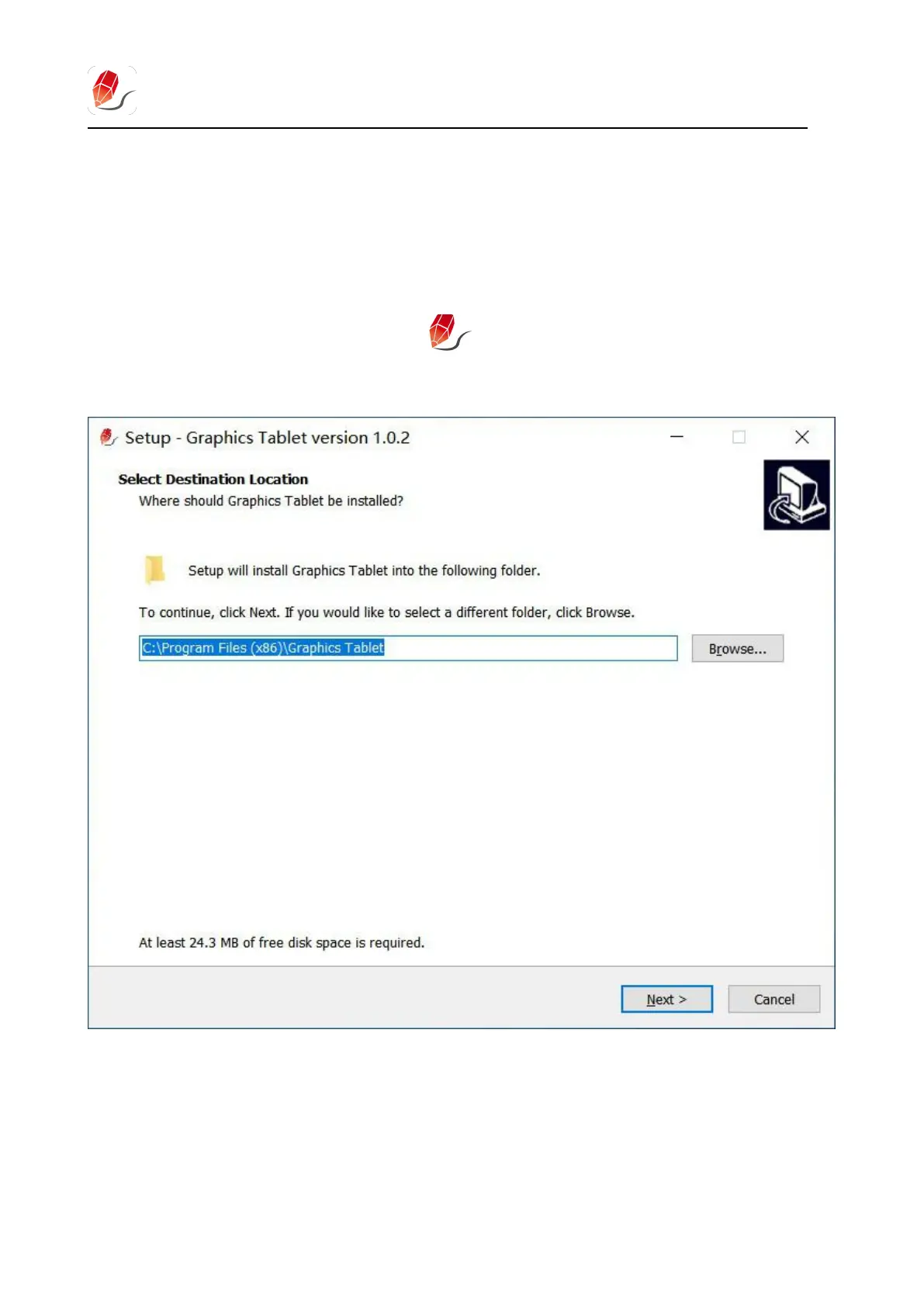
3)Double-click to run the driver , and click next step in turn according
to the prompt.
4)Restart the computer after the driver instaled.


 To Next Page