7
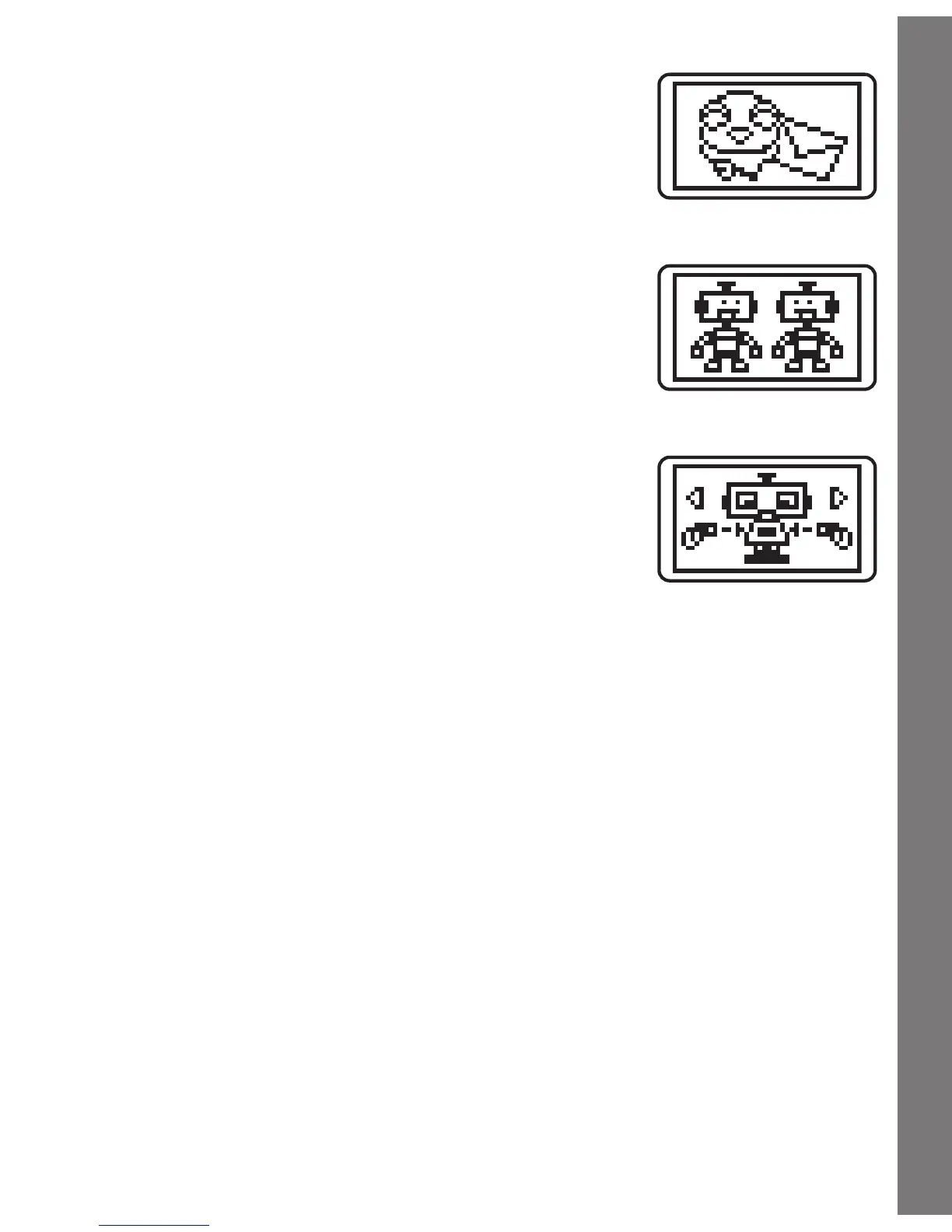
Activity 6 Message
You’vegotamessagefromyourpal!Watchthe
message and then press the Letter Buttons to
type your own message. Press the Enter Button
to send it to your pal.
Activity 7 Find The Twins
Watch the pal who appears on screen, then
use the Direction Cursors to scroll through the
differentpalsuntilyoundamatchingone.
Activity 8 Creation Station
Create your own robot pal! Use the Direction
Cursors and the Enter Button to create your
pal. Your pal will greet you once you create it.
CARE & MAINTENANCE
1. Keep the unit clean by wiping it with a slightly damp cloth.
2. Keep the unit out of direct sunlight and away from any direct heat
source.
3. Remove the batteries when the unit is not in use for an extended
period of time.
4. Do not drop the unit on hard surfaces and do not expose the unit to
moisture or water.
Activities / Care & Maintenance




 To Next Page