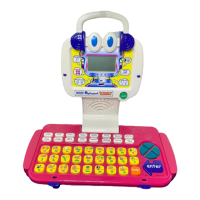
ALPHABERT THE READY TO READ ROBOT™
ACTIVITIES
ACTIVITY 9 - WORD GROUPS (continued)
ACTIVITY INSTRUCTIONS:
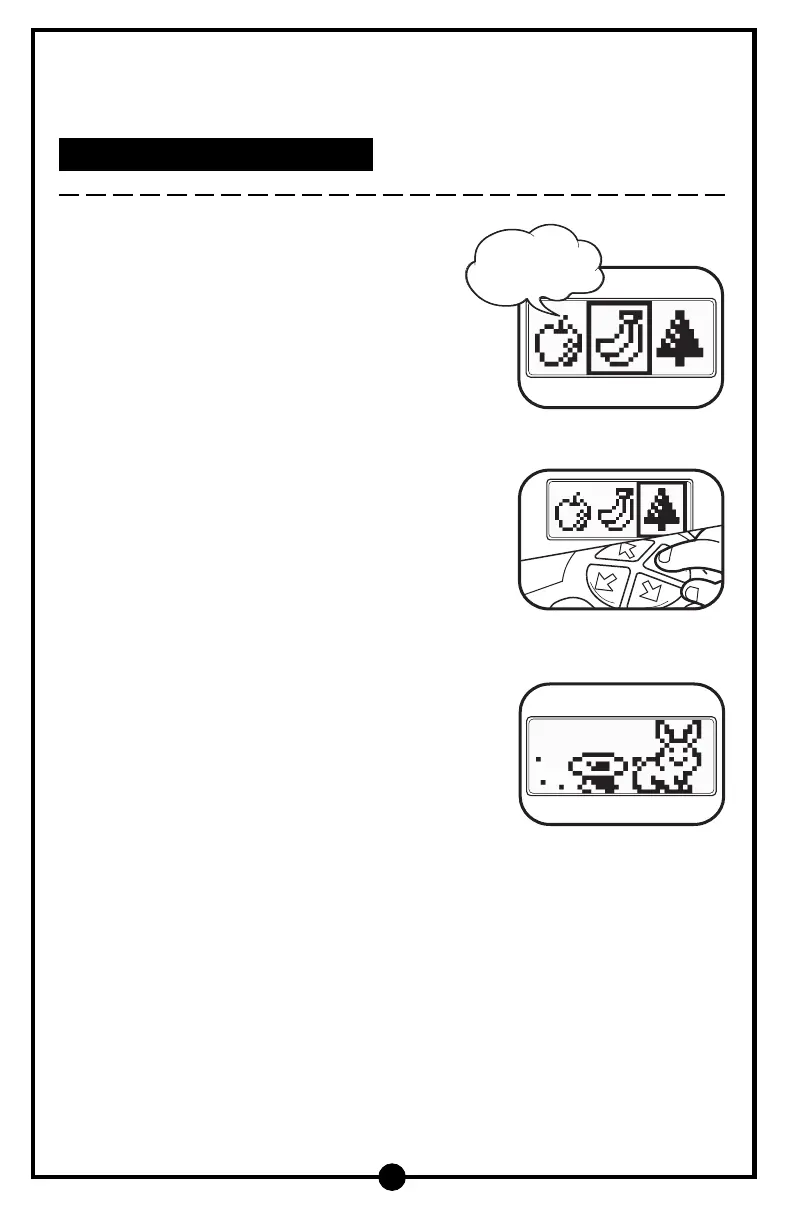
1. Press the Word Groups activity button. You will
hear a sound effect followed by “Can you find
the picture that doesn’t belong? Let’s try!”
2. Three objects will appear on the LCD screen,
for example, an apple, banana, and tree.
3. Press the left or right arrow buttons to choose
the object that doesn’t belong and then press
the Enter button to enter your answer.
4. If the correct answer is chosen, you will hear a
positive phrase. For example, if the tree is
selected you will hear “You got it!” and then a
rewarding animation will appear on the LCD
screen.
5. If an incorrect answer is selected, the learning toy will ask you to try again and
the question will be repeated.
6. Press the Help button once to hear the question repeated. Press the Help button
a second time and the answer will be identified.
15
Can you find the
picture that
doesn’t belong?



 To Next Page