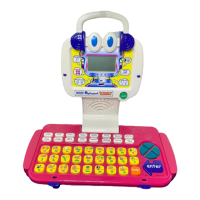
ALPHABERT THE READY TO READ ROBOT™
ACTIVITIES
ACTIVITY 13 - HANGMAN (continued)
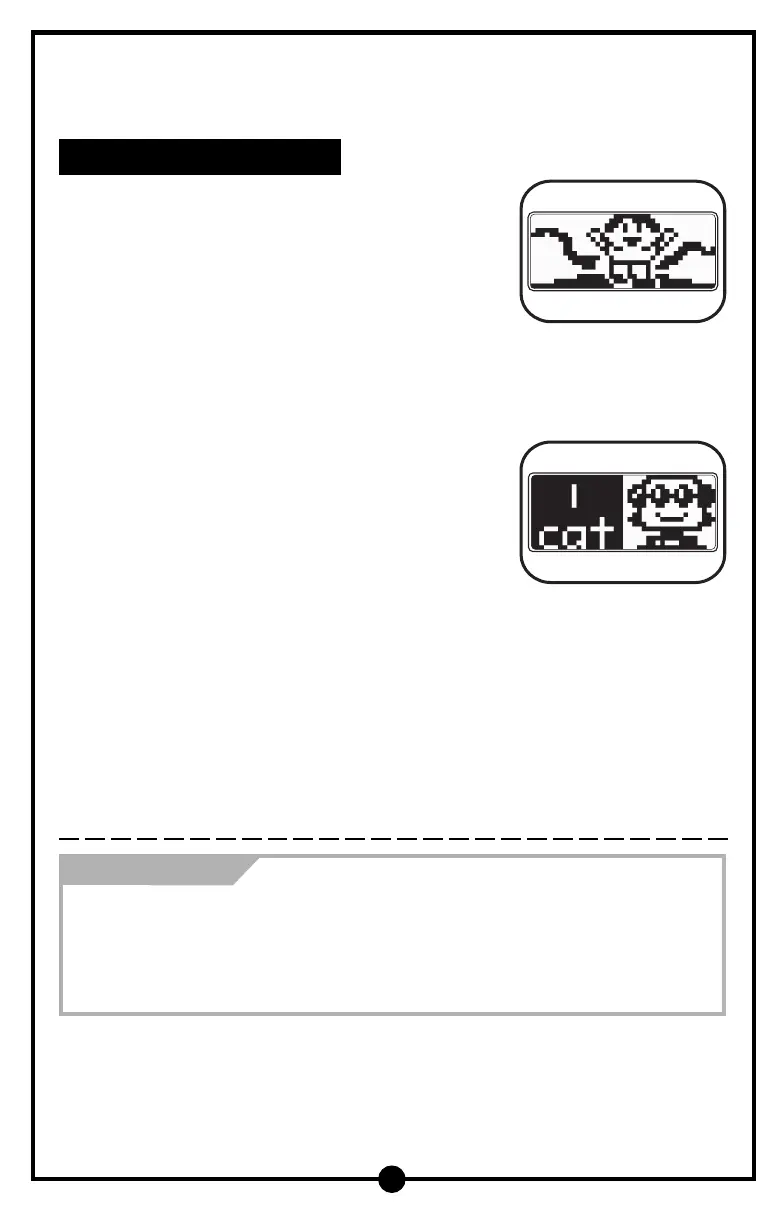
3. If you press a letter in the word, it will be identified
and placed in the appropriate blank space. Once
you have guessed the word, the friendly robot will
say a positive phrase such as “You got it!” followed
by a rewarding animation.
4. If you press a letter that is not in the word, you will
hear an invalid sound and the number of chances
will decrease. Then a part of the robot’s body will
be added.
5. Press the Help button once and the learning toy will
identify one correct letter. If you use the Help button,
your number of chances will decrease. If you press
the Help button with one blank space left, the learning
toy will identify the answer.
How Can You Help?
• Play this activity with your child by taking turns. Be sure to explain how this
game is played if your child is unfamiliar with the format.
• Have your child create his or her own Hangman game using words that have
not been shown in this activity. Perhaps, you could help create a list of words
that may be appropriate for your child to choose from.
22



 To Next Page