7
7
7
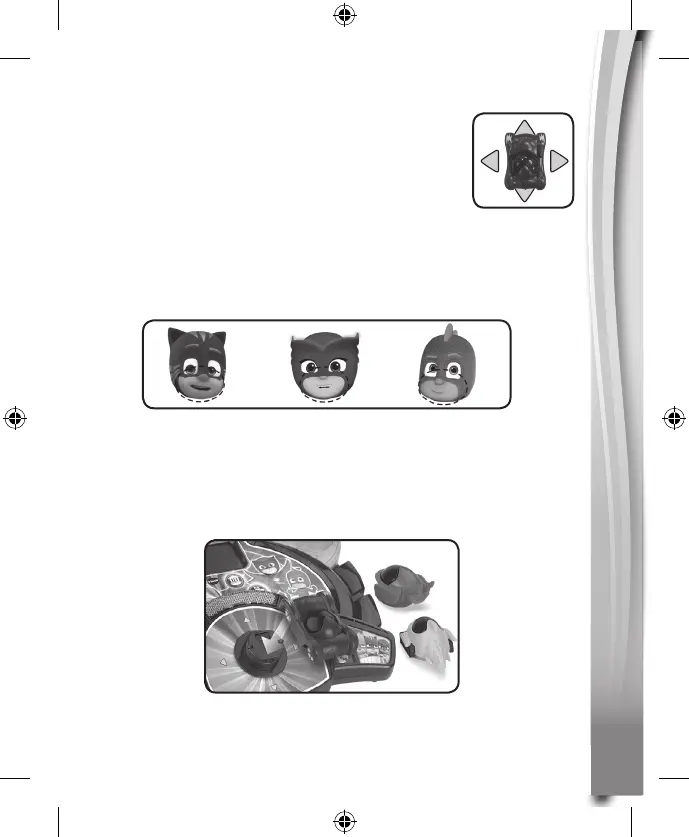
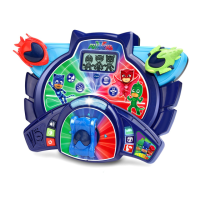
6. 4 DIRECTION ARROW BUTTONS + ENTER BUTTON
(the Windscreen)
Move the vehicle to navigate on the screen or to
select an option and press the Windscreen to
confirm a selection.
7. 3 CHARACTER BUTTONS
Press the 3 Character Buttons (Catboy, Owlette, Gekko) on the unit to
play an animation of that character with a brief introduction, or to play
some fun phrases related to the characters.
8. CATBOY’S VEHICLE - CAT-CAR / GEKKO’S VEHICLE -
GEKKO-MOBILE / OWLETTE’S VEHICLE - OWL GLIDER
Plug in one of the three PJ Masks vehicles as shown in the picture to
start playing. Please ensure that it is properly clicked into place.



 To Next Page