9
Overview
6 • Store the number to the selected memory key location .
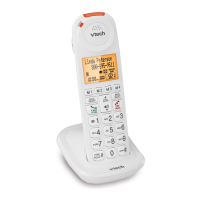
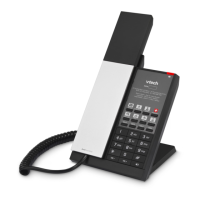
7 Dial keys (0-9)
• Press to dial the numbers.
• Press to dial the preset numbers.
8
• Adjust the base ringer volume while in idle.
9
• Adjust the listening volume during a call.
10 • Pound key.
11 • Press to make or answer a call using the speakerphone.
12
• Press to redial the last number.
• Press to add pause if it is required for dialing.



 To Next Page