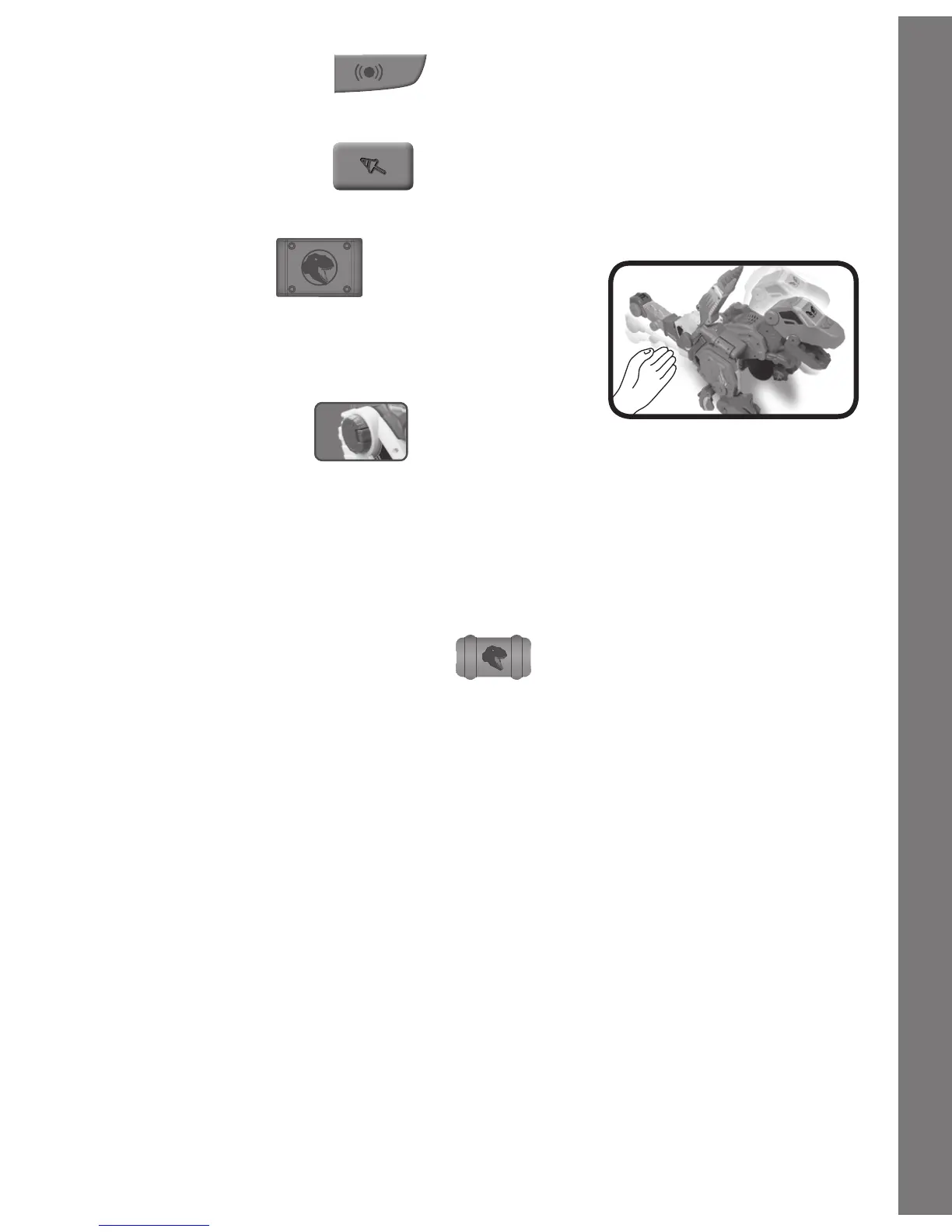
5. VOLUME BUTTON
Press the Volume Button to adjust the volume.
6. LAUNCH BUTTON
Press the Launch Button to fire the drill.
7. TAIL BUTTON
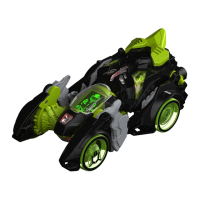
Press the Tail Button to turn on the truck’s
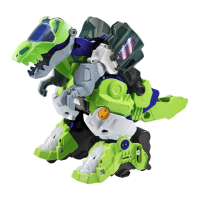
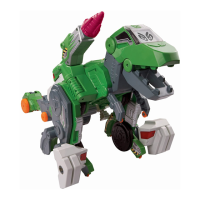
headlights or make the dino roar. Jagger
will also roar if you lift his tail.
8. CRANE BUTTON
To adjust the crane’s height, hold down the Crane Button and
movethecraneuptooneofthreepositions.Releasethebutton
to lock the crane in place.
Note:Pleasemakesurethecraneisinthebottompositionbefore
switching the truck to a dino.
9. COMMAND MODE BUTTON
Press the Command Mode ButtontoenterCommandMode,and
Jagger will teach you how to command him. For more details about
CommandMode,pleaseseethe“HowtoUseVoiceCommands”
section.
10. TURNING THE UNIT OFF/ AUTOMATIC SHUT-OFF
Slide the ON/OFF switch to OFF to turn the unit OFF, or hold the
Talk Button for a few seconds to put the unit into sleep mode.
To preserve battery life, the unit will automatically go to sleep after
several minutes without input.
HOW TO USE VOICE COMMANDS
Jagger responds to 12 different commands in each mode.
Before you can give a command, you have to get Jagger’s attention.
Say“HelloT-Rex”ifhe’sadino,or“HelloTruckDriver”ifhe’satruck.
5
Product Features


 To Next Page
 Loading...