Need help?
Do you have a question about the VTech VM3261 and is the answer not in the manual?
Slide the ON/OFF switch to power on your baby unit.
Press and hold the power button to turn on your parent unit.
Use supplied adapters correctly and keep cords away from children.
Verify LINK LED is on and parent unit displays baby unit image.
Press and hold TALK to speak to your baby unit through the parent unit.
Use MENU, arrow keys, and SELECT to access and control settings.
Press VOL+/VOL- to adjust the speaker volume of the parent unit.
Use arrow keys for pan/tilt and zoom buttons for zoom functionality.
Press and hold the power button to turn off the parent unit.
Press and hold LCD ON/OFF to turn off the screen while audio plays.
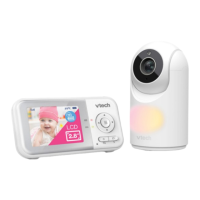
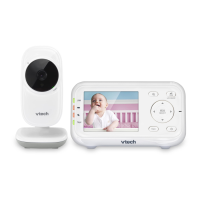
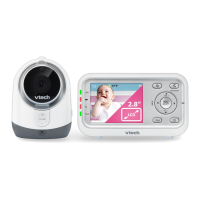
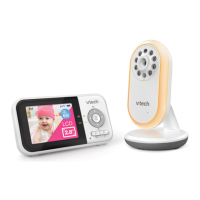
Overview of camera, infrared LEDs, microphone, and ON/OFF switch.
Overview of LCD screen, buttons, microphone, and stand.
Parent unit screen stays off in no sound; turns on automatically when sound is detected.
Infrared LEDs enable clear viewing in dark environments; images appear in black and white.
Step-by-step guide for attaching the wall mount bracket and securing the baby unit.
Loosen the joint knob to tilt the baby unit, then tighten to secure the angle.
POWER LED on for viewed unit; flashes for unviewed units when using two baby units.
Select 'Patrol' or 'Single-cam' modes via the menu to switch between camera views.
 General
| Display Type | LCD |
|---|---|
| Screen Size | 2.8 inches |
| Night Vision | Yes |
| Two-Way Communication | Yes |
| Range | 1000 feet |
| Battery Life | Up to 10 hours |
| Temperature Sensor | Yes |
| Zoom | Yes |
| Power Source (Parent Unit) | Rechargeable battery |
| Power Source (Baby Unit) | AC adapter |
| Number of Cameras Supported | Up to 4 |
| Type | Video Baby Monitor |
| Resolution | 320 x 240 |

 To Next Page