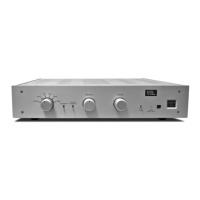
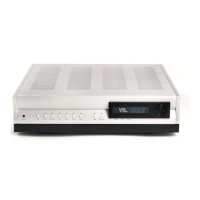
IT-85 Integrated amplifier
Owner’s Manual
VTL
12
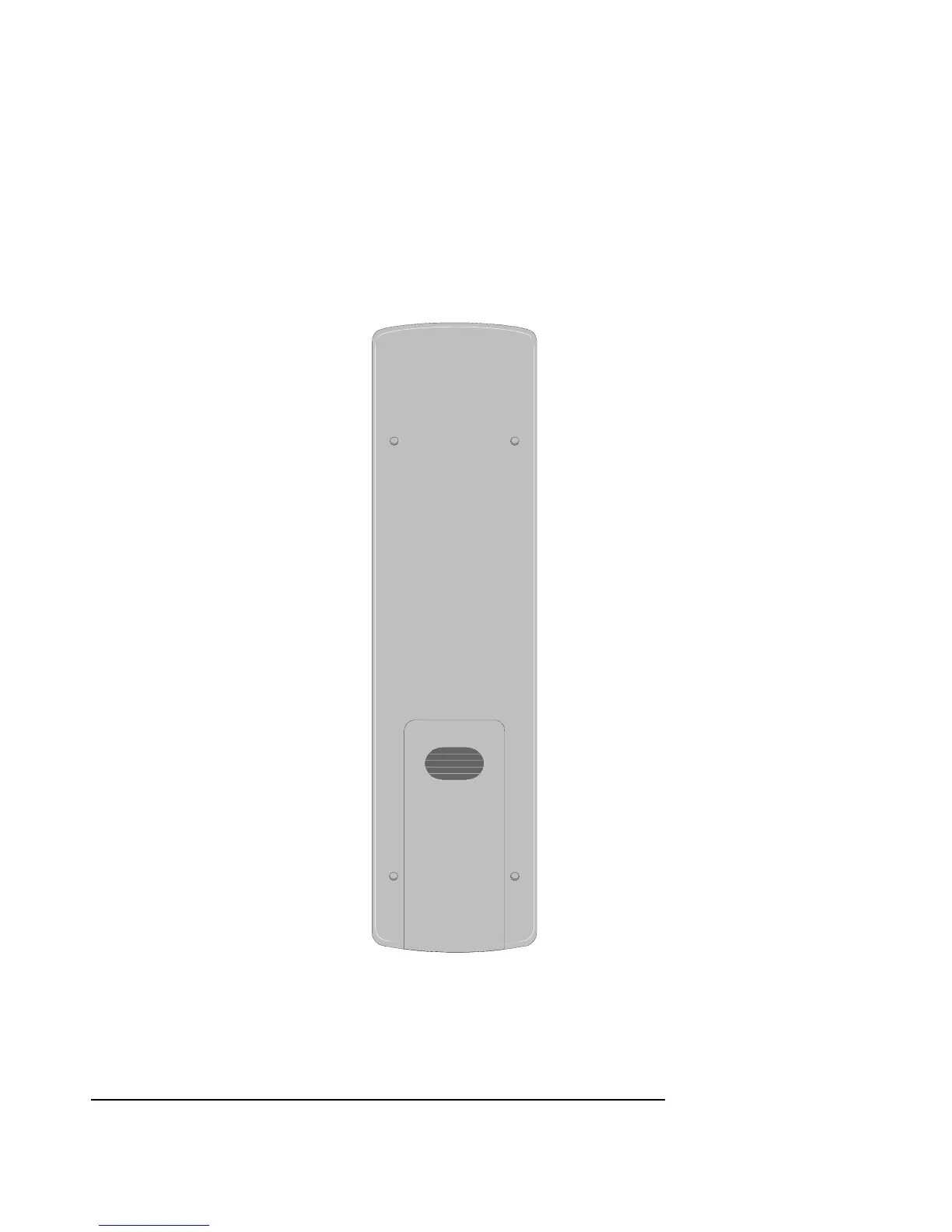
3. Being careful not to damage the cover or the remote shell, replace the
back cover and slide it back into position with a snap.
4. After power up of the IT-85, test the remote control functions and ensure
that all the functions are working correctly. If the functions are not
working then check that the batteries are in the correct mounting positions
and that they are not stale. If you still encounter problems then you
should call the VTL factory or your VTL dealer.


 To Next Page