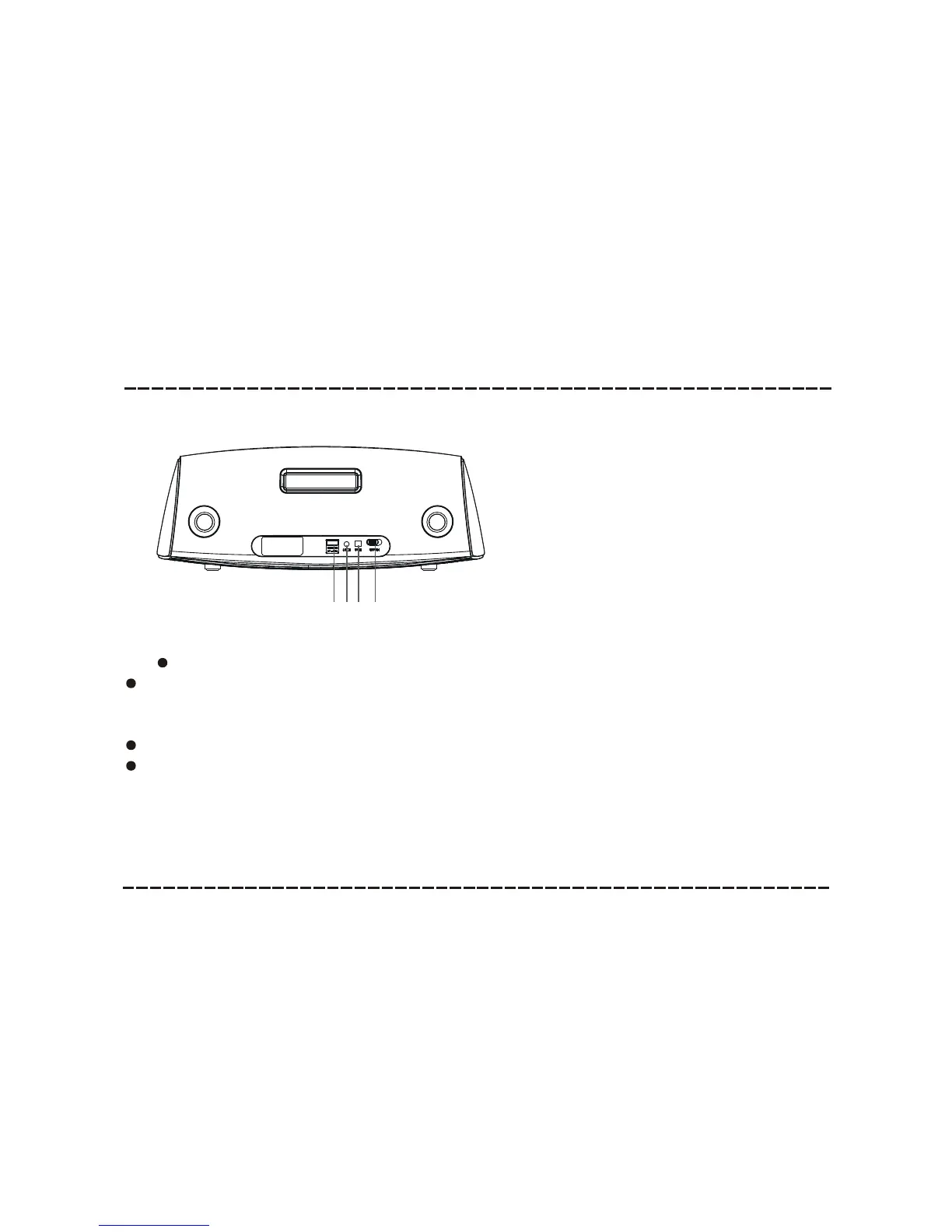
Panel
-6-
1. USB CHARGE PORT (5V)
(Note: Use the USB cable (not included)to connect the USB and charge device.The charge port cannot charge battery in standby mode.
There is no connection with the speaker after 10~15 minutes (no AUX input, USB charge or bluetooth connection),
the speaker will turn to standby mode automatically and the red indicator light will illuminate. Press [PLAY/PAUSE]
to wake up the speaker.
The speaker will turn to auto standby mode after about 10~15 minutes.
The unit cannot play music via USB charging port .
2. AUX INPUT
3. DC IN (10V)
4. POWER ON/OFF
1
2
3
REAR PANEL:
4



 To Next Page