Connections
-7-
AUX IN
This unit has an audio input terminal.
Use the audio cable(not included) to connect the input terminal AUX IN
on the rear panel of this player, press [SOURCE ] button on the
front panel to switch to the AUX IN mode, the indicator on the front panel
indicates in yellow that the player has been switched to AUX IN mode.
SELECT
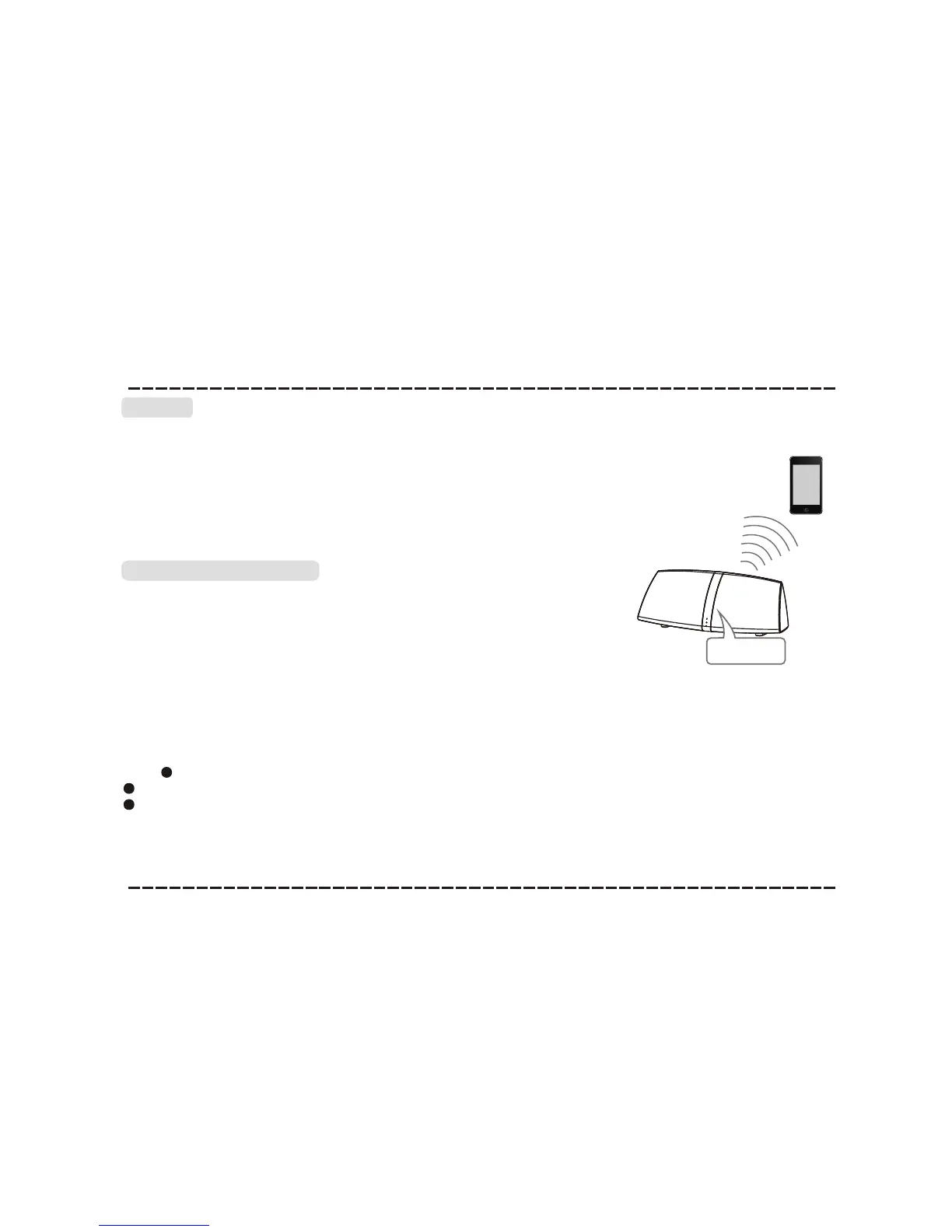
Bluetooth Connection
The model of the unit is WC 603,press [SOURCE SELECT] button on
the front panel to switch to the corresponding signal source, use your
mobile phone to search the bluetooth signal of the unit, then input the
password 0000, the unit will synchronize to play songs on your mobile
phone while they connected successfully.
Disconnect the bluetooth on the mobile phone to switch off the bluetooth
connect.
In bluetooth mode,[PLAY/PAUSE],[NEXT], [PREVIOUS],
[VOLUME+/-] etc. are also active.
Once the bluetooth is connected to your audio device successfully for
the first time, you can power off the player then power on. The speaker
will reconnect automatically.Press [PLAY/PAUSE] to resume the
playback.
Note: Bluetooth connection range is 30 feet.
The model WC 603 in your device was not deleted.
Bluetooth
Model:WC 603



 To Next Page