Connecting with a TV
English
6
Setting “PCM” on your TV
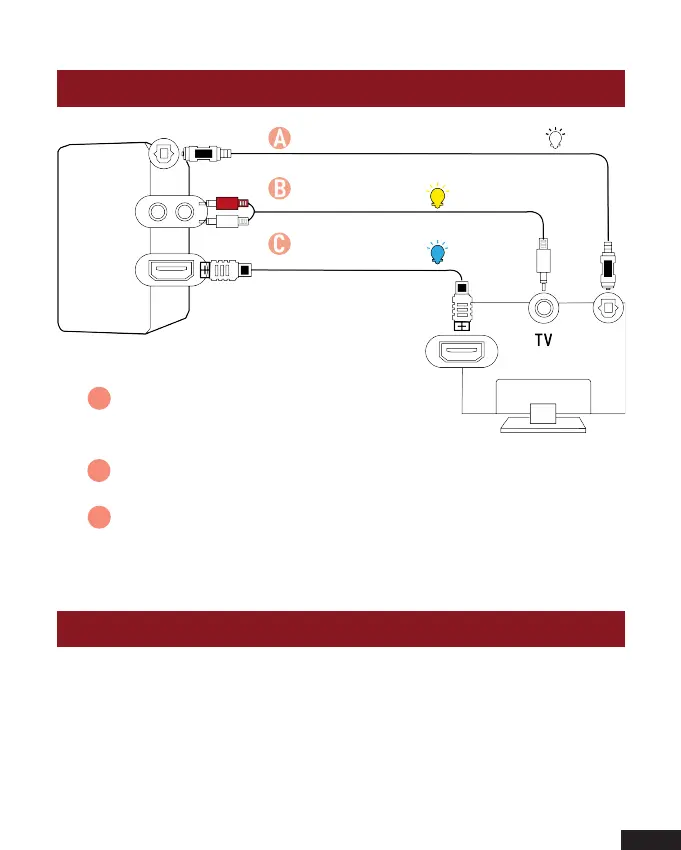
Method 1. Connecting using an Optical cable.
Select Optical mode and set the TV’s audio
output to “PCM”. (More information on PCM page)
Method 2. Connecting using a RCA to 3.5mm audio cable.
Select RCA mode.
Method 3. Connecting using an ARC cable. Select ARC mode
and set the TV’s audio output to “PCM”.
(More information on PCM page)
When all cables are connected properly, and LED indicator
lights properly, if there is no sound from tv or Soundbar, please
setting your tv as below:
A
B
C
Optical digital cable
RCA to 3.5mm
audio cable
High speed
ARC cable
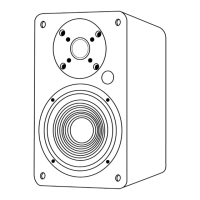
Active Speaker


 To Next Page