Run First Time Installation
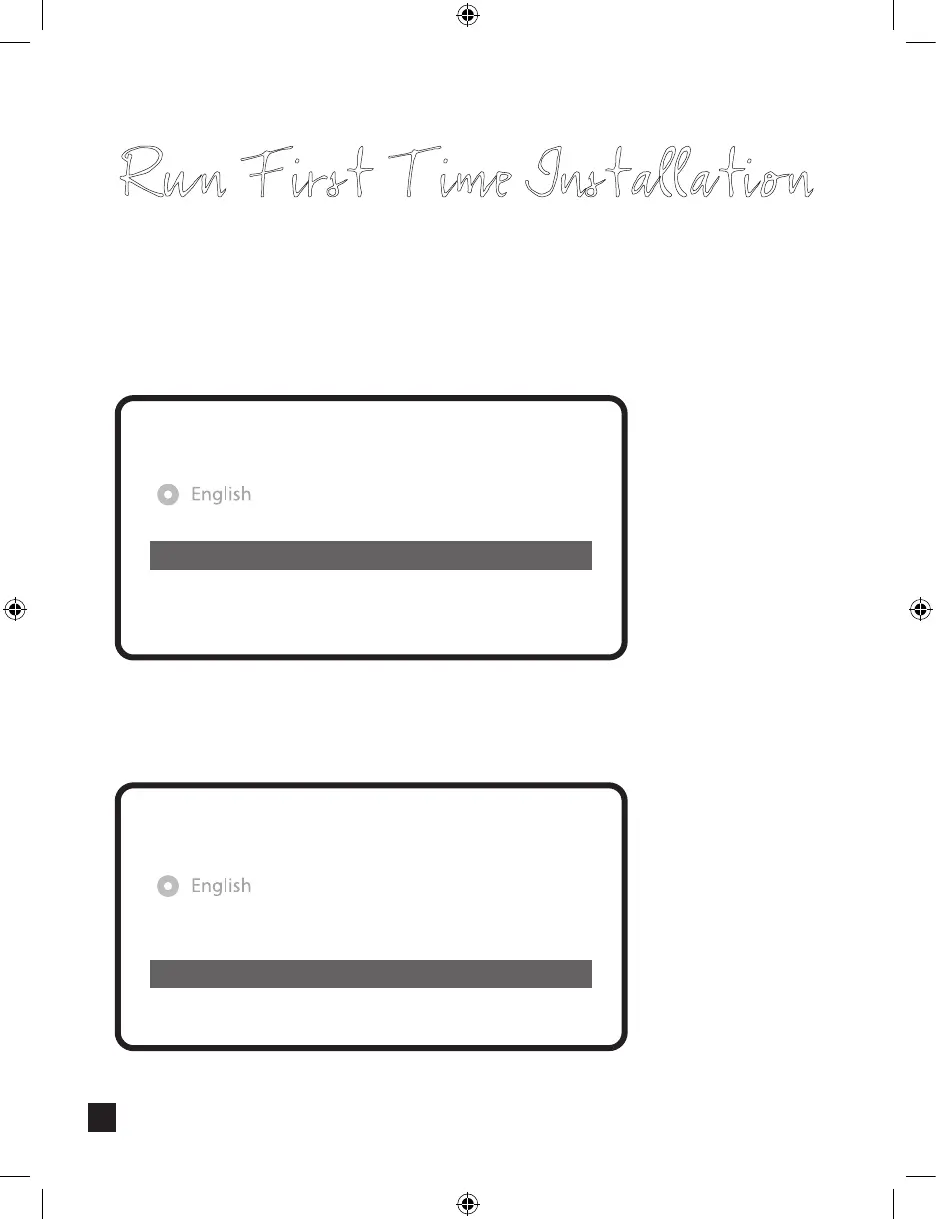
If you choose Simple conguration mode, the following picture will appear.
FBC-Cable tuner of Vu+ can be used selectively, however you can tuner into only one
mode(S2 or Cable) at a time.
For the other modes, please refer to the user manual of UNO 4K SE.
Use the left and right buttons to change an option.
Please set up tuner A.
Conguration Mode
Mode
Port A
Port B
Set Voltage and 22KHz
Send DiSEqC only on satellite change
DiSEqC A/B
Astra(19.2E)
Hotbird(13.0E)
yes
no
Simple
Here you will be asked whether you want to install the default satellite lists. Press OK and
the following image appears:
Do you want to install default sat lists?
No
Yes
Step 5. Channel Scan
(Selecting Scan Mode - Automatic Scan / Manual Scan)
• Automatic Scan
If you choose Automatic Scan, you will be asked whether to erase all the existing channels
before scanning.
Run First Time Installation
What do you wan to scan?
Yes, ScanTuner A(DVB-S2)
No, scan later manually
Yes, Clear before scan
• If you press No, following image will appears.
Channel scanning is possible either in Automatic Scan mode or Manual Scan mode.
Do you want to do a service scan?
Yes, do a manual scan now
No, scan later manually
Yes, do an automatic scan now
1111


 To Next Page