EasyManua.ls Logo

Vytronix NIBC22 - User Manual

Vytronix NIBC22
16 pages
Print Icon
To Next Page IconTo Next Page
Loading...
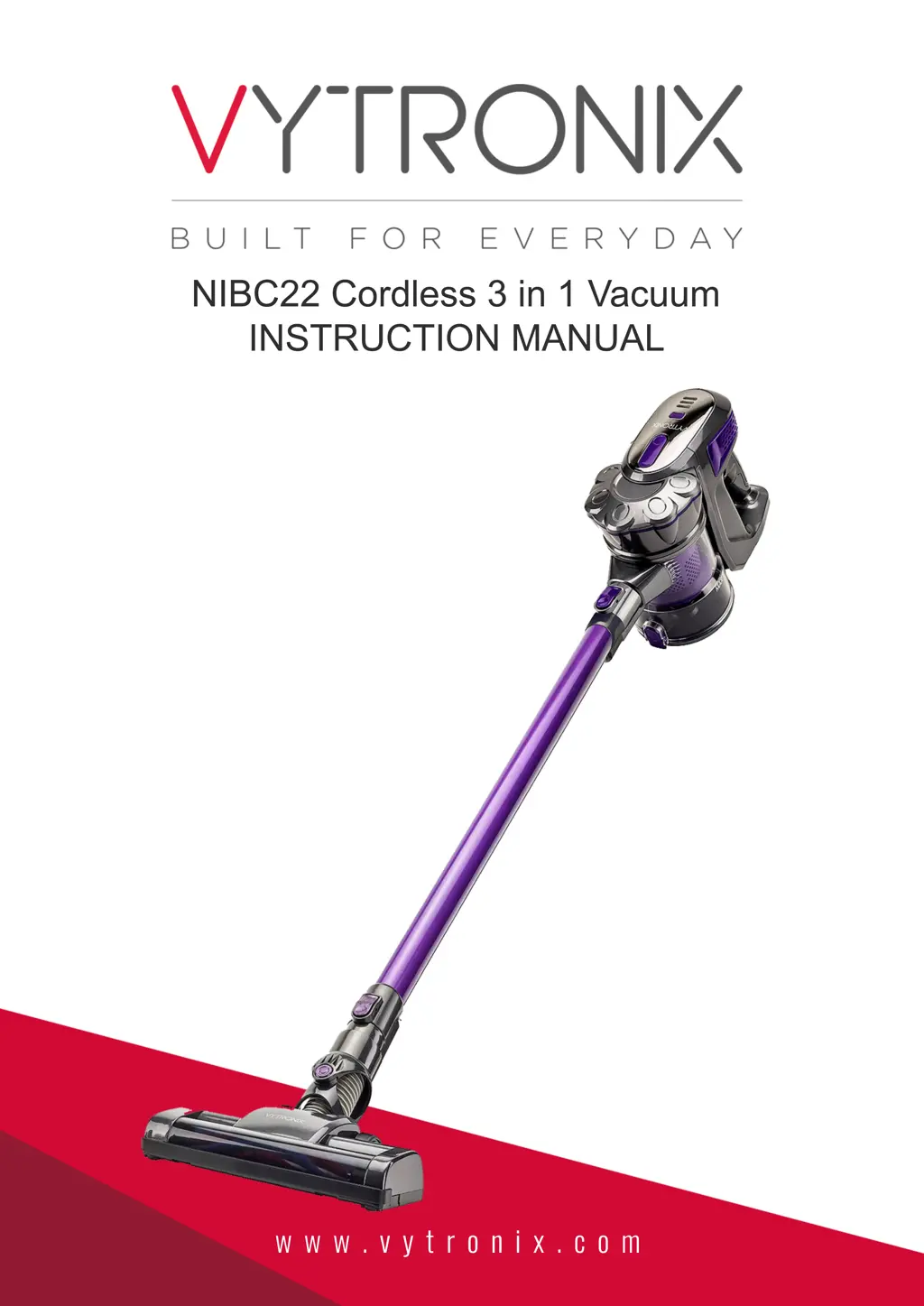
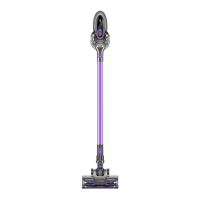
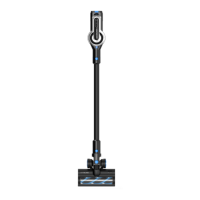
NIBC22 Cordless 3 in 1 Vacuum
INSTRUCTION MANUAL
w w w . v y t r o n i x . c o m

Questions and Answers

  • R
    Robert WeaverJul 30, 2025
    Why has the suction reduced on my Vytronix Vacuum Cleaner?
    • C
      catherine06Jul 30, 2025
      The suction of your Vytronix Vacuum Cleaner might be reduced because it has been set to ECO mode. Check the ECO button on top of the main body. If the problem persists, turn the vacuum off and disconnect all accessories. Check for blockages in the dustbin filter, air vent, extension wand, floor head, and accessories. Also, the filter may be heavily soiled. Clean it as per the filter maintenance instructions.
  • C
    Connie GallowayAug 7, 2025
    What to do if the blue charging indicator lights do not flash on my Vytronix Vacuum Cleaner?
    • B
      Brandon AguilarAug 7, 2025
      If the blue charging indicator lights do not flash on your Vytronix Vacuum Cleaner, ensure that power is being supplied to the mains socket and that the charger is turned on. Also, check that the charging cable is securely connected to the vacuum. Ensure the mains socket is switched off before checking the charging cable itself. If the cable is split, frayed or otherwise damaged, contact the manufacturer.
  • J
    Jennifer DuncanAug 13, 2025
    Why is the run time of my Vytronix Vacuum Cleaner less than it used to be?
    • D
      Deborah LewisAug 13, 2025
      If the run time of your Vytronix Vacuum Cleaner is less than it used to be, ensure the battery has completed a full charging cycle. Also, reduced energy discharge in the battery is normal and gradually occurs in all batteries over time.
  • E
    Elizabeth FergusonAug 21, 2025
    What to do if my Vytronix Vacuum Cleaner stopped suddenly?
    • D
      Devin FreemanAug 22, 2025
      If your Vytronix Vacuum Cleaner stopped suddenly, the safety cut-out device may have been activated. Turn the vacuum off, disconnect all accessories, and let it cool down for at least half an hour before trying to use it again. Also, empty the dust container and clean or replace the filter.

Summary

Important Safety Instructions

Assembly Instructions

Assembling the Main Body

Steps for installing the battery into the main body and attaching the dust container.

Before First Use

Battery Charging Procedure

Instructions on how to charge the battery, both attached and detached from the main unit.

Operating the Vacuum

Vacuum Operation Guide

Instructions for turning the vacuum on/off, using handheld mode, and the ECO button.

Maintaining the Vacuum

Cleaning the Dust Container

Steps for removing and cleaning the dust container, and expelling collected trash.

Troubleshooting and Specifications

Common Troubleshooting Issues

Addresses issues like the appliance not powering on, stopping suddenly, or low suction.

Vytronix NIBC22 Specifications

General IconGeneral
Power600W
Weight5.5kg
FiltrationHEPA
Noise Level80dB
AccessoriesCrevice Tool, Dusting Brush
TypeUpright

Related product manuals