EasyManua.ls Logo

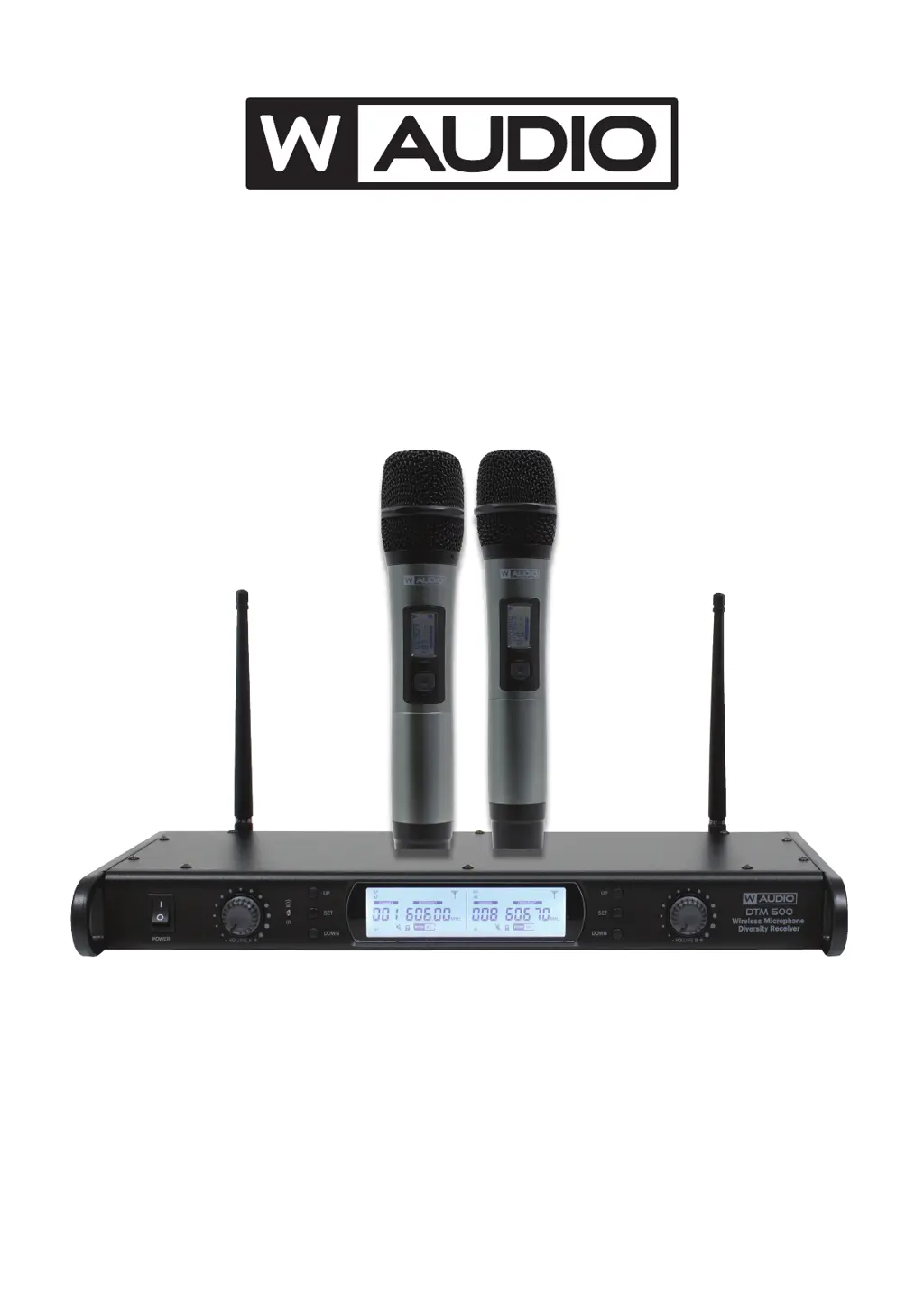
W Audio DTM Series - User Manual

W Audio DTM Series
12 pages
Print Icon
To Next Page IconTo Next Page
Loading...
Order codes inc V1 & V2 software versions:
MIC70/70V2 - DTM 800H 863.0Mhz-865.0Mhz
MIC72/72V2 - DTM 600H 606.0Mhz-614.0Mhz
MIC70A/70AV2 - DTM 800 863.0Mhz-865.0Mhz
MIC72A/72AV2 - DTM 600 606.0Mhz-614.0Mhz
DTM Series Diversity Systems
User Manual

Questions and Answers

  • D
    Dustin MasonAug 11, 2025
    How to troubleshoot a W Audio Microphone system receiver with no sound?
    • L
      Laura FoxAug 12, 2025
      If your W Audio Microphone system receiver produces no sound, first ensure the power button is on and the DC power adapter is properly plugged in. If that's not the issue, check the antenna placement for any interference from metallic objects or other RF sources. Also, verify that the IR Sync operation was completed successfully according to the manual's instructions.
  • H
    heather06Aug 20, 2025
    Why does my W Audio DTM Microphone system have distorted sound or feedback?
    • E
      Erin LawsonAug 21, 2025
      If you're getting distorted sound or feedback from your W Audio Microphone system, try increasing the distance between the microphones. Also, replace the batteries, reduce the microphone volume, and move the system away from other electrical sources to minimize potential interference.
  • C
    Caleb HuntAug 31, 2025
    What to do if W Audio Microphone has no sound but the LED indicators are lit?
    • Z
      zfaulknerAug 31, 2025
      If your W Audio Microphone system's microphone has no sound but the LED indicators are lit, ensure the microphone is within range and switched on. Also, check that the microphone volume on the receiver is turned up and that the batteries are correctly installed or replaced. Finally, confirm that the receiver is properly connected to an amplifier or mixer.

W Audio DTM Series Specifications

General IconGeneral
Microphone TypeDynamic
Frequency Response50Hz - 15kHz
Impedance600 Ohms
Polar PatternCardioid
ColorBlack
TypeWireless Microphone System
ChannelsDual Channel
Receiver TypeDiversity
ConnectorXLR

Related product manuals