7
NOTE:
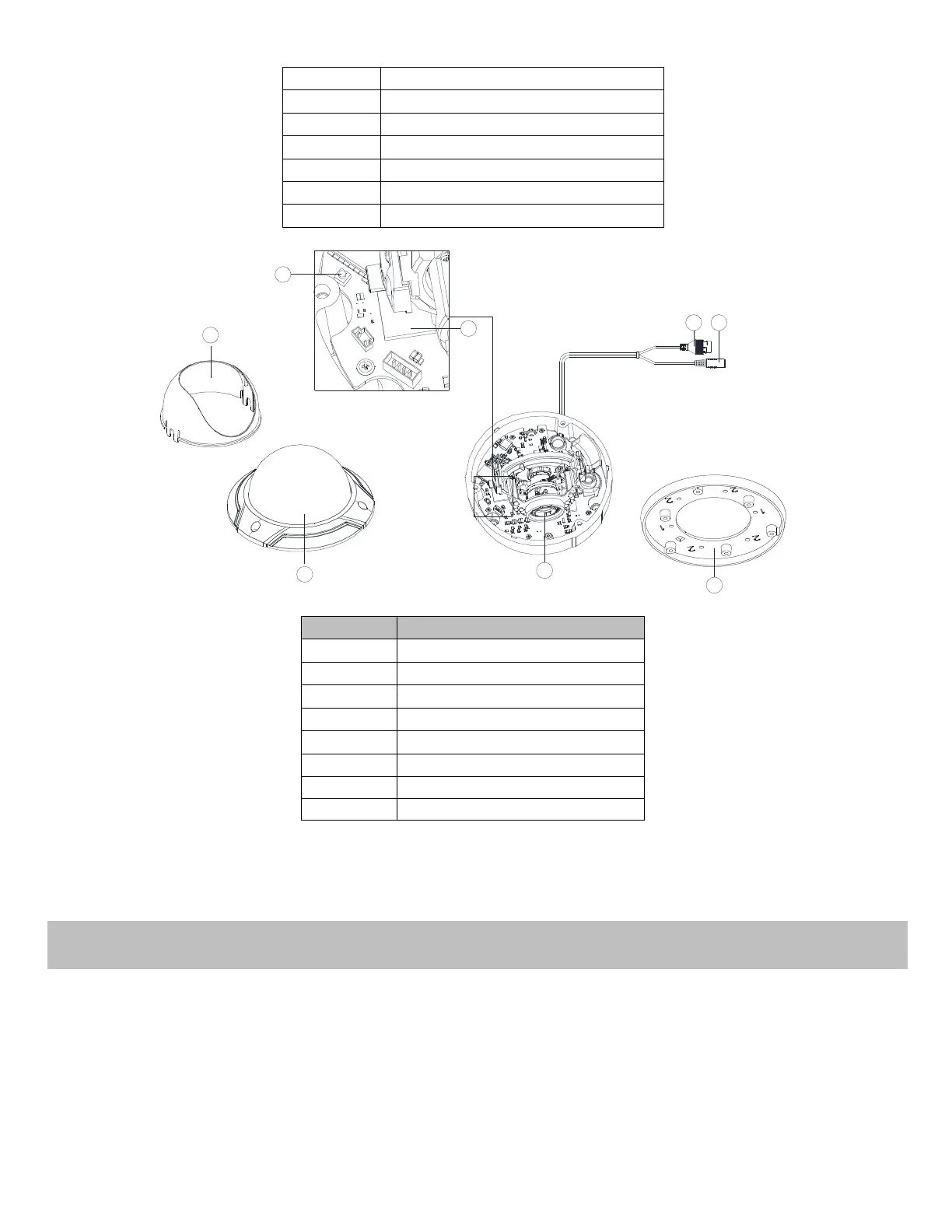
Press RESET about 10s when the camera is powering on or rebooting to restore the default settings, including the user
name, password, IP address, port No., etc.
Before you start:
Make sure the device in the package is in good condition and all the assembly parts are included.
Make sure all the related equipment is power-off during the installation.
Check the specification of the products for the installation environment.
Make sure the power supply is matched with your required voltage to avoid damage.
If the product does not function properly, please contact your dealer or the nearest service center. Do not disassemble the
camera for repair or maintenance by yourself.


 To Next Page
 Loading...