Calling Function
1. Short press the Play / Pause button to pick up an incoming call
2. Long press the Play / Pause button to reject an incoming call
3. Short press the Play / Pause button during a call to hang up
4. Long press the Play / Pause button to redial the last dialed number
Adjust Sound Effect / Equalizer
Double click Play / Pause to adjust sound effect(indoor or outdoor)
USB Function / TF Card action
1. Insert a USB drive or TF card into the USB media port or TF card slot
on D8 mini -1
2. Green LED flashing confirms that the speaker has entered USB or
TF card mode
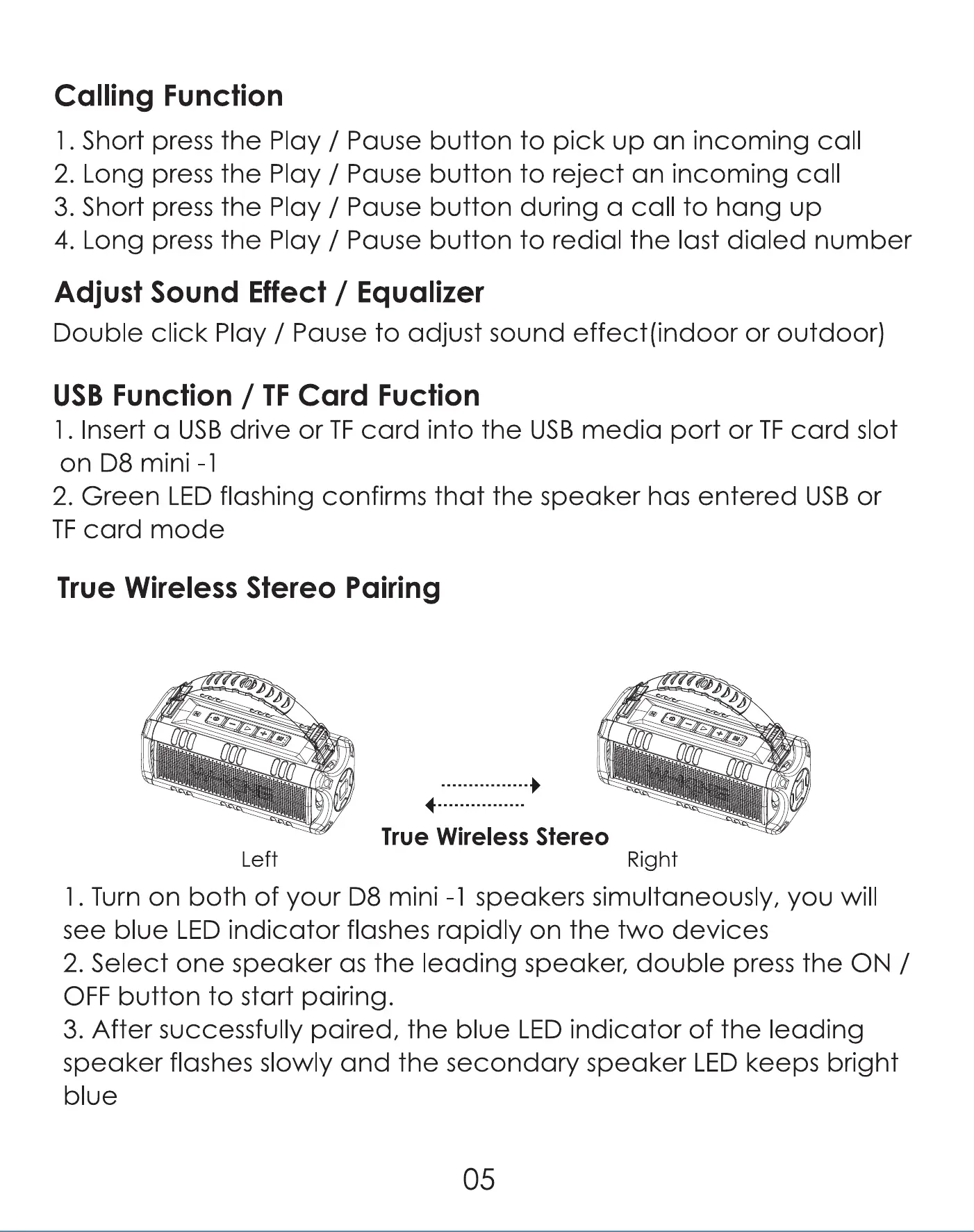
True Wireless Stereo Pairing
Left
True Wireless Stereo
Right
l. Turn on both of your D8 mini -l speakers simultaneously, you will
see blue LED indicator flashes rapidly on the two devices
2. Select one speaker as the leading speaker, double press the ON /
OFF button to start pairing.
3. After successfully paired, the blue LED indicator of the leading
speaker flashes slowly and the secondary speaker LED keeps bright
05



 To Next Page