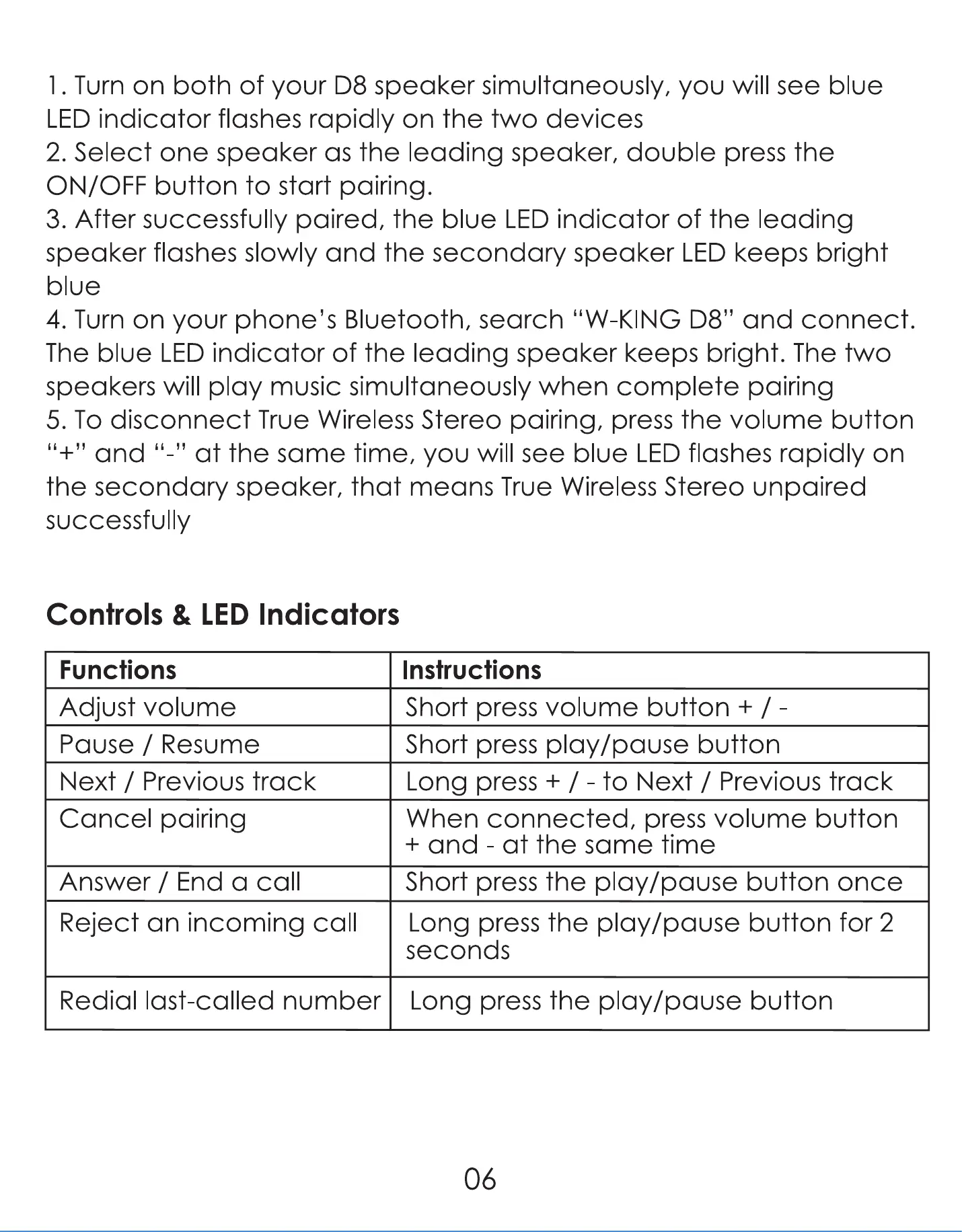
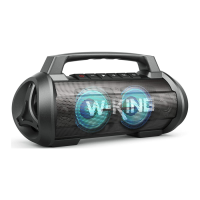
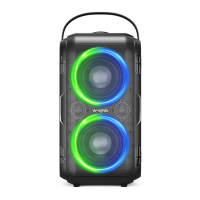
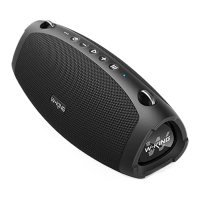
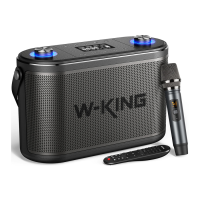
I . Turn on both of your D8 speaker simultaneously, you will see blue
LED indicator flashes rapidly on the two devices
2. Select one speaker as the leading speaker, double press the
ON/OFF button to start pairing.
3. After successfully paired, the blue LED indicator of the leading
speaker flashes slowly and the secondary speaker LED keeps bright
blue
4. Turn on your phone's Bluetooth, search "W-KING D8" and connect.
The blue LED indicator of the leading speaker keeps bright. The two
speakers will play music simultaneously when complete pairing
5. To disconnect True Wireless Stereo pairing, press the volume button
at the same time, you will see blue LED flashes rapidly on
and
the secondary speaker, that means True Wireless Stereo unpaired
SUCCeSSfUIIy
Controls & LED Indicators
Functions
Adjust volume
Pause / Resume
Next / Previous track
Cancel pairing
Answer / End a call
Reject an incoming call
Redial last-called number
Instructions
Short press volume button + /
Short press play/pause button
Long press + / - to Next / Previous track
When connected, press volume button
+ and - at the same time
Short press the play/pause button once
Long press the play/pause button for 2
seconds
Long press the play/pause button
06


 To Next Page