Notes
The speaker will disconnect from your phone or other paired
device when an audio cable is plugged into the audio input jack
When playing audio using the audio input jack, press the volume +
/ - to adjust the volume and short-press play/pause to pause or
resume. Next/previous track control on the speaker is disabled in
audio input mode
For some computers, you may need to access the audio control
panel to manually set the speaker as the default audio device
Charging Phone/Tablet
I . Connect your phone/tablet to the USB port of the D8 speaker
2. Turn on the speaker, your device will be charged automatically
3. Turn off the speaker to discharge your device
Adjust Sound Effect
Short press the sound effect button " t t " to adjust sound effect
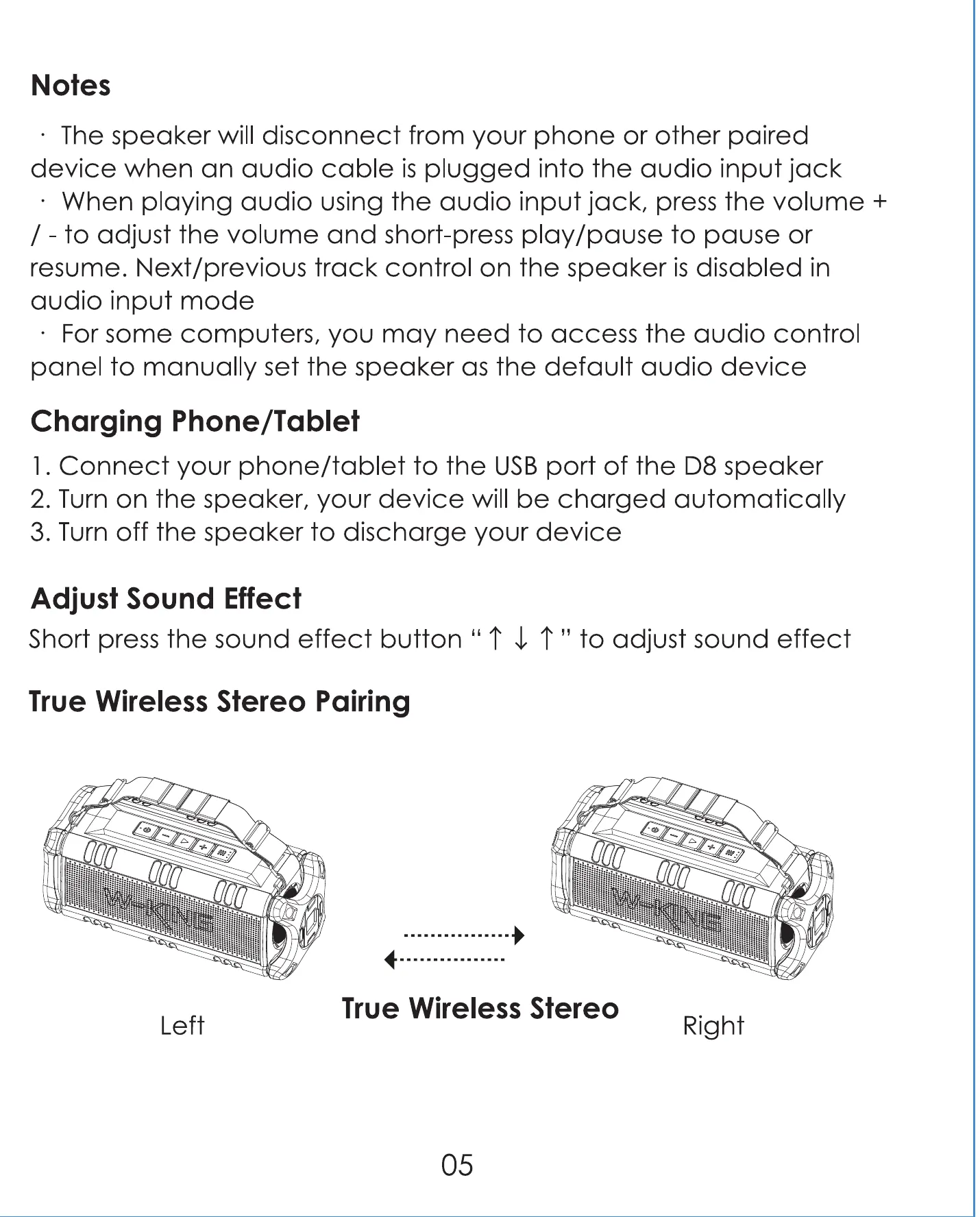
True Wireless Stereo Pairing
Left
True Wireless Stereo
Right
05


 To Next Page