USE
Turn the key to start / stop the scooter. Use the
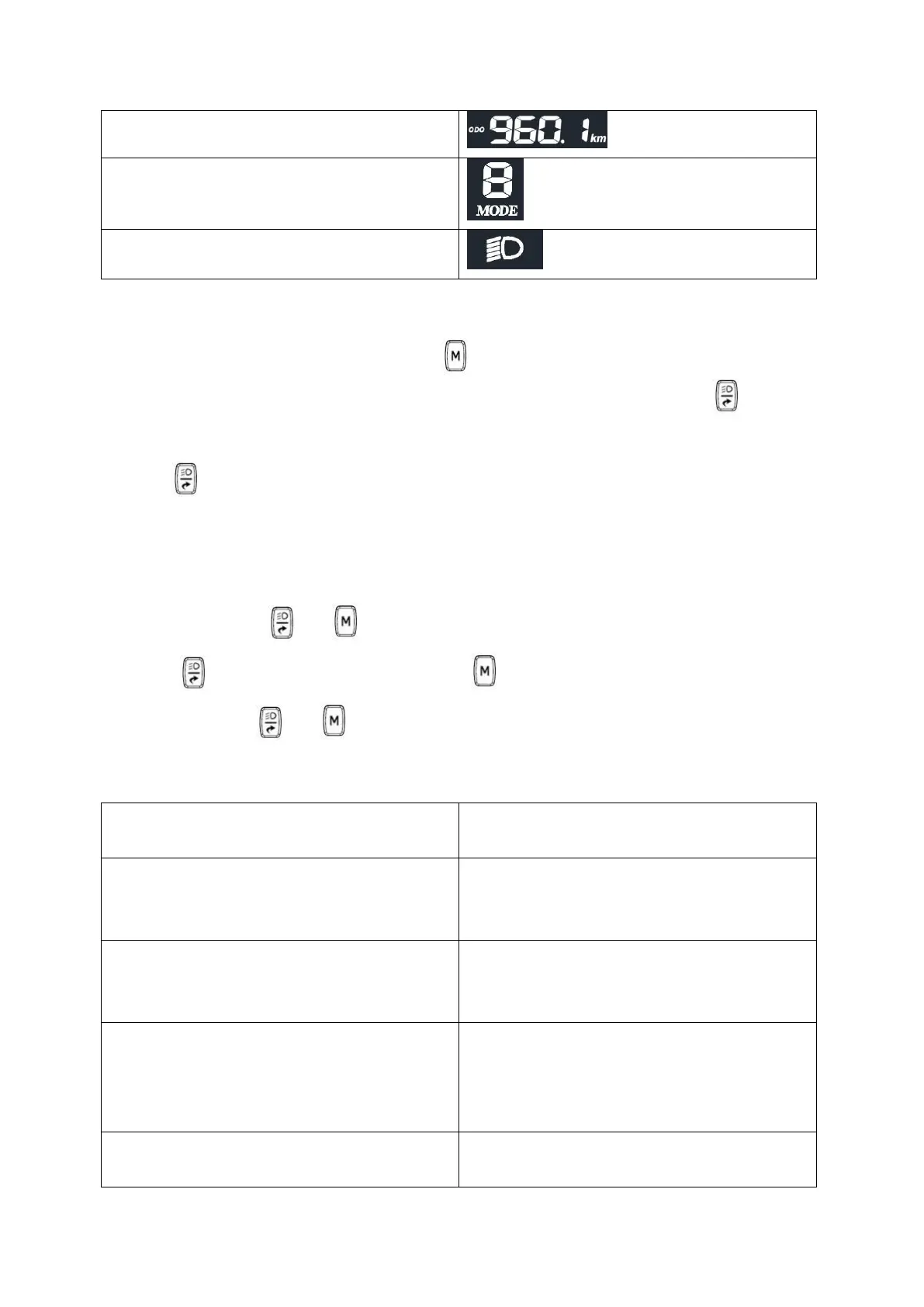
button to switch speed modes (1 – 2 – 3 – 2 – 1).
When turned on, the display shows the current distance traveled (TRIP). Press the button, to
changed display information in order: currently traveled distance (TRIP), total distance traveled (ODO),
battery voltage (VOL).
Hold the button to turn on / off the lights.
If the battery is low, the last battery cell will flash on the display. At this point, it is possible to travel a
short distance, but we recommend recharging the battery as soon as possible.
SETTINGS
To enter settings, hold and
buttons .
Press the button to change paremeters, press the
button change the value.
To exit settings, hold and
buttons. Then wait 30 seconds.
PARAMETERS


 To Next Page