-4-
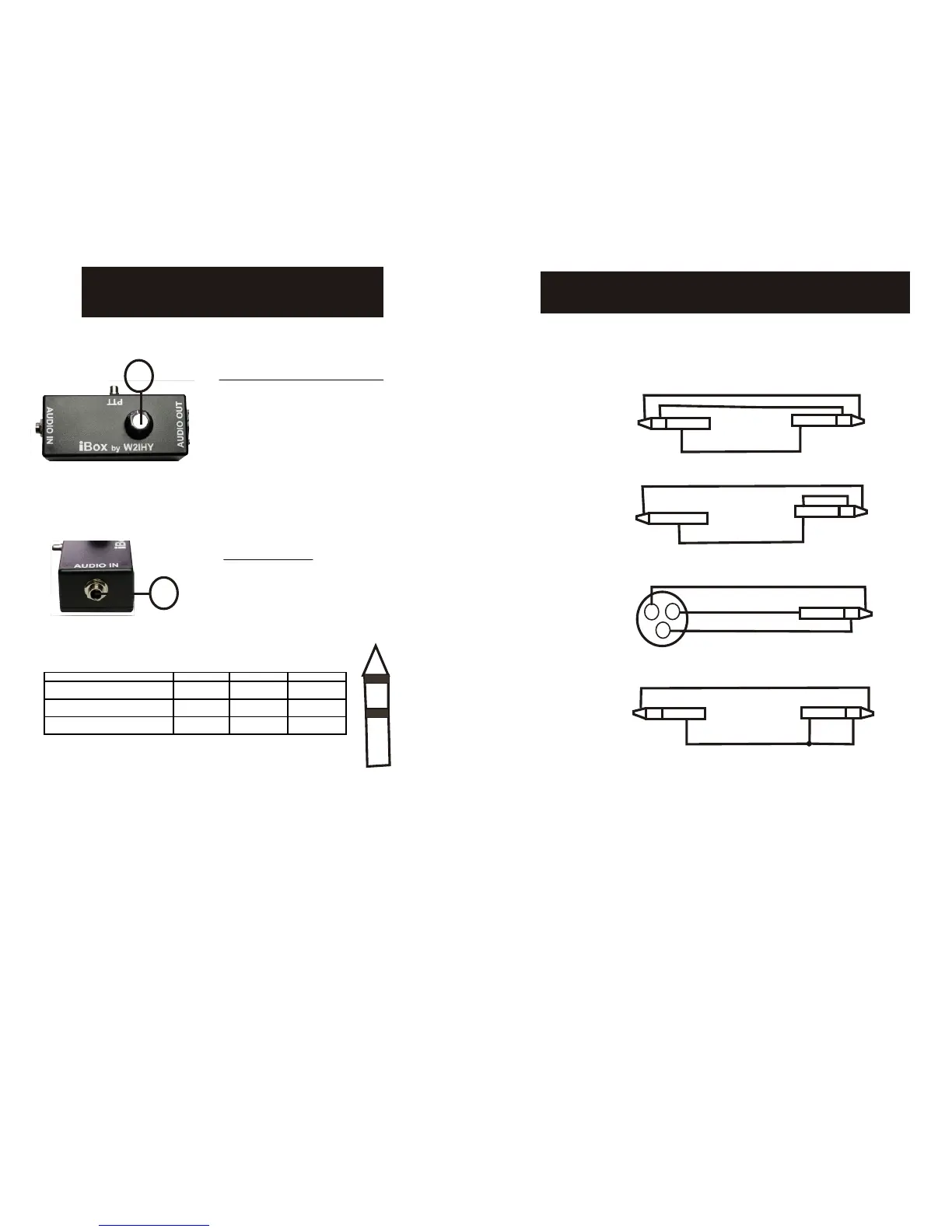
iBox CONTROLS
1
2
(1) Output Level Control (R2)
This potentiometer (pot.) adjusts
the audio output of the iBox .
Turning the pot. fully counter -
clockwise will obtain a signal at
the Audio Output about 48dB less than the input signal.
Turning the pot. clockwise will increase the signal level to
the Audio Output.
(2) Audio Input (J1)
This 1/4” stereo jack (also known
as a Tip-Ring-Sleeve jack) is
used to bring audio into the iBox.
See page 8 for additional cable wiring information.
<== Audio Plug from Source to Attenuator ==>
AUDIO CONFIGURATION TIP RING Sleeve
Source: Balanced Output
Wire Input Plug: Balanced Input
+ MIC - MIC Ground
Source: Balanced Output
Wire Input Plug: Unbalanced Input
+ MIC - MIC and Ground - MIC and Ground
Source: Unbalance Output
Wire Input Plug: Unbalanced Input
+ MIC Ground Ground


 To Next Page