EasyManua.ls Logo

WACOM Bamboo Tip - User Manual

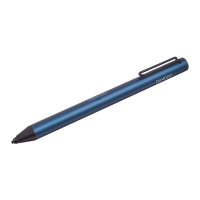
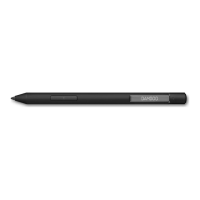
WACOM Bamboo Tip
40 pages
Print Icon
To Next Page IconTo Next Page
Loading...
Quick start guide
Guide de mise en route
Bamboo Tip
Question and Answer IconNeed help?

Do you have a question about the WACOM Bamboo Tip and is the answer not in the manual?

Summary

Bamboo Tip Charging and Powering

Charging Procedure

Connect the stylus to a USB charger with the included cable. The light is amber while charging.

Powering On and Off

Press the button to turn on, press and hold to turn off. The light blinks twice on activation.

Stylus Features and Support

Troubleshooting and Usage

Fixes for jagged lines, automatic power-off, and low battery indicators are explained.

Ordering Nibs and Support

Information on ordering replacement nibs, product registration, and support.

Companion Apps

Details on downloading apps like Bamboo Paper and Inkspace for stylus use.

Summary

Bamboo Tip Charging and Powering

Charging Procedure

Connect the stylus to a USB charger with the included cable. The light is amber while charging.

Powering On and Off

Press the button to turn on, press and hold to turn off. The light blinks twice on activation.

Stylus Features and Support

Troubleshooting and Usage

Fixes for jagged lines, automatic power-off, and low battery indicators are explained.

Ordering Nibs and Support

Information on ordering replacement nibs, product registration, and support.

Companion Apps

Details on downloading apps like Bamboo Paper and Inkspace for stylus use.

WACOM Bamboo Tip Specifications

General IconGeneral
ClipYes
ShapeRound
Battery life20 h
CompatibilityiPhone, iPad
Product colorViolet
Quantity per pack1 pc(s)
Power source typeBattery

Related product manuals