3
EN
Connecting the pen display
1 Turn off your computer.
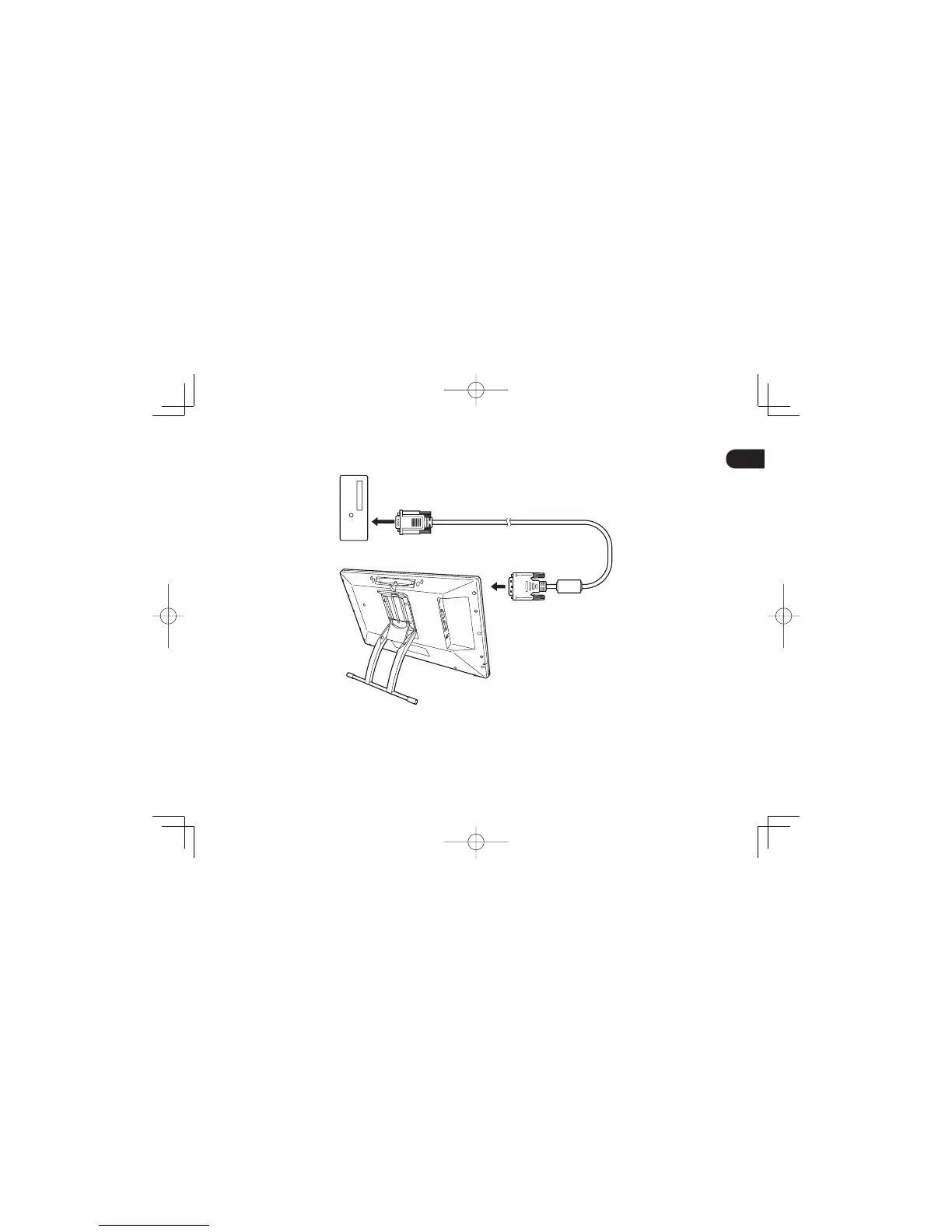
2 Select the proper video cable for your computer. Connect to the DVI-I IN connector on the pen display, then to
the video output connector on your computer.
DTH2242DTK2241QSGE.indb3DTH2242DTK2241QSGE.indb3 2012/11/2114:47:182012/11/2114:47:18



 To Next Page