EasyManua.ls Logo

Walimex Pro Director III - User Manual

Walimex Pro Director III
22 pages
Go to English
Print Icon
To Next Page IconTo Next Page
Loading...
02.2022
WALSER GmbH & Co. KG
Senefelderstrasse 23
86368 Gersthofen
Germany
info@walser.de
www.walser.de
EN
Made in China
ES
Fabricado en China
IT
Fabbricato in Cina
Gebrauchsanleitung
Instruction Manual
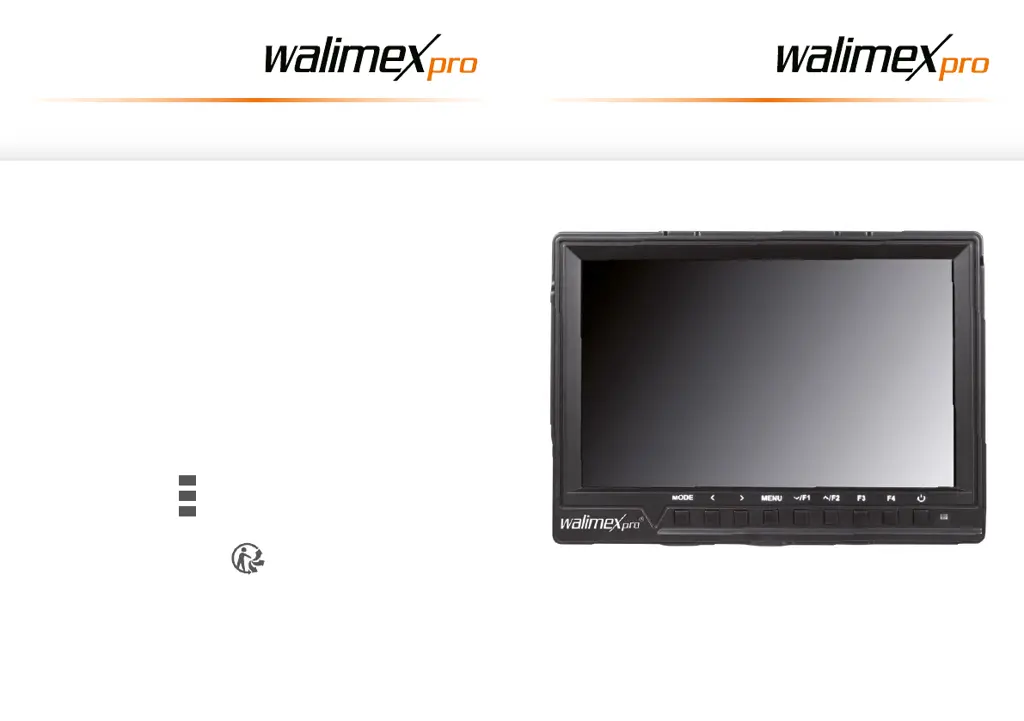
Full HD Monitor Director III

Questions and Answers

  • J
    jennifer57Jul 29, 2025
    What to do if my Walimex Pro Director III Monitor is on but there is no image?
    • R
      Richard MurphyJul 29, 2025
      If your Walimex Pro Monitor is on but not displaying an image, make sure the video (AV) and HDMI cables are securely connected.
  • A
    alyssarodriguezAug 4, 2025
    How to stop acoustic feedback on Walimex Pro Director III Monitor?
    • R
      Robert HarmonAug 4, 2025
      Acoustic feedback, often heard as a high-pitched sound, can be minimized by: * Setting the monitor volume to 0. * Switching to “mute” in the menu. * Using a headset. * Increasing the distance between the monitor and the microphone.
  • M
    Mike WalkerAug 10, 2025
    How to adjust aspect ratio on Walimex Pro Director III Monitor?
    • E
      Edward CummingsAug 10, 2025
      To adjust the aspect ratio on your Walimex Pro Monitor, go to the menu and select Marker Type. You can choose between 16:9, 4:3, 2.35:1, 1.85:1, or Off. Verify that the aspect ratio setting is correct.
  • P
    paul58Aug 15, 2025
    What to do if Walimex Pro Director III Monitor shows incorrect colors?
    • L
      lintylerAug 15, 2025
      If your Walimex Pro Monitor is displaying incorrect or abnormal colors, check to ensure that all cables are correctly connected.
  • J
    Justin AllenAug 21, 2025
    Why my Walimex Pro Director III Monitor doesn't turn on?
    • T
      Troy DyerAug 21, 2025
      If your Walimex Pro Monitor doesn't turn on, it might be because the power packs are low. To resolve this, charge the power packs.

Summary

Technical Specifications

Device Specifications

Comprehensive technical details including display, connectivity, power, and environmental parameters.

Safety and Handling Instructions

Device Handling and Stability

Precautions for preventing falls, entrapment, and ensuring device stability during use and mounting.

Electrical and Burn Hazard Prevention

Warnings and instructions to avoid electric shock, burns from hot parts, and short-circuit related fire risks.

Battery and Small Parts Safety

Guidelines for safe handling of rechargeable batteries and warnings about suffocation risks from small parts.

Component Overview and Operation

Control Elements Identification

Identification and description of external buttons, indicators, and the LCD display.

Device Ports and Connections

Overview of input/output ports including USB, HDMI, AV, headphone socket, and powerpack holder.

Walimex Pro Director III Specifications

General IconGeneral
BrandWalimex Pro
ModelDirector III
CategoryMonitor
LanguageEnglish