EN
34
Display Operating Procedure
Description
Programming Mode
“Technical” Programming
• This parameter allows the technician to
change the language of the display.
Language
Recipe
Steaming
Manual
Steaming
Manage
Recipes
Machine
Conguration
1
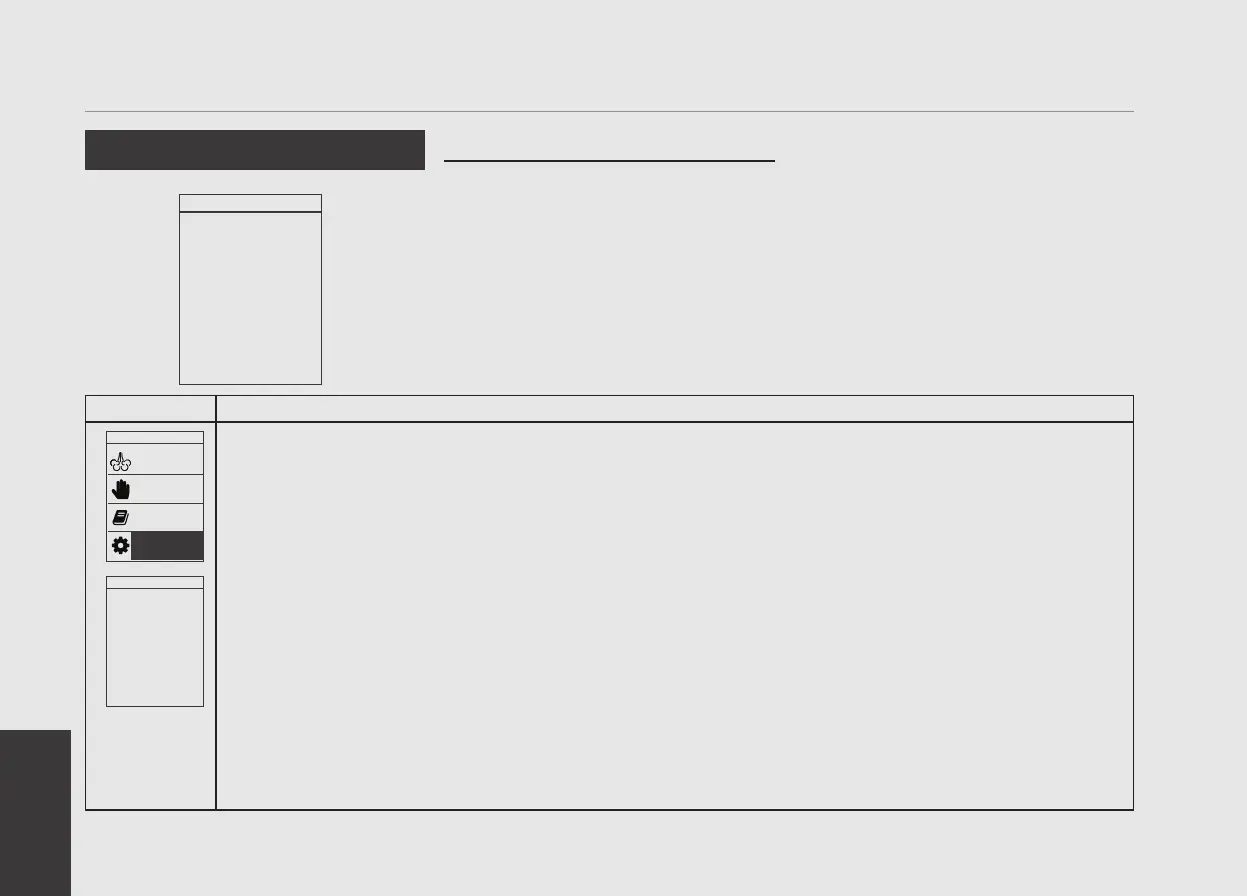
After entering the password and accessing the “Technician” programming menu, rotate the Encoder Knob until
the following is displayed.
Language
ENGLISH
2
Press the Encoder Knob to access the parameter, rotate the Encoder Knob to choose the desired language,
press the Encoder Knob to conrm your choice.
Language
ENGLISH


 To Next Page