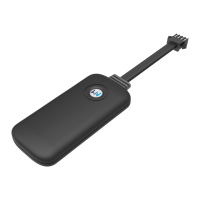
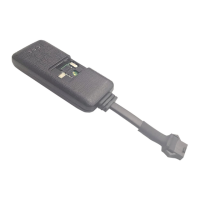
(4)Connect “Speed control lines” with relay’s two green line.
Note:
1).Please use appropriate relay, normally electric bike suit 5V relay, car suit 12V relay.
2).Open SIM card cover, insert SIM card and turn on battery supply.
3).SIM card must have GPRS data and SMS service.
4).Please Turn on battery supply.
5).Please make sure LED lights up and no steel matter covering the device.
6).Please fix it by cable ties or tape.
04/ Start to Use
4.1 Log in Tracking Platform
Please log in
http://www.gwgps12580.com/
Default username:IEMI number
Password:123456
4.2 Download
Please download CarHere APP
4.3 SMS Command
(1). Status Checking
status#
(2). Setting SOS Number
sos,a,mobile number#
(3). Setting Center Number
center,a,mobile number#
Note: Please ask the seller for admin account if needed.
05/ Working Description
5.1 The device will start automatically when connected with external power, Red LED will be light.
5.2 When there is no external power, Red LED will be blink slowly.


 To Next Page