6
USING YOUR INDUCTION COOKTOP
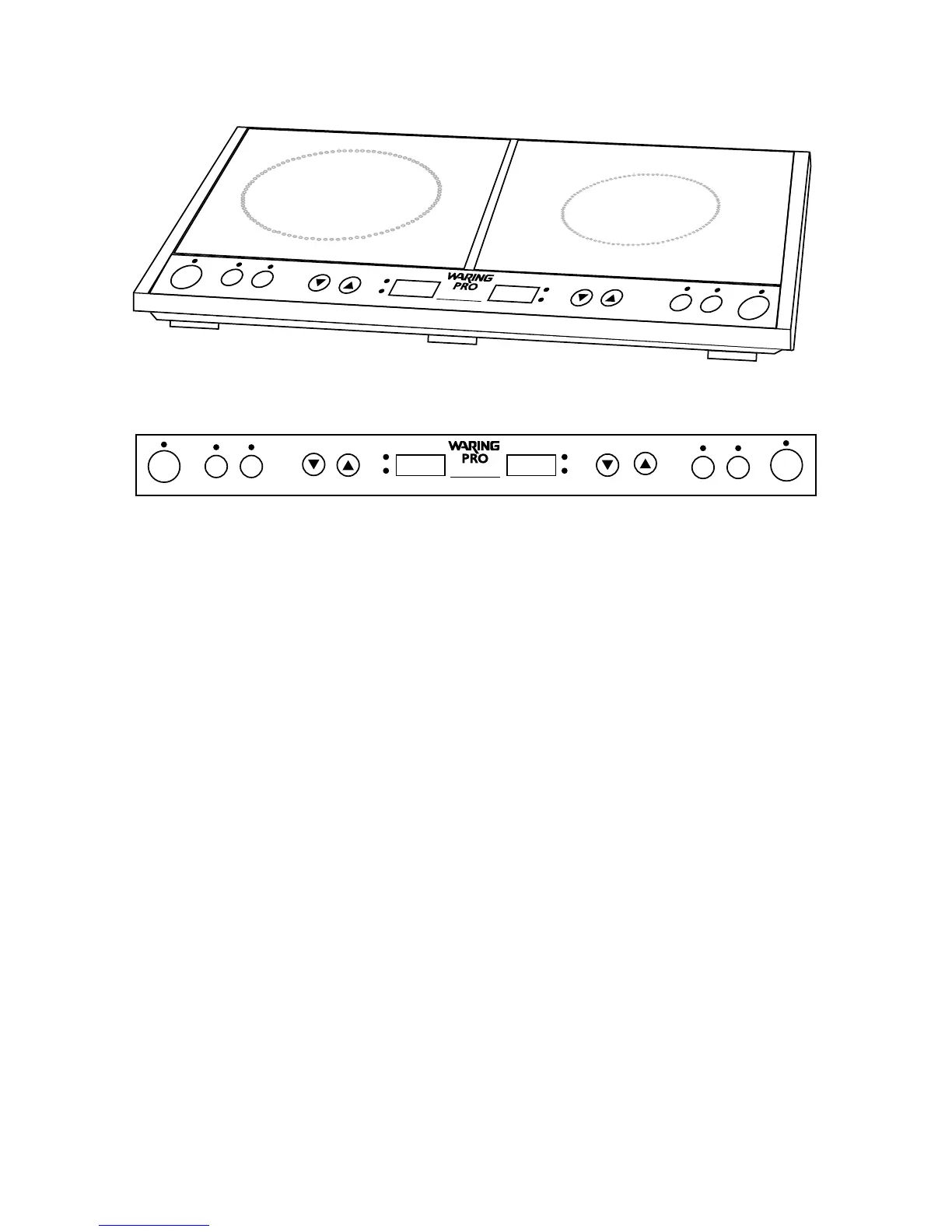
1. Operation
Oncetheunitispluggedintoanelectricaloutlet,placeyour
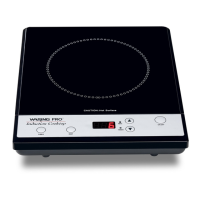
cookwareontheglasstopandpressON/OFFtoturnonleftburner,
right burner or both.
Note: If the unit is turned on and no cookware is put on the cooking
surface, the unit will beep and turn off after 30 seconds. If you
remove the cookware from the cooking surface during the operation
mode, the unit will beep and will automatically turn off after 30
seconds.
2. Heat Settings
Left Burner:Cooktophaseightheatsettings,fromLow(1)toHigh
(8).Tooperatetheheatcontrol,pressthebuttonlabeledHEAT
(IndicatorlightlabeledHEATwillilluminate).Toincreaseheat,press
up arrow to the desired setting. Press down arrow to lower the
setting. The screen will indicate the current setting.
Right Burner:Cooktophasveheatsettings,fromLow(1)to
Medium/moderate(5).Tooperatetheheatcontrol,pressthe
buttonlabeledHEAT(IndicatorlightlabeledHEATwillilluminate).
To increase heat, press up arrow to the desired setting. Press
down arrow to lower the setting. The screen will indicate the
current setting.
CAUTION: Hot Surface


 To Next Page