EasyManua.ls Logo

Warwick WA300 - User Manual

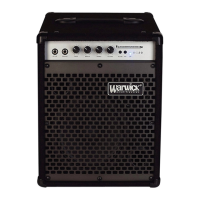
Warwick WA300
14 pages
Print Icon
To Next Page IconTo Next Page
Loading...
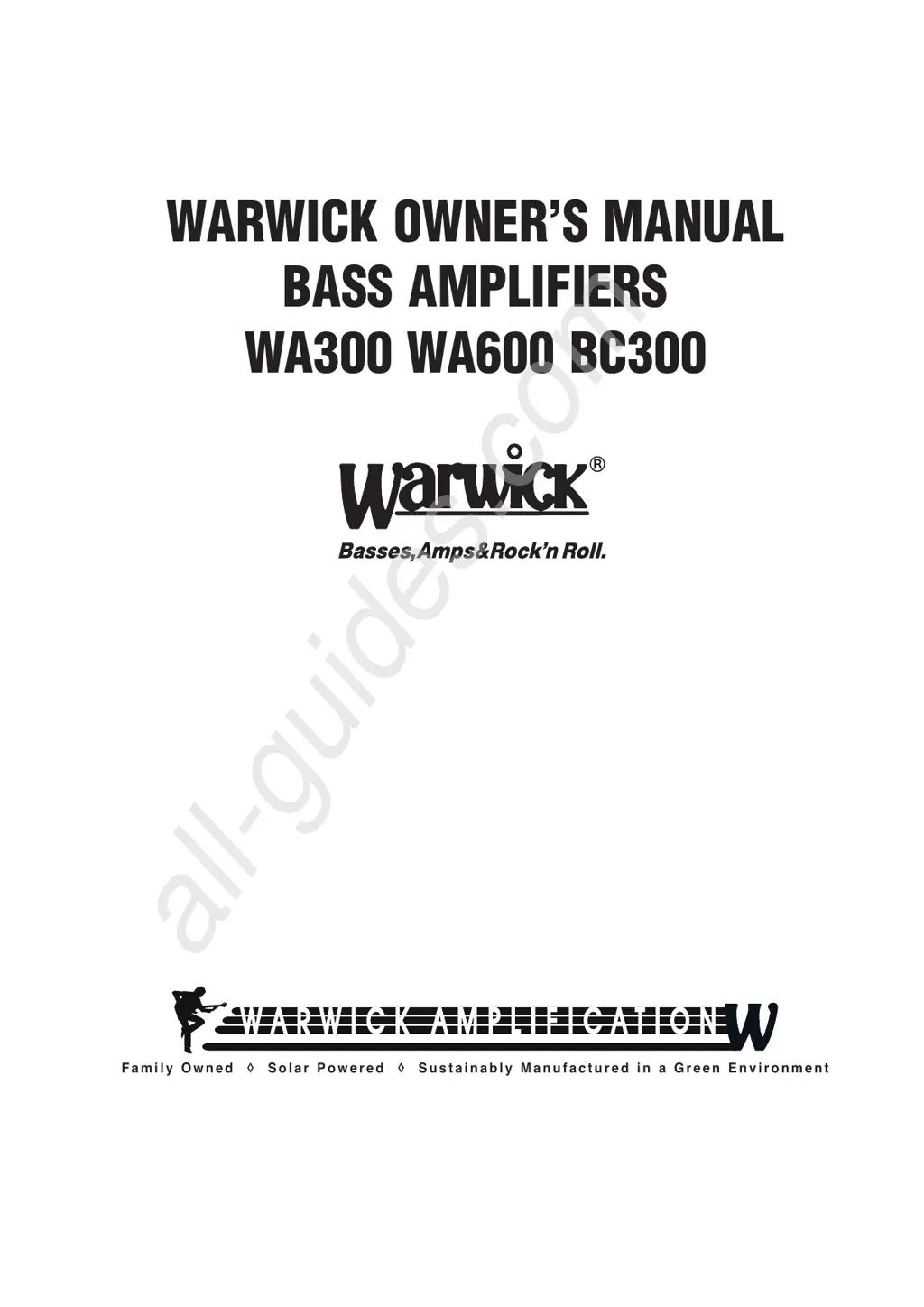
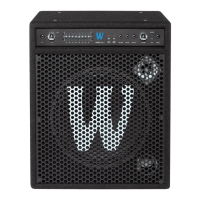
WARWICK OWNER’S MANUAL
BASS AMPLIFIERS
WA300 WA600 BC300
F a m i l y O w n e d S o l a r P o w e r e d S u s t a i n a b l y M a n u f a c t u r e d i n a G r e e n E n v i r o n m e n t
All manuals and user guides at all-guides.com
all-guides.com

Questions and Answers

  • D
    Deborah HobbsAug 4, 2025
    What to do if my Warwick Amplifier has no sound but the LEDs are on?
    • A
      Abigail AndersonAug 5, 2025
      If your Warwick Amplifier has no sound but the LEDs are lit, start by checking the amp gain and volume controls, and the guitar controls. If these are okay, listen for a hum in the speaker. If there's no hum, inspect the speaker and speaker cable. If there's a small hum, unplug the guitar, touch the tip of the cable, and listen. If the hum becomes very loud, check your guitar electronics or try a different guitar. If the hum doesn't change, replace your guitar cable.
  • A
    ashley90Aug 12, 2025
    Why is there no sound from my Warwick WA300 and the LEDs are off?
    • C
      Catherine BurgessAug 12, 2025
      If there is no sound from your Warwick Amplifier and the LEDs are not lighting up, begin by checking your AC outlet. If the outlet is functioning correctly, inspect the power cord, unit fuses, and the power switch. Should the outlet lack power, check your house fuse box.
  • L
    Lisa MurphyAug 19, 2025
    How to fix poor sound quality on Warwick WA300 Amplifier?
    • B
      Brent StoneSep 12, 2025
      To address poor sound quality on your Warwick Amplifier, begin by replacing your guitar cable. If this doesn't resolve the issue, inspect your speaker and speaker cable.
  • C
    Caitlin FisherAug 27, 2025
    Why is there no sound from my Warwick WA300 and the LEDs don’t light up?
    • J
      Jason HaysAug 27, 2025
      If there is no sound coming from your Warwick Amplifier and the LEDs are not lighting up, the first step is to check your AC outlet to ensure it's working. Also, check the power cord, the unit fuses, and the power switch. Finally, check your house fuse box to ensure there is power in the outlet.

Summary

Design Concepts

Class-A Circuitry

Explains the linearity and reduced complexity of Class-A amplifiers, avoiding crossover distortion.

Low-Z Circuitry

Details how lowering circuit impedance reduces thermal noise for a cleaner tonal experience.

Dynamic Distortion Limiter

Describes the limiter that maintains low distortion levels by monitoring power amp output.

Integrated Speaker Design

Highlights the synergy between speaker drivers, cabinets, and electronics for optimal performance.

Safety and Maintenance

Important Safety Instructions

Key safety guidelines for operating the amplifier, including handling, environment, and maintenance.

Servicing and Protective Circuits

Conditions requiring professional service and details on built-in protective circuits for the amplifier.

Getting Started

Unpacking and Connections

Instructions for unpacking the unit, connecting power, and connecting speaker cabinets.

Initial Setup and Adjustment

Guide to setting initial front panel controls, connecting the guitar, and adjusting volume/gain.

Front Panel Controls Overview

Input and Gain Controls

Details on active/passive inputs and gain control for signal level adjustment.

Compression, EQ, and Tone Controls

Details on compressor, graphic EQ, bass, and treble tone adjustments.

Master Volume and Auxiliary Inputs

Information on master volume control, auxiliary input for external sources, and headphone output.

Rear Panel Controls and Connectivity

Power and Fuse Management

Covers the main power switch and fuse replacement procedures.

Signal Outputs and Connections

Details on various signal outputs like tuner, effects loop, line out, and DI out.

Speaker Outputs and Ground Lift

Explains speaker output connectors and the ground lift function.

Troubleshooting Guide

No Sound or Power Issues

Steps to diagnose and resolve issues related to no sound or no power.

Sound Quality and Hum Problems

Guidance for diagnosing poor sound quality or hum issues.

Warwick WA300 Specifications

General IconGeneral
BrandWarwick
ModelWA300
CategoryAmplifier
LanguageEnglish

Related product manuals