Need help?
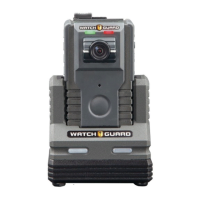
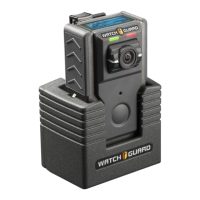
Do you have a question about the Watchguard VISTA WiFi and is the answer not in the manual?
Outlines the scope and content covered in the VISTA Body Camera User Guide.
Lists related documents and highlights new features for software versions 3.0.2 and 3.0.0.
Covers basic workflow, wearing the camera, and mounting options for VISTA and VISTA XLT.
Instructions for powering, starting/stopping events, muting audio, and categorizing events.
Procedures for docking, provisioning, uploading events, and upgrading firmware.
Details components, display, and features for VISTA, VISTA WiFi, and VISTA XLT models.
Covers battery status, charging, storage capacity, and low storage alerts.
Explains recording, battery/storage saving, and covert mode features.
Details how VISTA WiFi/XLT cameras form and operate within recording groups.
Guide to connecting and using the VISTA SmartConnect smartphone application.
Information on the mobile charger, its parts, and usage for charging.
Instructions for upgrading VISTA cameras, WiFi base, and smart power switch firmware.
Comprehensive guide on setting up and configuring the VISTA Transfer Station.
 General
| Brand | Watchguard |
|---|---|
| Model | VISTA WiFi |
| Category | Camcorder |
| Language | English |

 To Next Page