Need help?
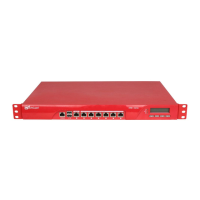
Do you have a question about the Watchguard XTM 5 Series and is the answer not in the manual?
Connect the WatchGuard XTM 5 Series device and power it on. Ensure computer gets IP via DHCP.
Access the device's IP address in a browser to launch the Web Setup Wizard and complete setup.
Get the latest Fireware XTM OS and WSM software from the WatchGuard website.
Upgrade your XTM 5 Series device with the latest Fireware XTM OS using the installation package.
Install WSM to gain access to comprehensive management and monitoring tools for your XTM device.
 General
| Brand | Watchguard |
|---|---|
| Model | XTM 5 Series |
| Category | Network Router |
| Language | English |

 To Next Page