EasyManua.ls Logo

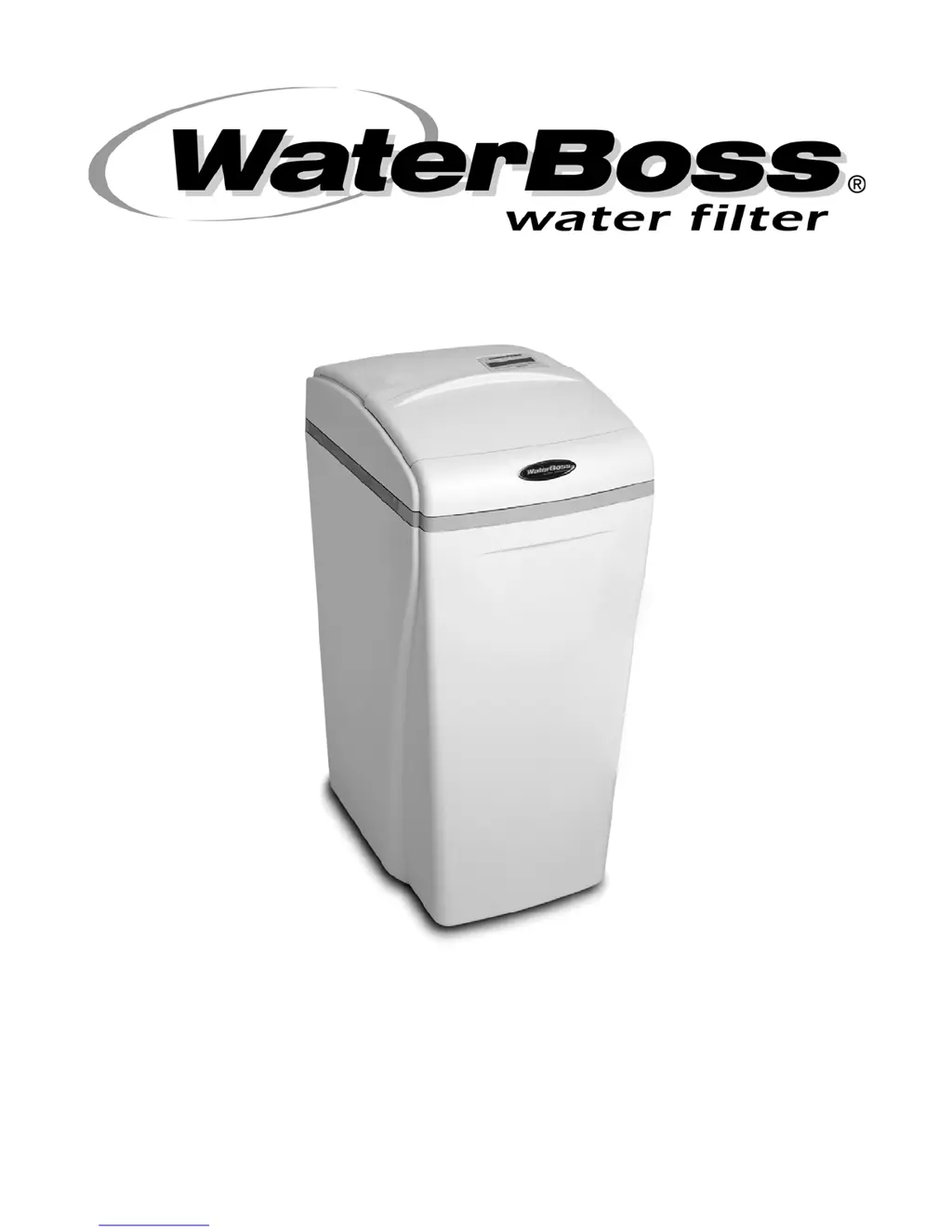
WaterBoss 900NF - User Manual

Default Icon
36 pages
Print Icon
To Next Page IconTo Next Page
Loading...
M
M
O
O
D
D
E
E
L
L
S
S
9
9
0
0
0
0
I
I
F
F
,
,
9
9
0
0
0
0
C
C
F
F
,
,
A
A
N
N
D
D
9
9
0
0
0
0
N
N
F
F
O
O
W
W
N
N
E
E
R
R
S
S
M
M
A
A
N
N
U
U
A
A
L
L
A
A
N
N
D
D
I
I
N
N
S
S
T
T
A
A
L
L
L
L
A
A
T
T
I
I
O
O
N
N
G
G
U
U
I
I
D
D
E
E
V
V
E
E
R
R
S
S
I
I
O
O
N
N
7
7
.
.
2
2

Questions and Answers

  • S
    Susan ReynoldsAug 6, 2025
    What to do if my WaterBoss 900NF shows controller error messages?
    • A
      Alan DixonAug 6, 2025
      If you see error messages on your WaterBoss Water Filtration Systems controller, here's what to do: * **“E1” Home not found:** Unplug the transformer and plug it back in to cycle the power. The system will search for Home again. * **“E2” Motor error:** Ensure the controller is fully pushed onto the drive end cap. * **“E3” Home offset:** Ensure the controller is fully pushed onto the drive end cap. * **“E4” Home latched:** Cycle the power to reset the system. * **“E5” Memory Error:** Replace the controller.
  • J
    jeanne65Aug 11, 2025
    Why is my WaterBoss 900NF Water Filtration Systems producing salty (or purple) water?
    • M
      Michael GarrettAug 11, 2025
      Salty water (or purple water if you have an iron filter) in your WaterBoss Water Filtration Systems can be caused by several factors: * A plugged injector. Replace the injector screen, nozzle, and throat. * Low water pressure. Maintain a minimum pressure of 20 psi. * A restricted drain line or flow control. Remove the restriction. * A restricted or crimped regenerant line. Remove the restriction, and replace the line if it's crimped. * Intermittent pressure drop from the feed source. Install a check valve on the inlet water line to the appliance (check local plumbing codes first). * Excessive regeneration. Reprogram the iron filter regeneration frequency.
  • R
    Rebecca CallahanAug 16, 2025
    How to fix no display on WaterBoss Water Filtration Systems?
    • B
      Brian RamirezAug 16, 2025
      If your WaterBoss Water Filtration Systems is showing no read-out in the display, consider the following: * **Electric cord:** Ensure the transformer is plugged in. * **Power outlet:** Check the power source and make sure the outlet isn't controlled by a switch. * **Transformer:** Test with a volt meter for 12 VAC at the control. Replace the transformer if it reads less than 10 VAC or greater than 14 VAC. * **Circuit board:** With 12 VAC present at the controller, replace the controller. * **Room temperature:** If the ambient room temperature is high, no action is necessary.
  • M
    Mark DuranAug 21, 2025
    What to do if my WaterBoss Water Filtration Systems stays in regeneration mode?
    • R
      rmcconnellAug 21, 2025
      If your WaterBoss Water Filtration Systems stays in regeneration, it could be due to: * The controller not being attached properly. Ensure the controller is pushed all the way onto the drive end cap. * A defective magnet disk. Replace the magnet disk. * A foreign object in the valve body. Remove any foreign objects from the valve body. * A broken valve assembly. Repair the drive end cap.
  • A
    Ashley GarciaAug 26, 2025
    Why is there excess water in the regenerant cabinet of my WaterBoss Water Filtration Systems?
    • E
      Elizabeth WalkerAug 26, 2025
      Excess water in the regenerant cabinet of your WaterBoss Water Filtration Systems (more than approximately 3–4 inches) can be caused by: * A restricted, frozen, or pinched drain line. Remove the restriction, thaw, or straighten the drain line. * A plugged regenerant line, regenerant line flow control, or air check/draw tube. Clean the flow control, air check/draw tube, and regenerant line. * A plugged injector assembly. Clean or replace the injector. Replace the throat if removed. * A sticking regenerant refill valve. Remove the valve and check for any obstruction.
  • P
    Pamela ThomasAug 31, 2025
    Why is my WaterBoss 900NF Water Filtration Systems not regenerating in the proper sequence?
    • A
      Adrian StephensAug 31, 2025
      If your WaterBoss Water Filtration Systems isn't regenerating in the proper sequence, it could be due to: * A defective magnet disk. Replace the magnet disk. * A defective controller. Replace the controller.

Summary

WaterBoss 10 Year Limited Warranty

Warranty Coverage and Exclusions

Details warranty coverage, performance, limitations, and exclusions for the appliance.

Warranty Claims Procedure

Outlines the process for submitting a warranty claim and required information.

General Information and Owners Reference

Owners Reference Log

Section for recording appliance installation and performance data for future reference.

Maximizing Appliance Efficiency

Pre-Installation Checklist

Installation Precautions

Installation Steps - Placement Area

Prepare the Placement Area

Steps to prepare the installation site, ensuring cleanliness and proper conditions.

Installation Steps - Water Connections

Test Water Supply and Turn Off Water

Verifies water quality and safely shuts off the supply before proceeding.

Connect Water Lines

Guides on correctly attaching the inlet and outlet water pipes to the unit.

Installation Steps - Plumbing Details

Hard Plumbing with Copper Fittings

Instructions for using copper fittings for robust water line connections.

Installation Steps - Pipe Joining

Plastic Pipe Joining Procedure

Recommended steps for solvent cement joining of PVC/CPVC pipes for secure joints.

Installation Steps - Drain and Overflow

Connect Gravity Overflow and Drain Lines

Details on connecting overflow and drain lines to suitable waste receptors.

Installation Steps - Final Checks

Flush Lines and Check for Leaks

Procedures for flushing the system and verifying the absence of leaks.

Installation Steps - Completion

Complete Appliance Installation

Final steps including power connection and initial flushing for proper operation.

900 CF Carbon Filter Start-Up

Soak Filter Media and Connect Power

Initial steps involving soaking the carbon media and plugging in the transformer.

Program and Start Regeneration

How to set up the regeneration cycle and initiate the first regeneration.

900 NF Acid Neutralizing Filter Start-Up

Connect Power and Program Regeneration

Steps to connect power, program the regeneration cycle, and start it.

Adjust Water Softener Settings

Guidance on recalibrating the water softener after neutralizer installation.

900 IF Iron Filter Start-Up

Water Testing and Power Connection

Emphasizes water testing and connecting the power transformer.

Add Water and Potassium Permanganate

Instructions for filling the media tank and adding the regenerant chemical.

900 IF Iron Filter Start-Up (Continued)

Start and Program Regeneration Cycle

Steps for initiating regeneration and setting its frequency.

Setting the Controller

Configure Regeneration Frequency and Time

How to set the regeneration schedule, time format, and current time.

900 NF Filter Media Replenishment

Prepare for Replenishment

Steps for turning off water, removing old water, and calculating new media.

900 NF Filter Media Replenishment (Continued)

Add Media, Refill, and Check Leaks

Instructions for adding new media, refilling the tank, and verifying for leaks.

Backwash Neutralizer

Procedure for performing a backwash cycle after media replenishment.

WaterBoss Assembly and Parts: Cabinet;Cover;Lid

Cabinet and Exterior Assemblies

Details the main external components like cabinet, covers, and lid.

WaterBoss Assembly and Parts: Internal Assemblies

Cabinet and Internal Component Assemblies

Explains the assembly of internal parts within the unit's cabinet.

WaterBoss Assembly and Parts: Injector

Injector Assembly Components

Lists and describes the parts that make up the injector assembly.

WaterBoss Assembly and Parts: Bypass

Bypass Assembly Details

Information regarding the bypass valve assembly and its O-rings.

WaterBoss Assembly and Parts: Drive End Cap

Drive End Cap Assembly Components

Details the various parts that constitute the drive end cap assembly.

WaterBoss Assembly and Parts: Drive End Cap Operation

Drive End Cap Assembly Operation

Explains the function and assembly process of the drive end cap components.

WaterBoss Assembly and Parts: Fill Plug

Top Fill Plug Assembly

Describes the media tank's fill plug and its O-ring seal.

WaterBoss Assembly and Parts: Brine Valve

Brine Valve Housing Assembly (900 IF Iron Filter Only)

Details the assembly and components specific to the 900IF model's brine valve housing.

WaterBoss Assembly and Parts: Safety Shutoff

Safety Shutoff Assembly (Iron Filter Only)

Explains the safety shutoff valve assembly and its parts for iron filters.

WaterBoss Assembly and Parts: Shutoff Installation

Safety Shutoff Valve Elbow Installation

Step-by-step instructions for installing the safety shutoff valve's elbow fitting.

Troubleshooting Common Issues

Troubleshooting Advanced Issues

WaterBoss Filter Specifications

Important Operational Notes

WaterBoss 900NF Specifications

General IconGeneral
Model900NF
TypeWater Softener
Salt Storage Capacity200 lbs
Inlet/Outlet Size1 inch
Regeneration TypeDemand Initiated
Filter MediaIon exchange resin
Power Supply120V AC
Warranty10 years

Related product manuals