EasyManua.ls Logo

WaterGroup 6200SXT Upflow - User Manual

WaterGroup 6200SXT Upflow
36 pages
Print Icon
To Next Page IconTo Next Page
Loading...
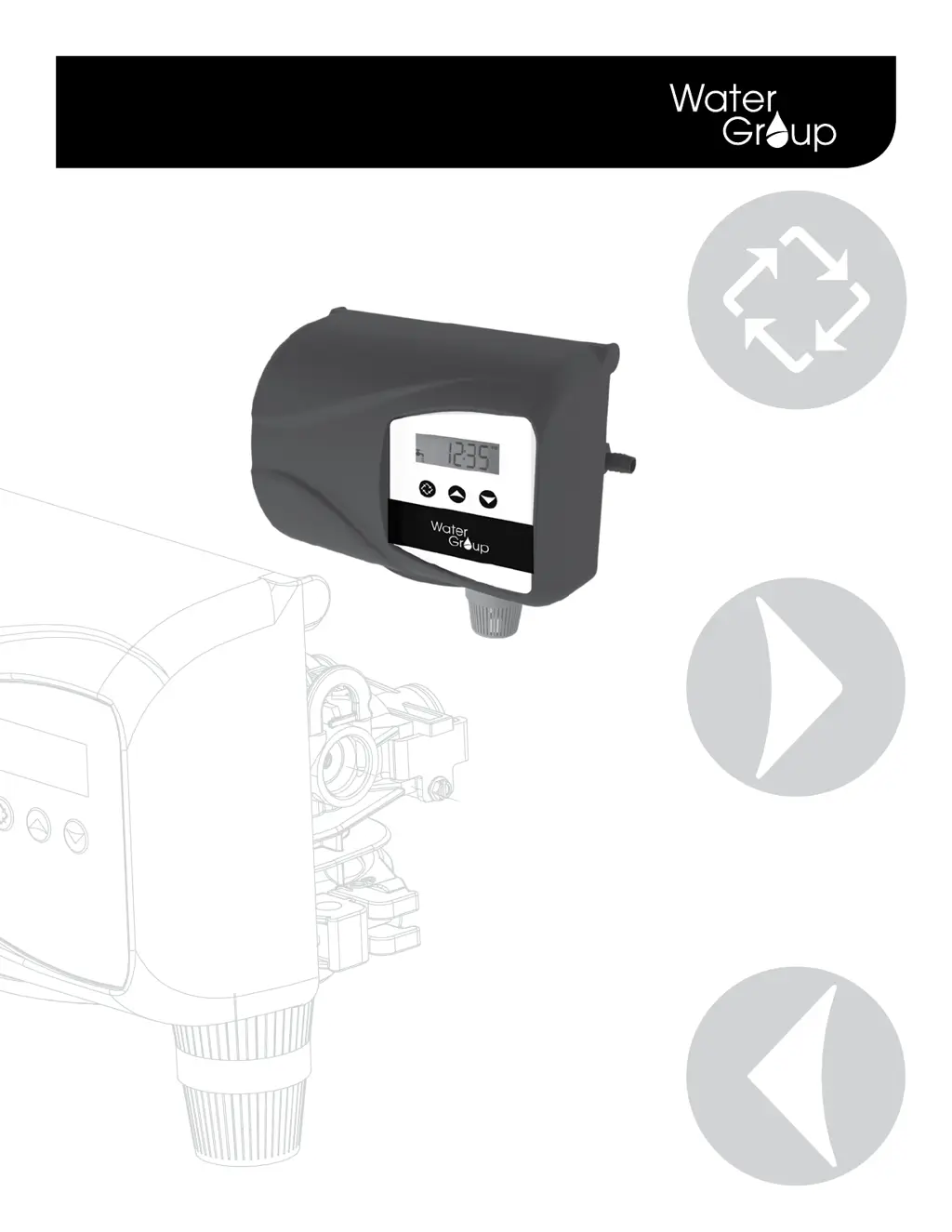
6200 SXT Upflow Control Valve for Water Conditioning and Treatment Purposes
Service Manual

Questions and Answers

  • M
    Melanie ZimmermanAug 14, 2025
    Why WaterGroup Control Unit fails to regenerate?
    • J
      Joseph SchaeferAug 14, 2025
      If your WaterGroup Control Unit isn't regenerating, ensure it has continuous electrical service by checking the fuse, plug, pull chain, or switch. If the power supply is okay, the timer might be defective and needs replacement. Also, check if there was a power failure and reset the time of day.
  • S
    shannonsmithAug 17, 2025
    How to fix hard water with WaterGroup Control Unit?
    • M
      monique16Aug 17, 2025
      If you're experiencing hard water with your WaterGroup Control Unit, first ensure the bypass valve is closed. Next, check the brine tank and add salt, maintaining the salt level above the water level. Also, the injector screen might be plugged and require cleaning. Insufficient water flow into the brine tank can also cause hard water, so check the brine tank fill time and clean the brine line flow control if it's plugged. If you have a hot water tank, repeated flushing may be necessary. Inspect the distributor tube for cracks and check the O-ring and tube pilot. Finally, an internal valve leak could be the culprit, requiring replacement of the seals, spacers, and/or piston.
  • T
    Thomas ScottAug 21, 2025
    How to restore water pressure in WaterGroup Control Unit?
    • A
      Alyssa SmithAug 21, 2025
      If you're experiencing a loss of water pressure with your WaterGroup Control Unit, it could be due to iron buildup. Try cleaning the line to the water conditioner. If the buildup is in the water conditioner itself, clean the control and add mineral cleaner to the mineral bed, and increase the frequency of regeneration. Also, check if the inlet of the control is plugged due to foreign material; if so, remove the piston and clean the control.
  • P
    Pamela AlvaradoAug 25, 2025
    Why WaterGroup Control Unit has loss of mineral through drain line?
    • M
      manuelyatesAug 25, 2025
      If you notice a loss of mineral through the drain line of your WaterGroup Control Unit, it could be due to air in the water system. Ensure that the well system has a proper air eliminator control and check for a dry well condition. Also, the drain line flow control might be improperly sized; check for the proper drain rate.
  • L
    linda04Aug 27, 2025
    What causes iron in conditioned water from WaterGroup Control Unit?
    • J
      Joseph HensonAug 27, 2025
      If you find iron in the conditioned water from your WaterGroup Control Unit, the mineral bed may be fouled. Check the backwash, brine draw, and brine tank fill. Increase the frequency of regeneration and the backwash time.
  • A
    andreaherreraAug 31, 2025
    Why is there excessive water in the brine tank of my WaterGroup Control Unit?
    • O
      Olivia AlvarezAug 31, 2025
      If there's excessive water in the brine tank of your WaterGroup Control Unit, it could be due to several reasons. The drain line flow control might be plugged, so clean it. Alternatively, the injector system could be plugged, requiring cleaning of the injector and screen. If the timer isn't cycling, consider replacing it. Foreign material in the brine valve or brine line flow control can also cause this issue, so replace the brine valve seat and clean the valve, and clean the brine line flow control.
  • A
    Adrian RuizSep 3, 2025
    What to do if WaterGroup Control Unit softener fails to draw brine?
    • K
      Karen WarnerSep 3, 2025
      If your WaterGroup Control Unit softener fails to draw brine, the drain line flow control might be plugged, so clean it. Also, the injector or injector screen could be plugged, requiring cleaning. Low line pressure can also cause this issue; increase the line pressure to 20 psi (1.3 bar). An internal control leak may be the cause, so change the seals, spacers, and piston assembly. Finally, if the service adapter didn't cycle, check the drive motor and switches.
  • D
    Diana TranSep 6, 2025
    Why WaterGroup Control Unit cycles continuously?
    • W
      William ThomasSep 6, 2025
      If your WaterGroup Control Unit cycles continuously, it may be due to a misadjusted, broken, or shorted switch. Determine if the switch or timer is faulty and replace it, or replace the complete power head.
  • J
    Jeremy WilliamsSep 10, 2025
    How to stop WaterGroup Control Unit drain from flowing continuously?
    • S
      Sean SolisSep 12, 2025
      If the drain flows continuously in your WaterGroup Control Unit, the valve might not be programming correctly. Check the timer program and positioning of the control. If it's not positioning properly, replace the power head assembly. Foreign material in the control can also cause this, so remove the power head assembly and inspect the bore, removing any foreign material and checking the control in various regeneration positions. Lastly, an internal control leak could be the problem, requiring replacement of the seals and piston assembly.

Summary

Job Specification Sheet

Valve Specifications

Installation Instructions 6200 SXT Upflow

Start-up Instructions

Timer Features

Explains the various features of the SXT control valve, including power backup and display functions.

Setting the Time of Day

Guides users on how to adjust the current time displayed on the control unit.

Regeneration Control

Instructions for initiating or canceling a regeneration cycle on demand.

Timer Operation

Control Types Explained

Details the different operational modes for controlling regeneration based on meter or time.

Regeneration Procedures

Covers manual initiation of regeneration and operation during regeneration.

Power Failure and Valve Positions

Explains system behavior during power outages and identifies valve positions.

Master Programming Mode Options

Display, Valve, and Control Settings

Configure display format, valve type, and control logic for system operation.

Capacity, Hardness, and Reserve Configuration

Set unit capacity, feedwater hardness, safety factor, and reserve capacity for optimal performance.

Regeneration Scheduling and Flow Meter Setup

Define regeneration times, cycle steps, day settings, and flow meter types.

Master Programming Mode

Time Setting and Mode Navigation

Adjust time of day and learn how to enter/exit programming modes.

System Configuration Settings

Configure display format, valve type, control type, and number of tanks.

Master Programming Mode

Capacity, Hardness, and Reserve Configuration

Set system capacity, feedwater hardness, safety factor, and fixed reserve.

Regeneration Timing and Day Override

Define the regeneration time and the day override settings.

Master Programming Mode

Regeneration Cycle and Day Scheduling

Configure step times for regeneration and set day-of-week schedules.

Flow Meter Configuration

Select flow meter type and set pulse count for accurate measurement.

User Programming Mode

Accessing User Programming

Steps to enter and navigate the user programming mode.

Adjusting Key Settings

Modify day override, regeneration time, hardness, reserve capacity, and current day.

Diagnostic Programming Mode

Accessing Diagnostics

Instructions to enter and exit diagnostic mode.

Viewing System Data

Monitor flow rate, peak flow, service hours, volume used, reserve capacity, and software version.

6200 Service Kits - Piston and Cartridge Assembly

6200 Service Kits - Drain Line Flow Control Kits

6200 Service Kits - Brine Line Flow Control Kits

6200 Service Kits - Brine Valve

6200 Service Kits - Flow Meter

6200 Service Kits - Injector Assembly

6200 Service Kits - Circuit Board

6200 Service Kits - Other Parts

6200 Service Kits - Other Parts Continued

Bypass Valve Assembly & Yokes (Plastic)

2310 Safety Brine Valve

Water Conditioner Flow Diagrams

Service Position

Illustrates water flow through the unit during normal service operation.

Backwash Position

Shows water flow during the backwash regeneration cycle.

Brine Rinse Position

Depicts water flow during the brine rinse stage of regeneration.

Slow Rinse Position

Illustrates water flow during the slow rinse stage of regeneration.

Water Conditioner Flow Diagrams

Rapid Rinse Position

Illustrates water flow during the rapid rinse regeneration stage.

Brine Refill Position

Shows water flow during the brine refill stage of regeneration.

Wiring Diagram

6200 SXT Upflow Brining Rates

Servicing 6200 SXT Upflow Control Valve - Replacing Injectors and Screen

Replacing Brine Valve

Timer Replacement

Piston Cartridge Assembly Replacement

Meter Replacement and Service

Servicing and Replacing Brine Line Flow Control (BLFC)

Servicing and Replacing Drain Line Flow Control (DLFC)

Circuit Board Replacement

6200 SXT Valve Dimensional Drawings

6200 SXT Control Valve Exploded View

6200 SXT Powerhead Exploded View

6200 SXT Parts List

Troubleshooting

Troubleshooting - Error Codes

Error Code 0: Cam Sense Error

Valve drive took too long to advance to the next regeneration position.

Error Code 1: Cycle Step Error

Control experienced an unexpected cycle input during operation.

Error Code 2: Regen Failure

System did not regenerate for an extended period.

Error Code 3: Memory Error

Control board memory failure detected.

WaterGroup 6200SXT Upflow Specifications

General IconGeneral
BrandWaterGroup
Model6200SXT Upflow
CategoryControl Unit
LanguageEnglish