4
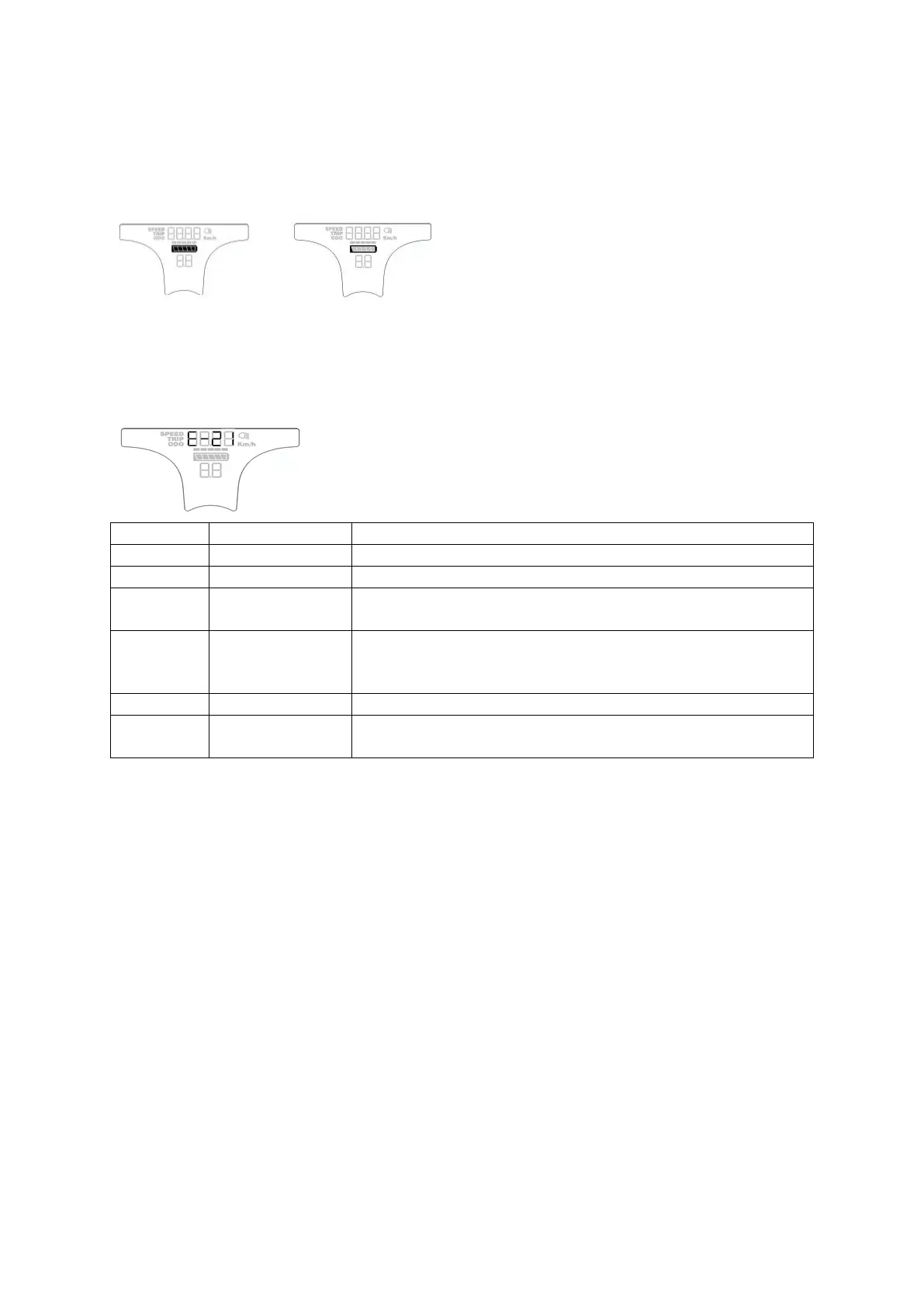
3.6 Battery indicator
When the battery is full, all five segments of the battery are illuminated. When the battery is low,
the battery has no segments and flashes.
3.7 Error codes
When the system encounters an error, the display shows the error code. Only when the problem(s)
are resolved does the display return to normal functionality. The e-bike will not operate properly as
long as an error code is displayed.
Check if the phase of motor is short circuiting
Check that the throttle is not in it's active state
Check if the phase wire is normal
Check if the cable is firmly connected with controllers
Controllers without hall sensors: Check that the phase wire is
normal
Controller with hall sensors: check if the hall wire is normal
Check that the brake is not being applied
Check if the display and controller are connected properly
4. Settings
Press and hold UP and DOWN for 2 seconds to access settings. Press MODE to exit settings.
4.1 Speed limit and wheel size
The first setting is the speed limit. Press UP or DOWN to select a value and press MODE to set it.
Pressing MODE also moves to the next setting in the following order: Speed Limit (km / h) → Wheel
Size (inch) → Speed Limit. The speed limit can be set up to 25km/h.
Optional wheel size settings are: 16 inch, 18 inch, 20 inch, 22 inch, 24 inch, 26 inch, 700C, 28 inch.
The default value is 26 inches. Press UP or DOWN to change the wheel size, then press MODE to
confirm.



 To Next Page