In this chapter
Physical Features
Installation
Switching Characteristics
25
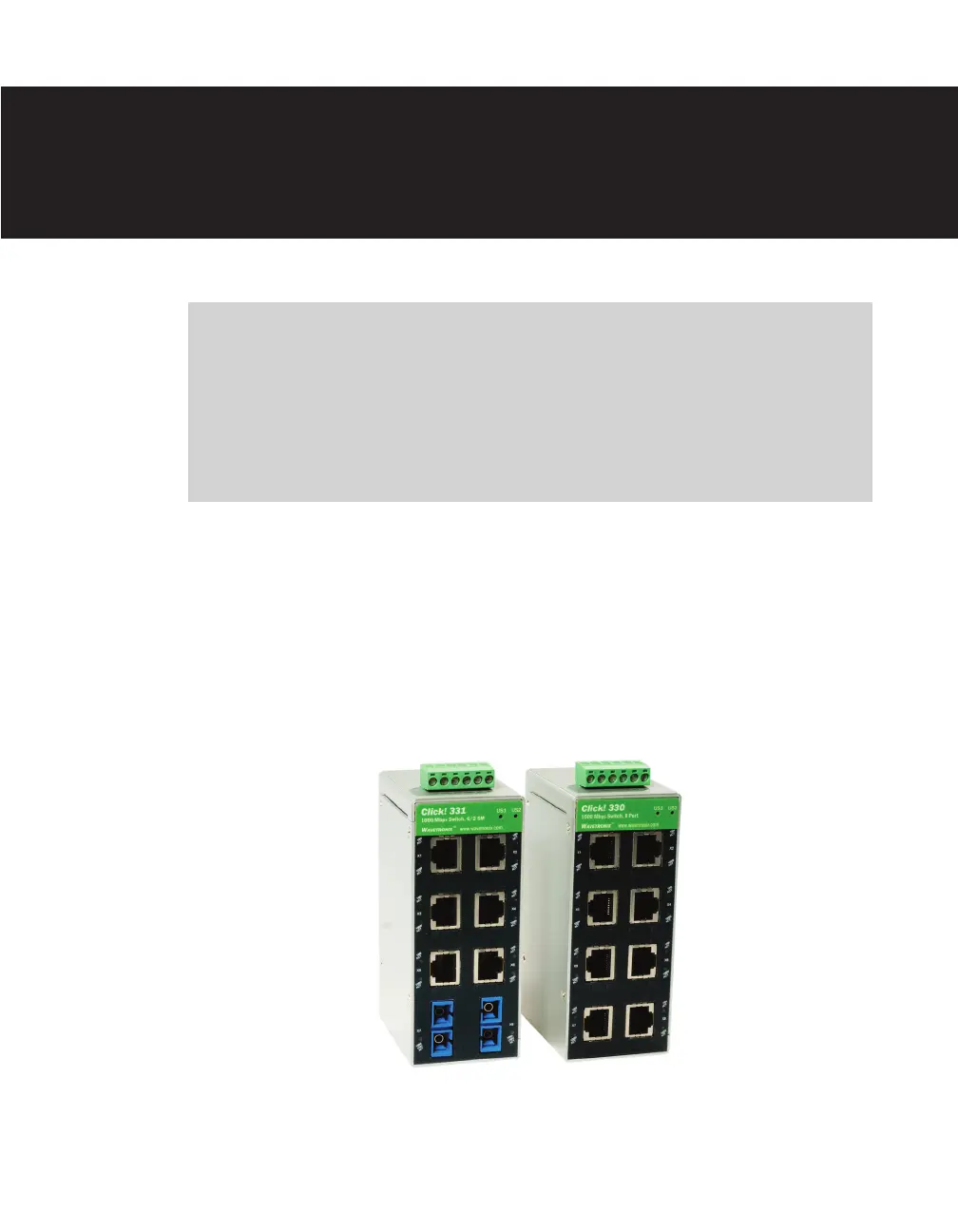
e Click 330/331 are used for quick and cost-eective Ethernet network expansion at the
eld level. e switches oer transmission speeds of 10/100/1000 Mbps. e RJ-45 ports
oer auto-crossing and auto-negotiation functionality. e ber optic ports in the Click 331
can be used to extend the segment length up to 20 km.
Figure 25.1 – The Click 330 and 331
Click 330/331 —
Unmanaged Switches 25



 To Next Page