74 CHAPTER 4 CLICK 104
e Backups option can be used to read congurations that have previously been saved to
le. See Chapter 5 for more information.
Expert Driver
e Expert driver contains two tabs, System and Diagnostics; the System tab is then sub-
divided further.
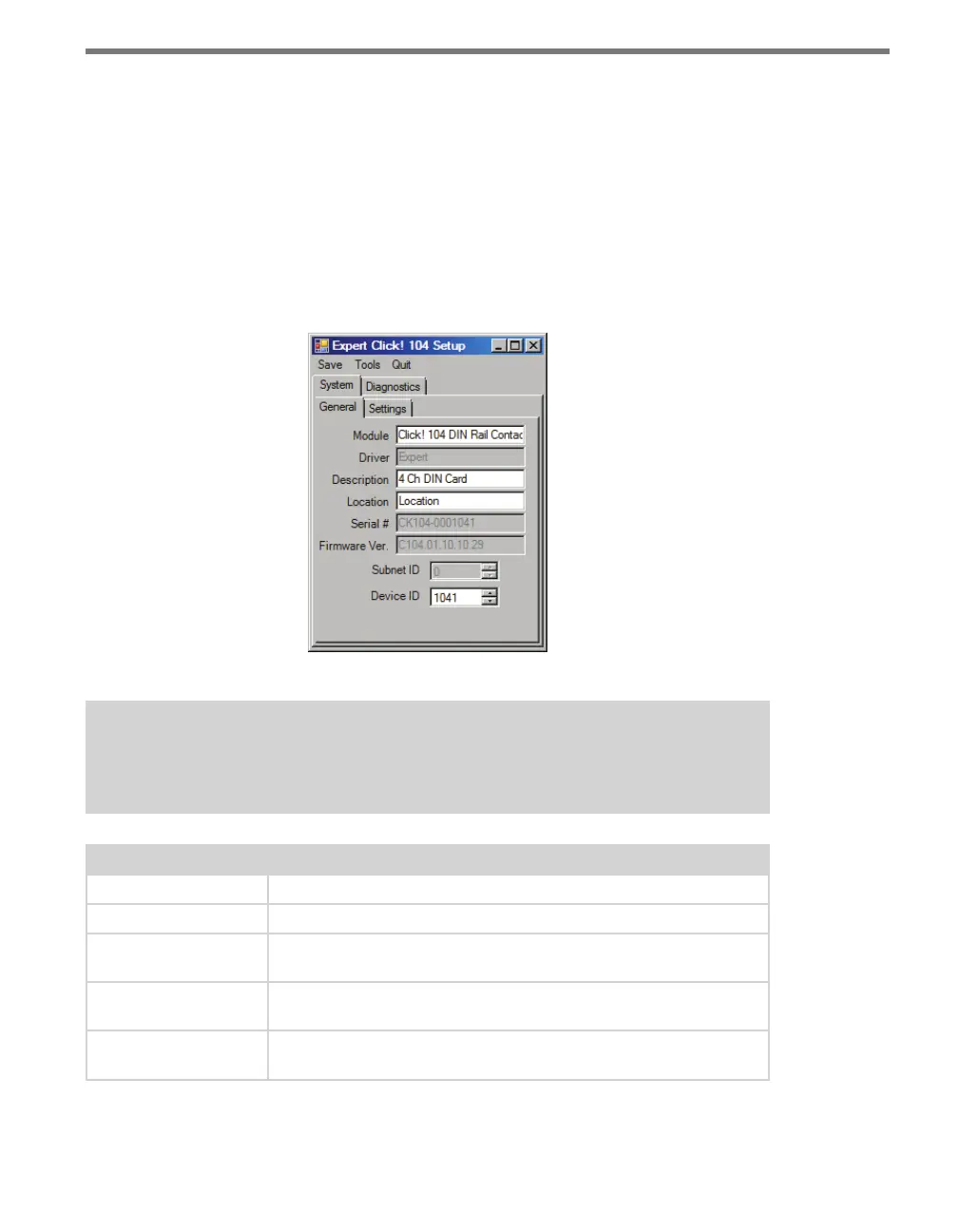
e System > General tab lets you change general information about your device. e tab
has the following parameters (see Figure 8.7 and Table 8.8):
Figure 8.7 – Expert Driver General Tab
Note
These parameters can only be configured using Click Supervisor.
Setting Description
Module
Allows you to enter a name and description of the device.
Driver
Names the driver you are currently working with.
Description
Shows a description of the device being configured. This is only for
your information and does not aect the operation of the device.
Location
Displays the location of the device being configured. This is only for
your information and does not aect the operation of the device.
Serial Number
Displays the serial number of your device. This information cannot be
changed.



 To Next Page