27
28
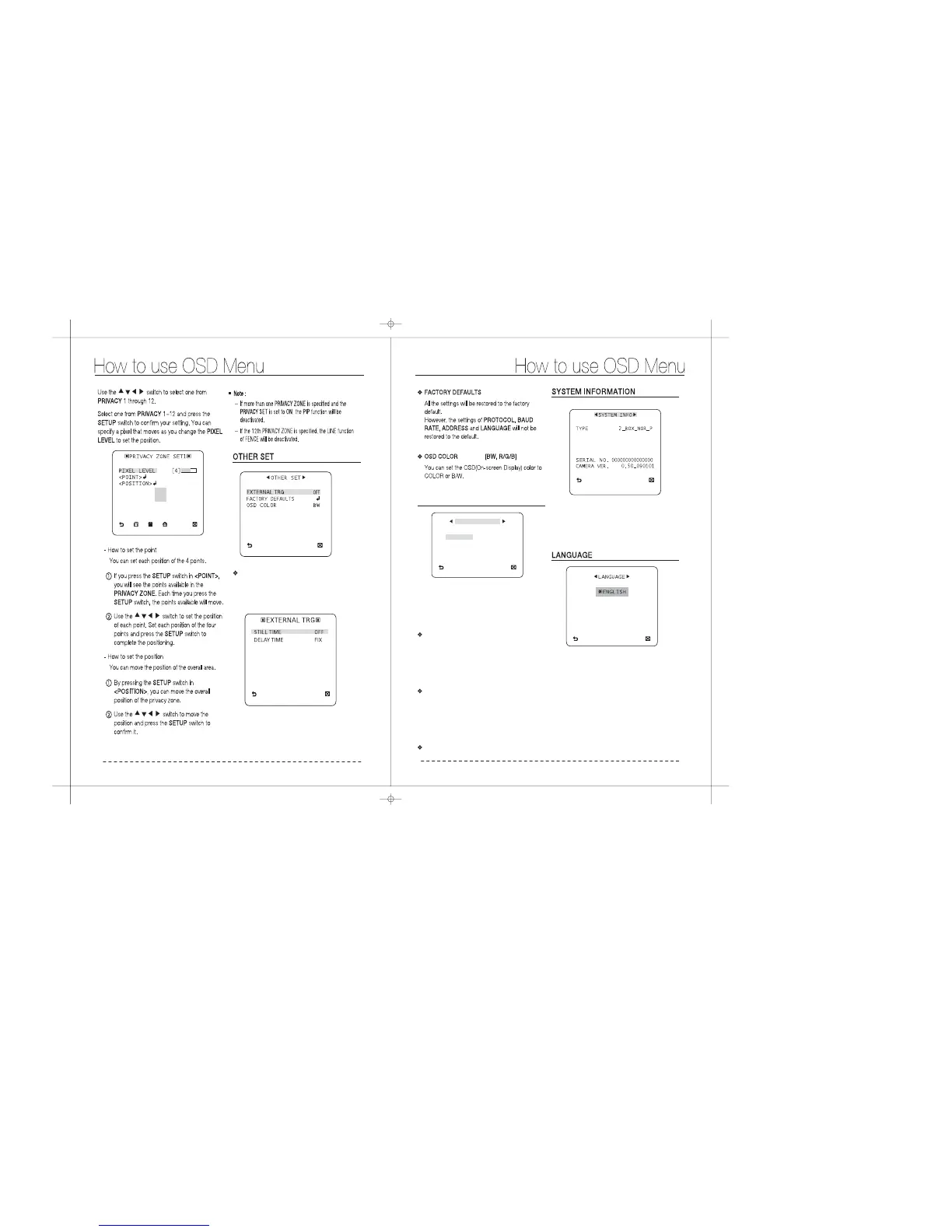
Set the menu to and pressEXTERNAL TRG ON
the switch to display the appropriateSETUP
screen.
EXTERNAL TRG
You can set the to 0~4 seconds.STILL TIME
If is set to FIX, theDELAY TIME DELAY TIME
will be set in sync with the ; ifSTILL TIME
set to , the will be set to yourUSER DELAY TIME
setting.
You can view the system information including
the protocol, address, baud rate,serial number,
camera version, and EEP version
The COMMUNICATION menu is used to configure
the settings regarding UART communications.
Use the connector of the camera to connect the
UART.
Including : SAMSUNG, PELCO-P, PELCO-D,
VICON, PANASONIC, PHILIPS, ERNA,
DIAMOND,VCLTP, KALATEL
Please select a communication protocol.
COMMUNICATION
COMMUNICATION
RS485
PROTOCOL SAMSUNG
9600
1
BAUD RATE
ADDRESS
PROTOCOL
BAUD RATE
ADDRESS : 1-255
Including : 2400, 4800, 9600, 19200, 38400 bps
Baud rate different, depending on theNote:
specified protocol.
The camera supports 5 different languages.
Select a preferred language.
FRANCAIS
DEUTSCH
ESPANOL
ITALIANO
PROTOCOL
ADDRESS
COMM. TYPE
BAUD RATE
SAMSUNG
1
RS485,HALF
9600


 To Next Page