• Advance paper using either Carriage Return Lever or the Roller Knobs
to desired starting position.
• Return Paper Retention Bar to down position.
ENGLISH
position. Prior to reaching the right margin position, there will be an audible bell. This bell
indicates when the carriage should be returned to the left margin. To return the carriage,
push the Carriage Return Lever to the right. Move the carriage until it stops. This will also
advance the paper based upon line spacing setting.
CHANGE TYPE COLOR
• To type using the black portion of the ribbon, move Ribbon Color Selector
down to “BLK” postion
• To type using the color portion of the ribbon, move Ribbon Color Selector
up to “CLR” position.
PAPER RETURN
• The Carriage Return Lever is designed to return the carriage to its left margin starting
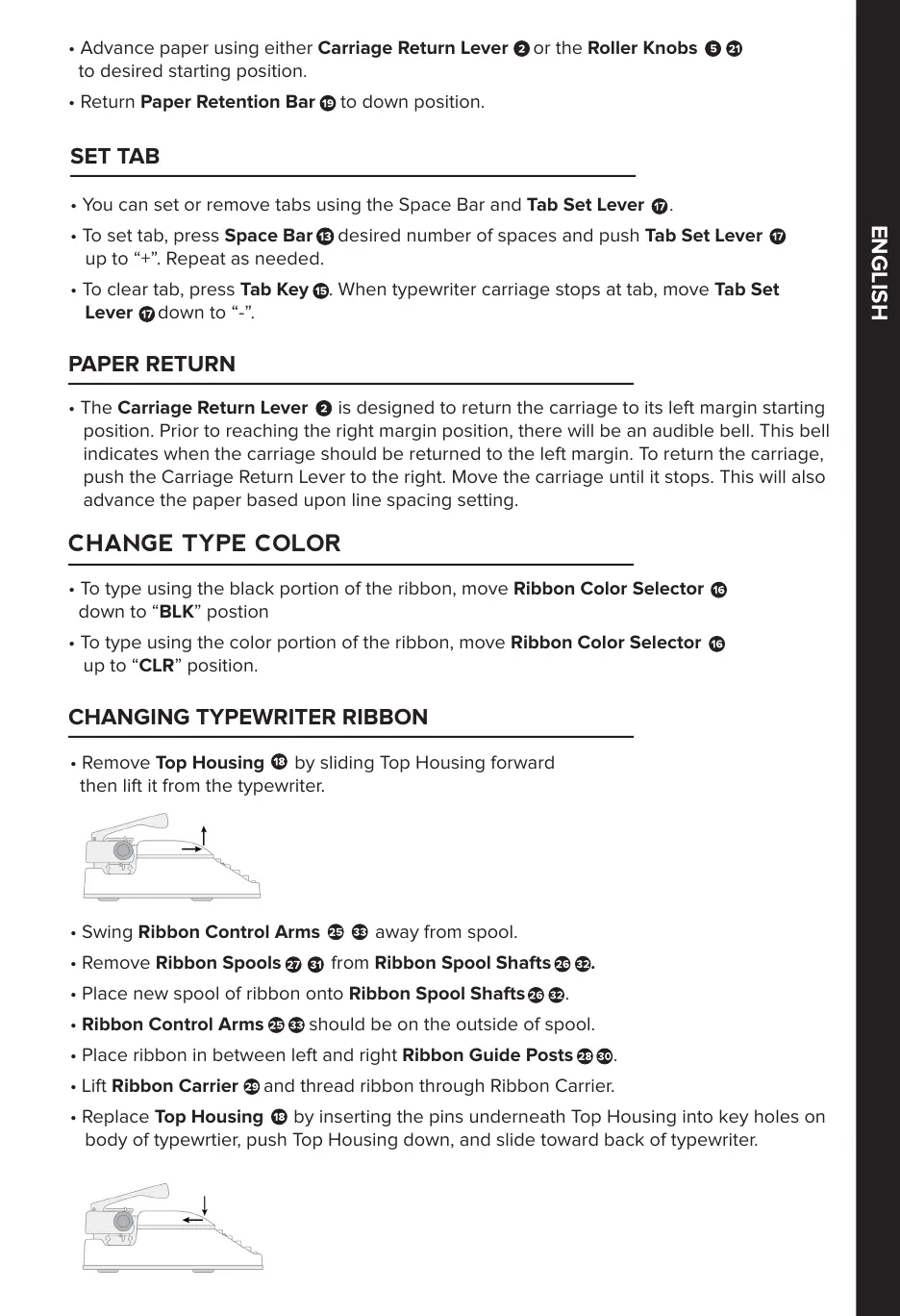
• Remove Top Housing by sliding Top Housing forward
then lift it from the typewriter.
• Swing Ribbon Control Arms away from spool.
• Remove Ribbon Spools from Ribbon Spool Shafts .
• Place new spool of ribbon onto Ribbon Spool Shafts .
• Ribbon Control Arms should be on the outside of spool.
• Place ribbon in between left and right Ribbon Guide Posts .
• Lift Ribbon Carrier and thread ribbon through Ribbon Carrier.
• Replace Top Housing by inserting the pins underneath Top Housing into key holes on
body of typewrtier, push Top Housing down, and slide toward back of typewriter.
CHANGING TYPEWRITER RIBBON
SET TAB
• You can set or remove tabs using the Space Bar and Tab Set Lever .
• To set tab, press Space Bar desired number of spaces and push Tab Set Lever
up to “+”. Repeat as needed.
• To clear tab, press Tab Key . When typewriter carriage stops at tab, move Tab Set
Lever down to “-”.



 To Next Page