this is not the case, contact the dealer and do not
connect the unit
21. Never leave the unit unattended while in operation.
22. Please keep this document at hand and give it to the
future owner in case of transfer of your device.
Place environment
• The ice machine should be used on a flat place
• Away from heating and avoid direct sunlight, so as not to affect the ice-making perfor
mance
• The machine should be placed in well-ventilated place , out of cooling air ice machine
around 20cm or more space should be left
• Do not put use of it in too cold (below 5°C ) environment
• Do not use the ice machine outdoor
• Remove all packaging components
• Placed the ice machine in the right place
• Better to clean it before use
Begin to use
• Power on it at first, after move the ice machine, please let it standby 30 minutes before
power on I again;
• Pour water into the water storage box for ice making use(allow the water in line with
standards for drinking)
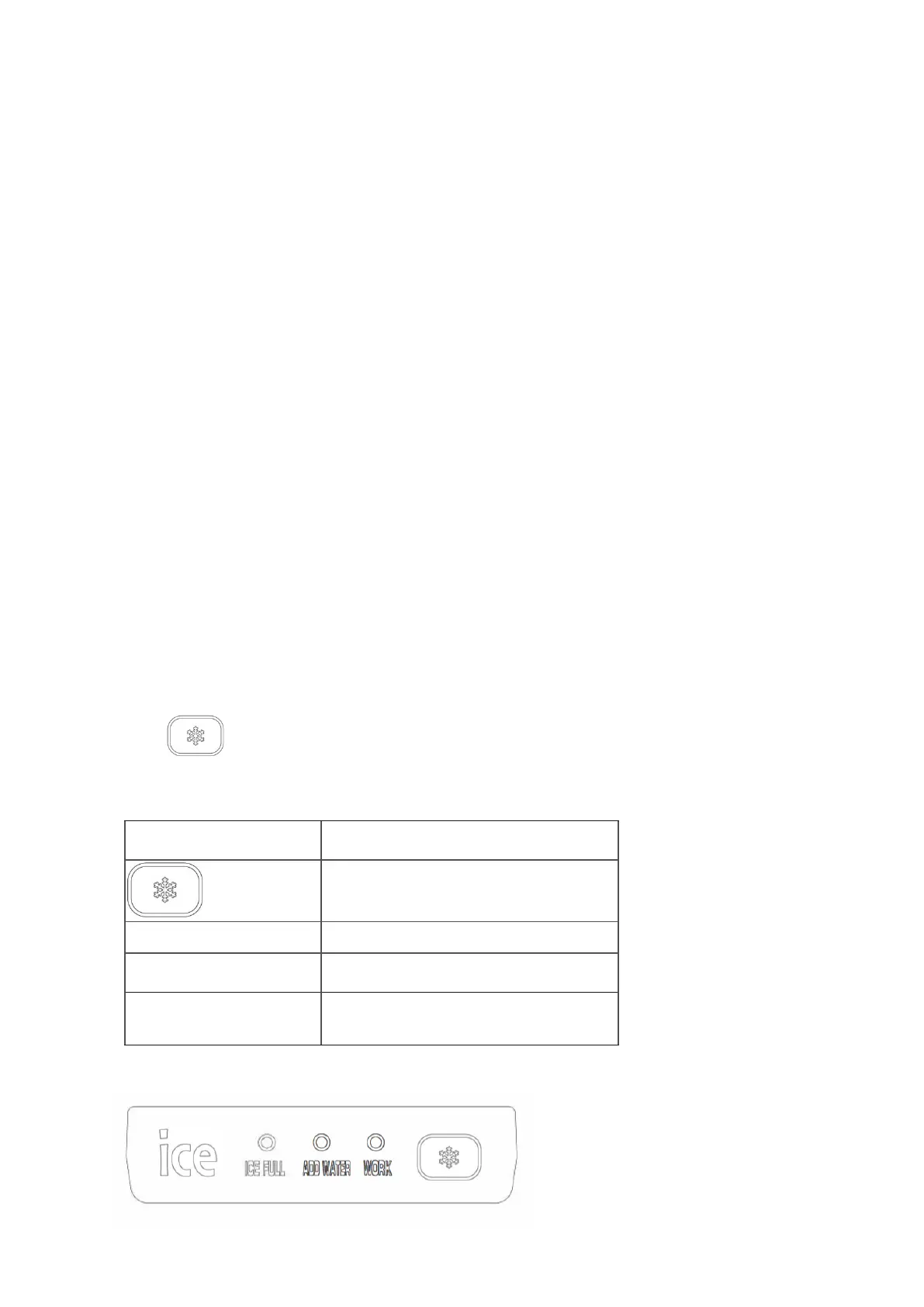
• Push the key to start ice making;
Operation panel
Ice making, standby,
failures eliminating key s
Fill water indicator light


 To Next Page