EasyManua.ls Logo

Weatherdock easyTRX2S Series - User Manual

Weatherdock easyTRX2S Series
68 pages
Print Icon
To Next Page IconTo Next Page
Loading...
Seite 1 von 68
Manual
easyTRX2S series
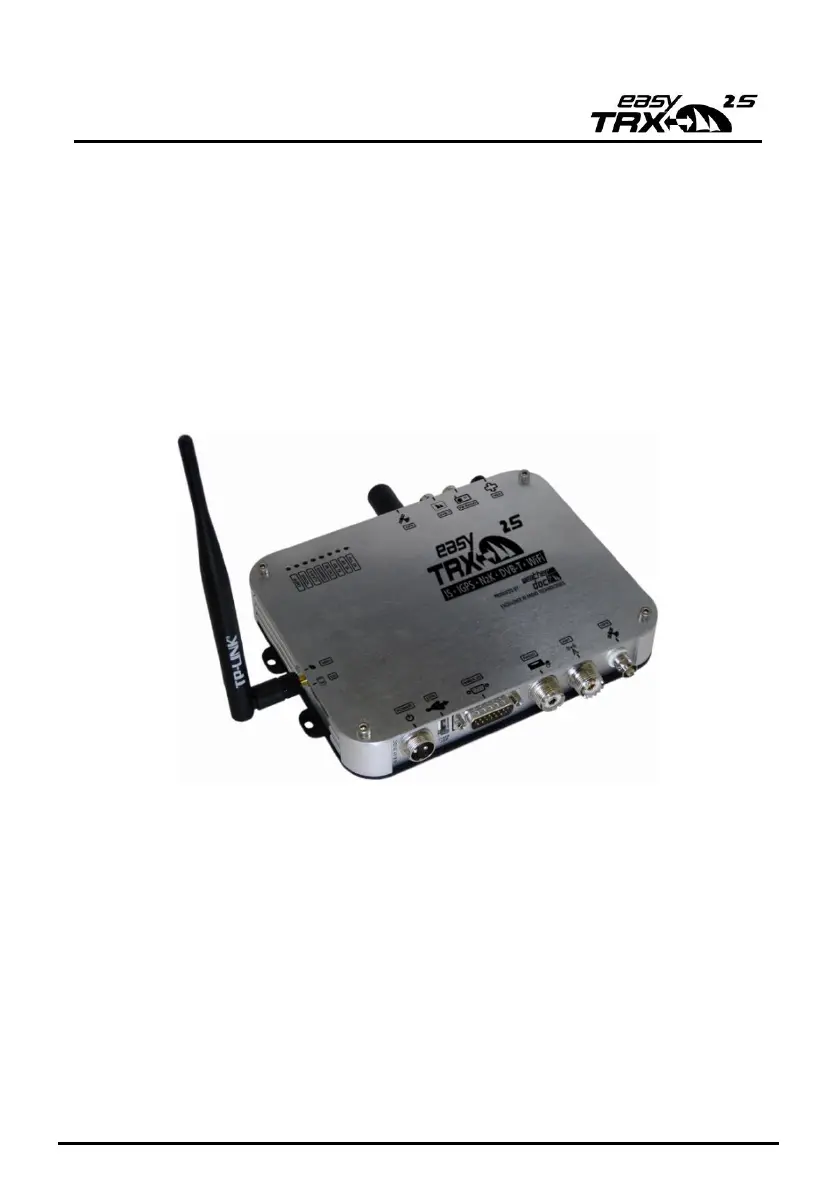
Class B AIS CS Transceiver
Stand 2.3

Questions and Answers

Summary

What is AIS - In a nutshell

1.1 Existing AIS standards?

Explains the different AIS standards like Class A and Class B.

1.2 Content of the Class A standard: EN61993-2-2002

Details the structure of a Class A transmission, including dynamic and static data.

Scope of delivery

Commissioning - Operating

LED Status Indicators

Describes the meaning of the various LEDs on the unit for operational status.

Connecting suggestions

Cable assignment

Programming

6.1 Tab: Static data

Guides users through entering static ship information like MMSI, name, and dimensions.

6.2 Tab: Diagnostics

Explains how to use the diagnostics tab to check device status and troubleshoot issues.

6.3 Tab: Sent data

Shows information about the last AIS data transmitted by the easyTRX2S.

6.4 Tab: Received data

Displays a list of currently received AIS data from other vessels.

6.5 Tab: SD-Card

Details the status and usage of the SD card for data recording.

6.6 Tab: CPA-Alarm

Describes how to configure the Closest Point of Approach (CPA) alarm parameters.

6.7 Tab: Anchor-Alarm

Explains how to set up and use the anchor alarm feature.

6.8 Tab: WLAN

Covers the configuration and usage of the WLAN module for wireless connectivity.

6.8.1 Connection of WiFi-Antenna

Instructions for attaching the WiFi antenna to the unit.

6.8.2 More WiFi connections

Details on establishing multiple WiFi connections for data access.

6.8.3 Internet and AIS data simultaneously

Explains how to use the device for internet access and AIS data concurrently.

6.8.4 Checking the connection

How to verify data packages are flowing correctly over the connection.

6.8.5 Reset of WiFi settings

Procedure for resetting the device's WiFi configuration.

Software-Update

IS: integrated Splitter

iGPS: Integrated GPS antenna

iDVBT: Integrated DVBT amplifier

N2 K: NMEA2000 compatibility

Mounting

11.1 Dimensions of the easyTRX2 S

Provides the physical dimensions and mounting guidelines for the unit.

11.2 VHF Antenna

Information on connecting the VHF antenna, including requirements for different models.

11.3 GPS antenna

Details on connecting and mounting the GPS antenna, including gain requirements.

11.4 Connection to a plotter

How to connect the device to a chart plotter for data display.

11.5 External Switches and Alarm Functions

Covers SRM button, Silent mode, Anchor alarm, and switch functionality.

TROUBLESHOOTING

Maintenance

STANDARDS

Technical data

Contact and support information

License agreement

Warranty

Notes

Weatherdock easyTRX2S Series Specifications

General IconGeneral
BrandWeatherdock
ModeleasyTRX2S Series
CategoryTransceiver
LanguageEnglish