EasyManua.ls Logo

Weatherworks F1PJYA51WG - User Manual

Weatherworks F1PJYA51WG
17 pages
Print Icon
To Next Page IconTo Next Page
Loading...
WEATHERWORKS
F1PJYA51WG
1
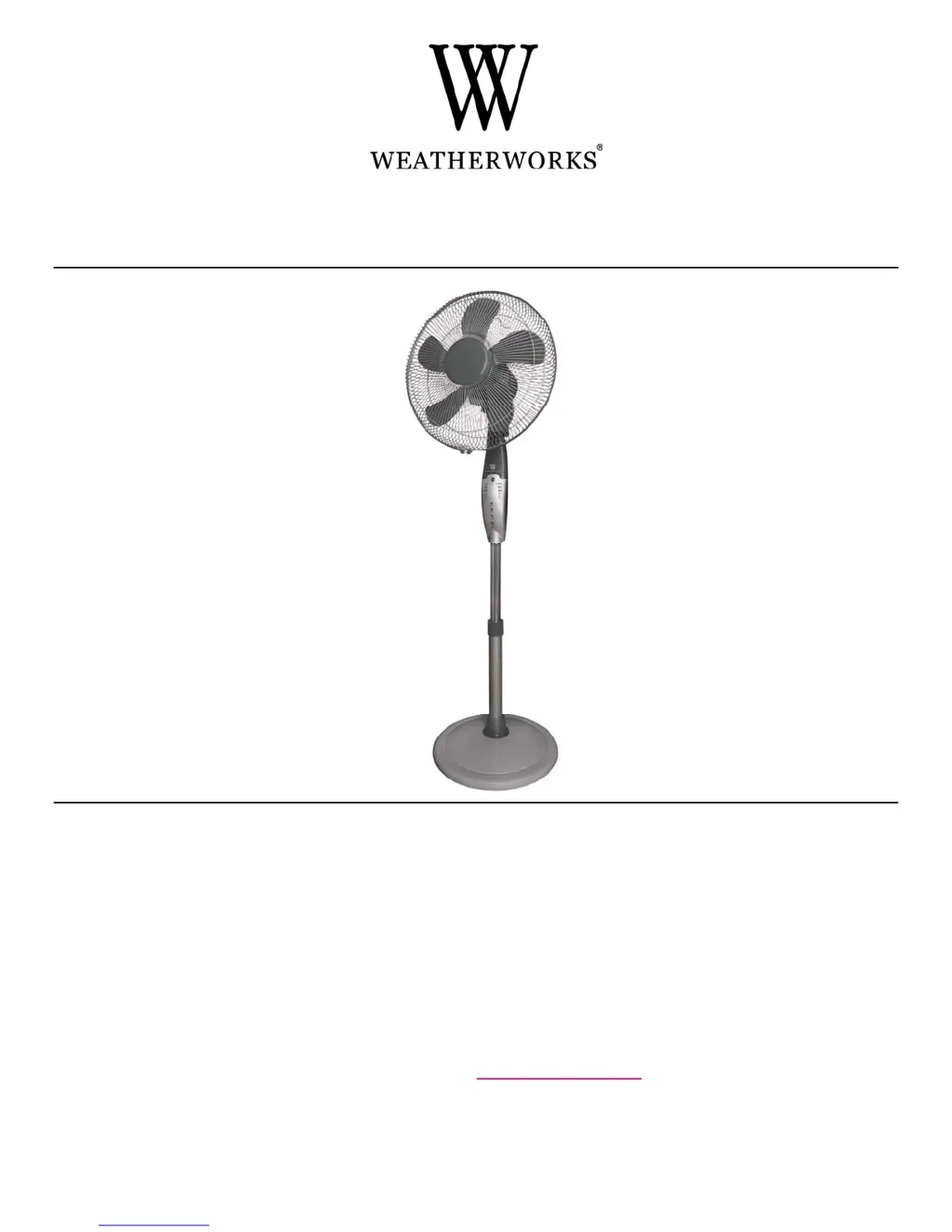
16” (40.6 cm) PEDESTAL FAN WITH CIRCULAR OSCILLATION
MODELS: F1PJYA51WG / 175271
OWNER’S MANUAL
IMPORTANT INSTRUCTIONS
READ & SAVE
NOTE: FOR HOUSEHOLD USE ONLY. NOT INTENDED FOR COMMERCIAL USE.
DO NOT RETURN THIS PRODUCT TO THE STORE OF PURCHASE Refer to the warranty.
For more information, call
1-800-268-7622 for service or visit www.super-electric.com.

Questions and Answers

  • M
    Morgan DodsonAug 2, 2025
    Why is my Weatherworks F1PJYA51WG not turning on?
    • E
      elizabeth06Aug 2, 2025
      Your Weatherworks Fan might not be turning on due to a couple of reasons. First, ensure the unit is in the OFF position and plugged into a functioning 120V AC, 60Hz polarized outlet. If it still doesn't work, check your electrical box to see if the breaker has been tripped. Try plugging the fan into another receptacle in the house.
  • A
    Adriana RobbinsAug 9, 2025
    What to do if my Weatherworks Fan was working, but suddenly turned off?
    • S
      Sherry StoneAug 9, 2025
      If your Weatherworks Fan suddenly turned off, the timer setting might have counted down to automatic shut off. Make sure all the timer lights on the control panel (0.5H, 1H, 2H, 4H) are off. If any of them are lit, keep pressing the timer button until they all turn off.
  • K
    Kelly TurnerAug 17, 2025
    Why is the air coming out of my Weatherworks F1PJYA51WG not strong enough?
    • K
      Katrina ClarkAug 17, 2025
      If the air coming out of your Weatherworks Fan isn't strong enough, it might be due to dust buildup on the back of the fan. To resolve this, turn the fan OFF and unplug it. Use a soft, dry cloth to wipe the back of the grille and remove any dust. Then, plug the unit back in and turn the fan ON.
  • A
    amanda50Aug 25, 2025
    How to activate the oscillation function on my Weatherworks F1PJYA51WG?
    • D
      David HollowayAug 26, 2025
      To start the oscillation function on your Weatherworks Fan, simply press the oscillation knob down. You can do this while the fan is operating.

Summary

Important Instructions

Rules for Safe Operation

Key safety precautions to follow when using the fan to prevent injury or damage.

Parts of the Fan

Assembly

Assembly of Base

Step-by-step instructions for assembling the fan base and lower column.

Assembly of Blade and Grilles

Operating Instructions

Using the Control Panel

Details on using the fan's buttons for speed, mode, and timer functions.

Improved Air Circulation

Specifications

Cleaning & Maintenance

Storage

Troubleshooting

One Year Warranty

Weatherworks F1PJYA51WG Specifications

General IconGeneral
BrandWeatherworks
ModelF1PJYA51WG
CategoryFan
LanguageEnglish

Related product manuals