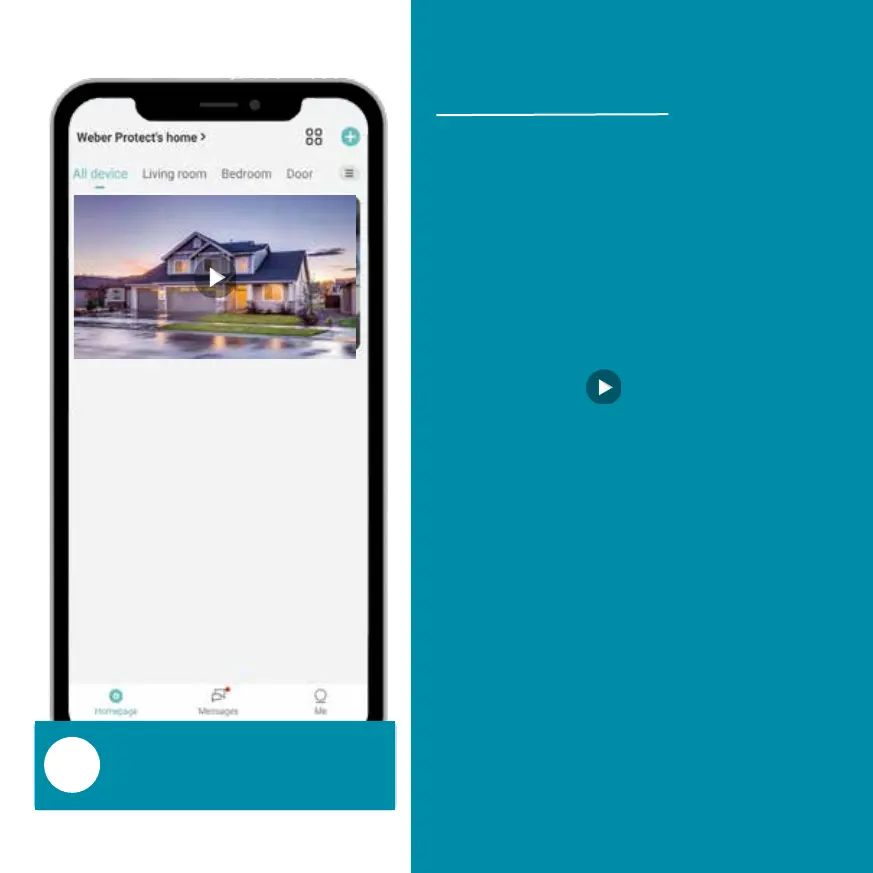
Video doorbell is shown
on the ‚Homepage‘.
After the video doorbell has
been connected to the App
and your WiFi, it will be
displayed in the app's
homepage.
Press the ‚ ‘ symbol to
view the live video of the
Cardea Video Doorbell.
All your connected video
are displayed on the
homepage. You can add as
many devices as you want.


 To Next Page