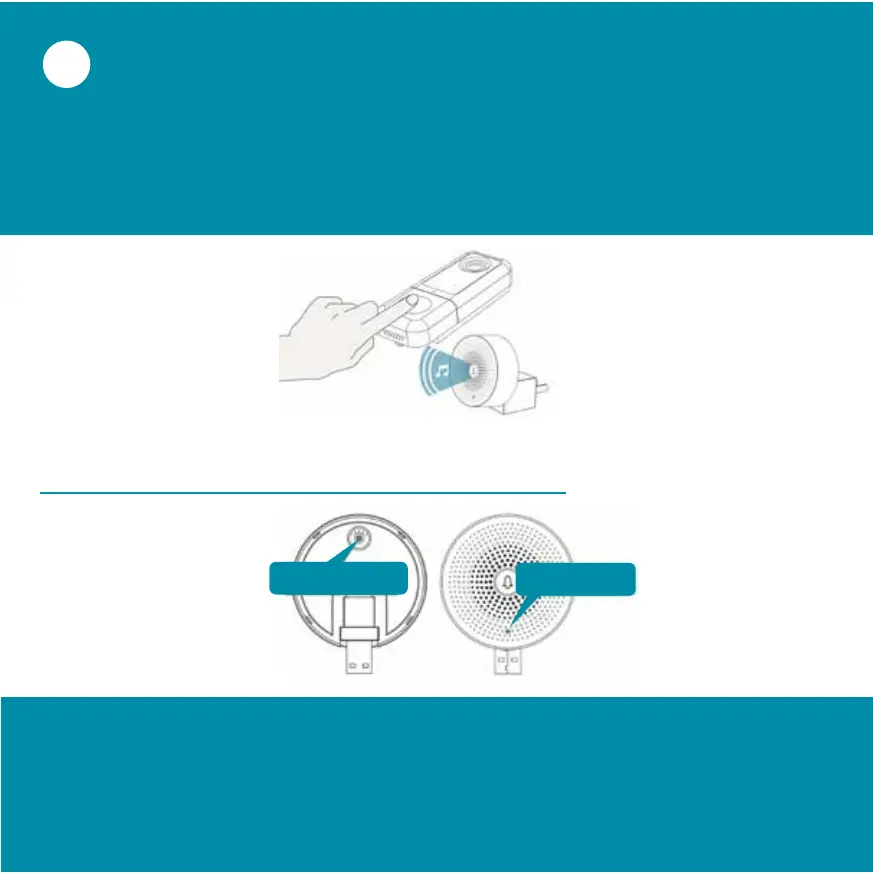
Now press the bell button of the video doorbell. After
successful connection, you will hear a beep and the
status LED of the chime will light up blue.
The bell chime is successfully connected!
Press and hold the reset key for at least 5 seconds until the
status LED flashes blue 3 times. Now release the reset
button. The Chime has been reset!
Reset Button
Status LED


 To Next Page