After you have successfully connected the Cardea to
your WiFi and the app, you can start mounting it at the
final mounting location.
Before mounting your device, please observe and read
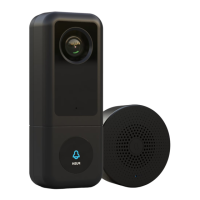
Now follow the steps below to install the Cardea Video
Take the Cardea to the final mounting location and
prepare all mounting equipment.
Disconnect the device from the power supply after
connecting it to the app and your WiFi. The device
will automatically reconnect to your WiFi after
the final installation.


 To Next Page