Please consider local, regional, national and European laws when installing and
operating surveillance equipment and video surveillance equipment.
Weber Protect is not liable for any misuse or inappropriate use of the surveillance
camera. The operation of a surveillance camera must abide by all applicable laws.
Please contact your local police counselling centre for more information.
Legal Notice
Please consider local, regional, national and European laws when installing and
operating surveillance equipment and video surveillance equipment.
Weber Protect is not liable for any misuse or inappropriate use of the surveillance
camera. The operation of a surveillance camera must abide by all applicable laws.
Please contact your local police counselling centre for more information.
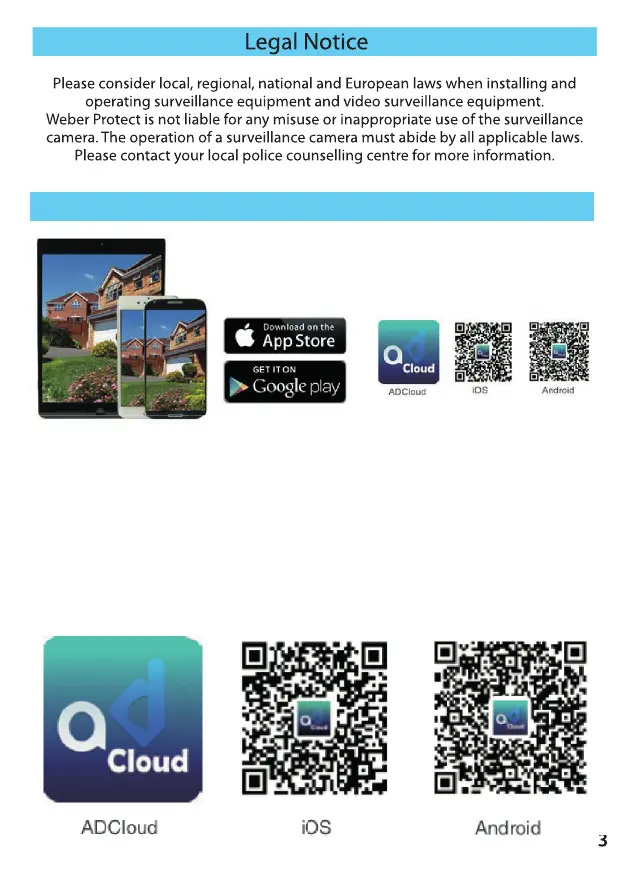
App Download
Before you can start installing the surveillance cameras, you must rst download the
app to control the surveillance cameras on your smartphone or tablet.
To do this, scan the QR code shown below or search for the ADCloud app (in the Apple
App Store or Google Play Store). Download the free app and install it on your
smartphone or tablet.
Note: If the app appears in another language after installation, you can change the
language to your preered language after registration in the app settings.
Please consider local, regional, national and European laws when installing and
3


 To Next Page
 Loading...