16
FR
EN
DE
NL
IT
ES
SOS button with voice call
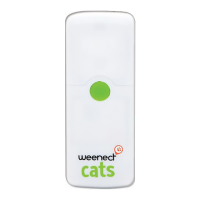
Your loved one can use the tracker’s centre button to send an
SOS. You will receive a call request via the application. If you
accept it, the tracker will call you and you can speak to your
loved one.
IMPORTANT note for iOS users: to access the SOS call re-
quest, please open the application from the SOS notication.
To do this, please set your notications as Alerts in your tele-
phone’s setting as follows:
Settings › Notications › Weenect › Notication style › Alerts
LEDs
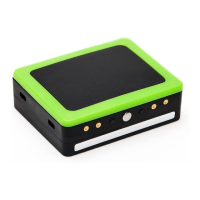
The LEDs are the four lights set on the right-hand side of the
tracker to help you understand how the tracker works.
On/O indicator (red LED): when the tracker is charging,
the red light remains lit. When it is switched on, it will ash
regularly.
Action indicator (green LED): The green light ashes when
you press one of the buttons on the tracker, to indicate that
the notication has been sent.
GPS Indicator (blue LED): The blue LED ashes to indicate



 To Next Page