USING THE WATCH
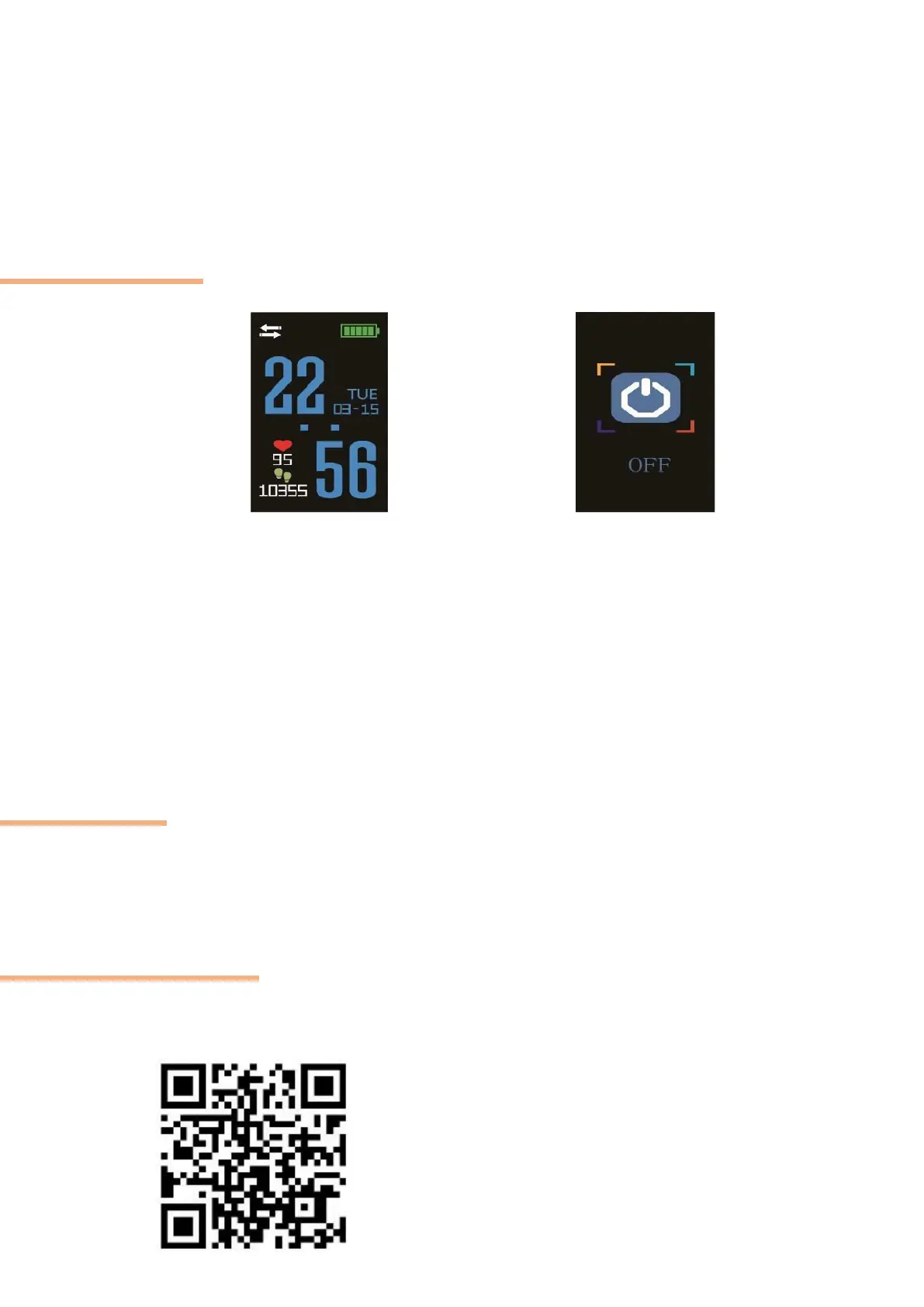
ON/OFF
To turn on your connected watch, press touch button for 3 seconds until you feel a
vibration, then it lights up.
To turn off your connected watch, press touch button for 3 seconds on the right interface until you feel
a vibration, then it goes off.
USE
When the device is in standby mode, press touch button once to turn on the screen.
To measure your heart rate, when you wear the smart band and enter into the heartrate interface, it
will auto measuring. Check if the plastic protection on the heart rate sensor is take off. If no, the heart
rate frequency will not be calculate.
APPLICATION
Please download the "Lefun Health" application by going to Appstore or Playstore,
You can also download the application by scanning the QR code below :
Runs Android 4.3 and iOS 8 and above



 To Next Page