Wireless earbuds – SoundFlow i17+
User manual
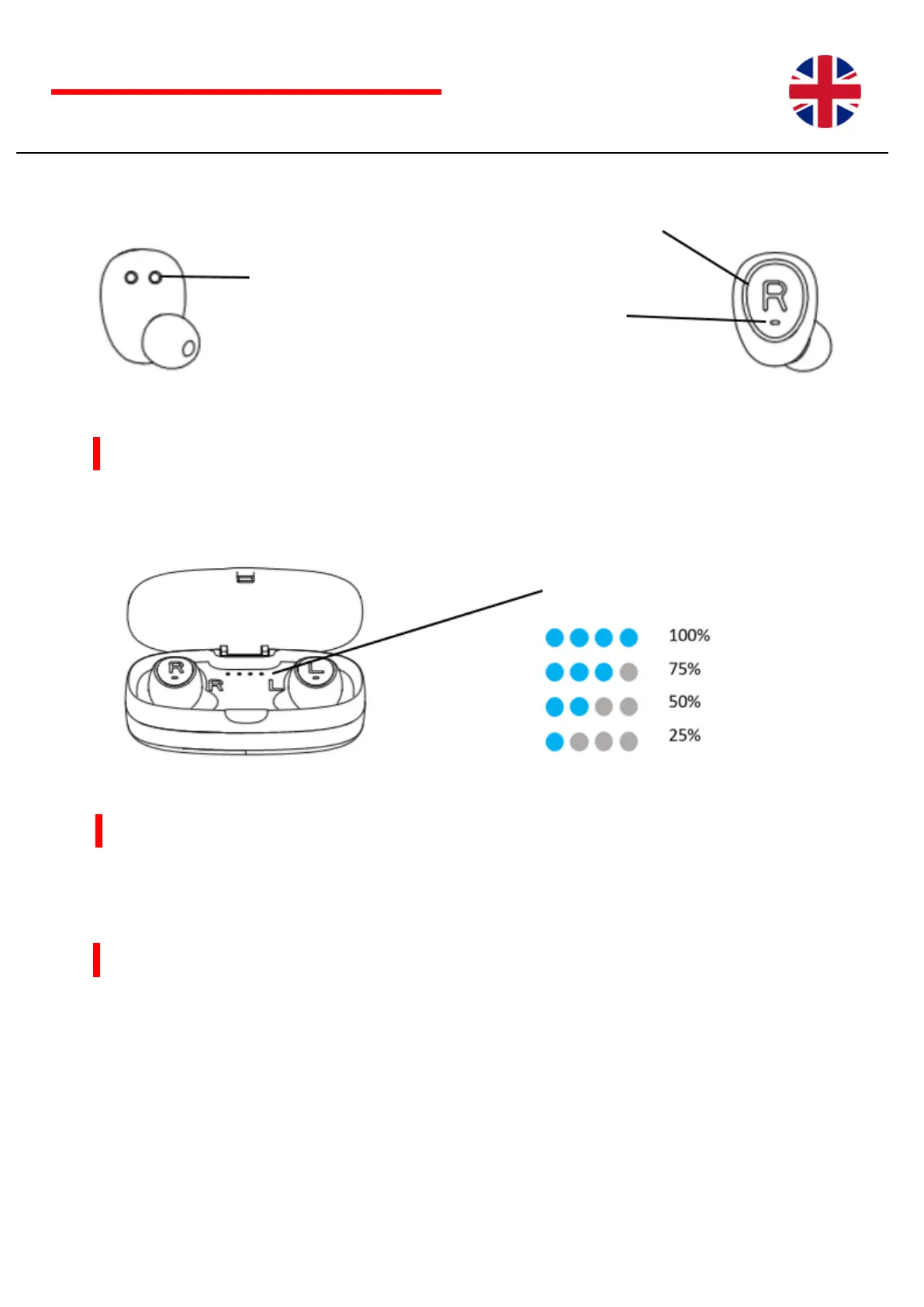
Charging Earbuds
Open the charging box and place your earbuds into. Be sure to match the left and right earbuds with the right charging
contact in the box.
Charging the case
Use the Micro-USB to USB cable to charge you case. Connect to the USB port of a powered-on computer or USB
power adaptor to charge the case.
Package content
- A storage / charge box
- 2 earphones (L & R)
- Micro USB charging cable
- 3 pairs of silicone coverings in different sizes (S / M / L)


 To Next Page